
Solved

How to suppress the Jamf Connect Sign in window?

  • September 15, 2023
  • 3 replies
  • 73 views

Forum|alt.badge.img+3
  • New Contributor

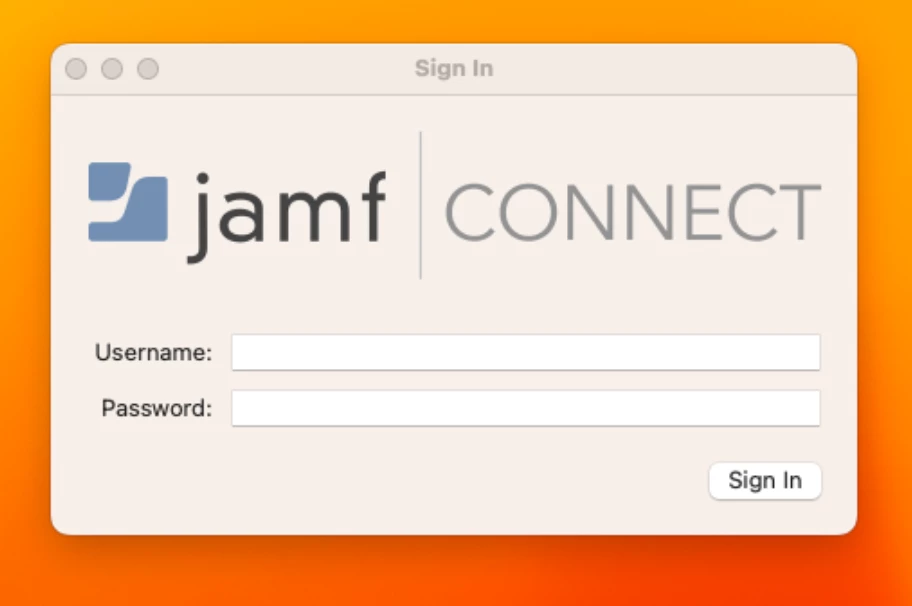
Looking for some guidance on how to suppress the Jamf Connect sign in window for a strictly local user account. In this particular work flow we have a few Mac's setup as Podcast stations using Hindenburg because of this there's only a local account on the machine called "Podcast" to preserve the application preferences. I would like to allow network logins on these machines (if possible) by leaving the Jamf Connect client installed. 

The issue I'm having now is when a user signs into the local "Podcast" account they're presented with the Jamf Connect "sign in" window which is causing confusing. I've gone over the various Jamf Connect keys but I can't seem to locate any options to suppress this window.

Help! 

Best answer by Tribruin

The preference key you are looking for is PasswordSyncBlockList under Password policies. 


<key>PasswordPolicies</key> <dict> <key>PasswordSyncBlockList</key> <array> <string>Podcasts</string> </array> </dict>

3 replies

Forum|alt.badge.img+19
  • Honored Contributor
  • Answer
  • September 15, 2023

The preference key you are looking for is PasswordSyncBlockList under Password policies. 


<key>PasswordPolicies</key> <dict> <key>PasswordSyncBlockList</key> <array> <string>Podcasts</string> </array> </dict>

Forum|alt.badge.img+3
  • Author
  • New Contributor
  • September 15, 2023

Thank you!

I was on the right path but I missed the <key>PasswordPolicies</key> portion from my code, I would have completely missed this without your post.


Forum|alt.badge.img+6
  • Contributor
  • June 3, 2024

How does one update the configuration to add this? Maybe I am just too tired...I can't find where in the configuration profiles.