
Question

iMac connecting to a network drive

  • November 9, 2018
  • 2 replies
  • 20 views

Forum|alt.badge.img+2

Hello,

Whenever anyone logins into one of our iMacs we have they are asked to connect to the server
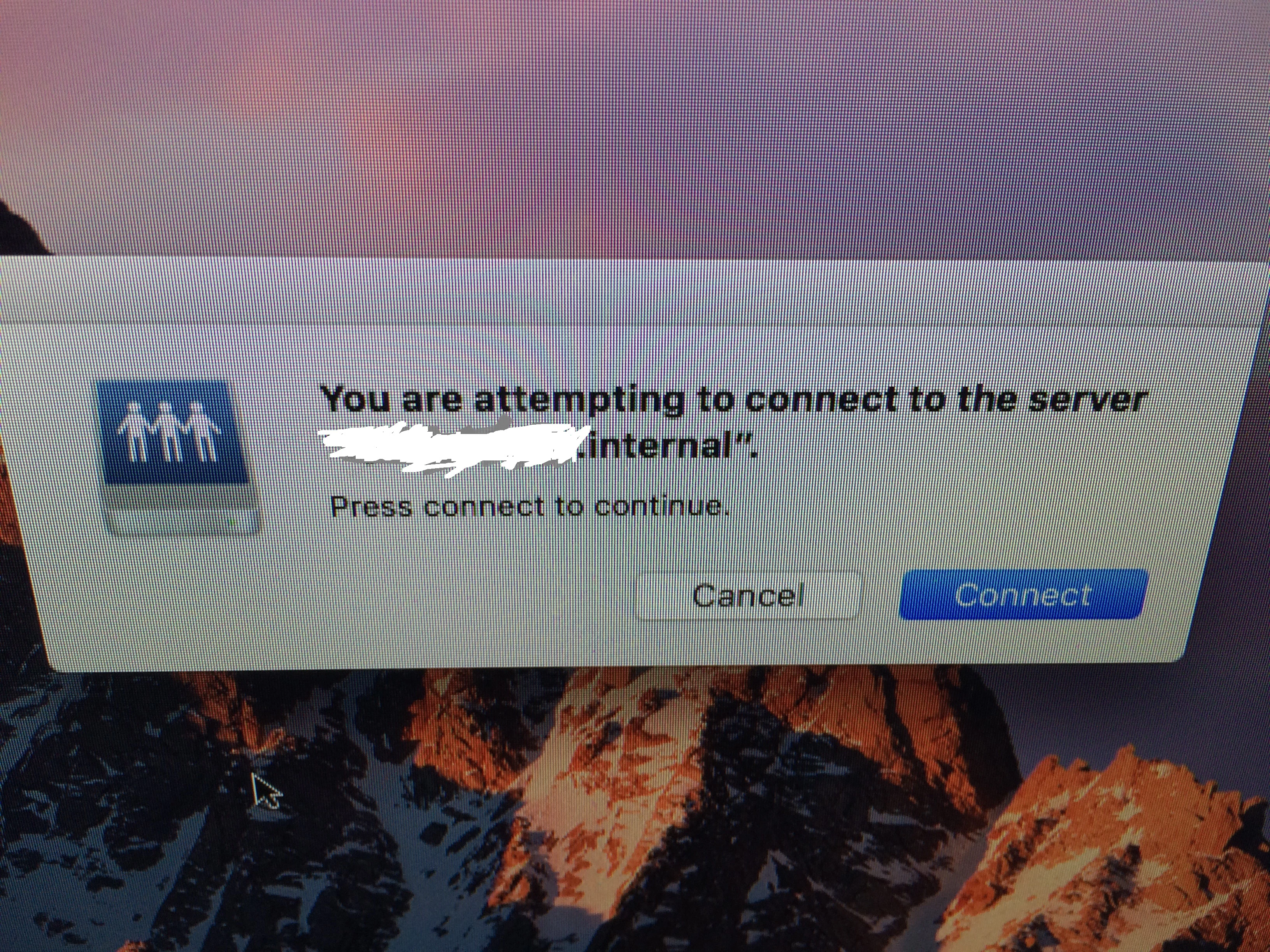
As far as we are aware there is no way to get it to auto connect to the server. But if anyone has any suggestions that would be great.

We use using iMac 2012 & 2015 with os10.12.6

2 replies

Hugonaut
Forum|alt.badge.img+15
  • Esteemed Contributor
  • November 9, 2018

are these credentials generic or individual to the user of the computer? & how many people need access to the drive?

You can use applescript and export it as a run-only application , save it somewhere on the machine in hidden from the end user, create a plist in launchagents that kicks it off or place the app itself in the log in items.

generic applescript is as follows

tell application
try
mount volume "afp://username:password@server.institution.com"
on error
return
end try
end tell

Forum|alt.badge.img+14
  • Valued Contributor
  • November 9, 2018

@Mk_9090

We ran into the same issue. I used the following one liner that runs once per computer to take care of this problem.

sudo defaults write /Library/Preferences/com.apple.NetworkAuthorization AllowUnknownServers -bool YES

I have tried to find a configuration profile method, but this works just fine.

Jared