

Hi Guys,
I have a 27" iMac here that I am trying to wipe and re setup from scratch.
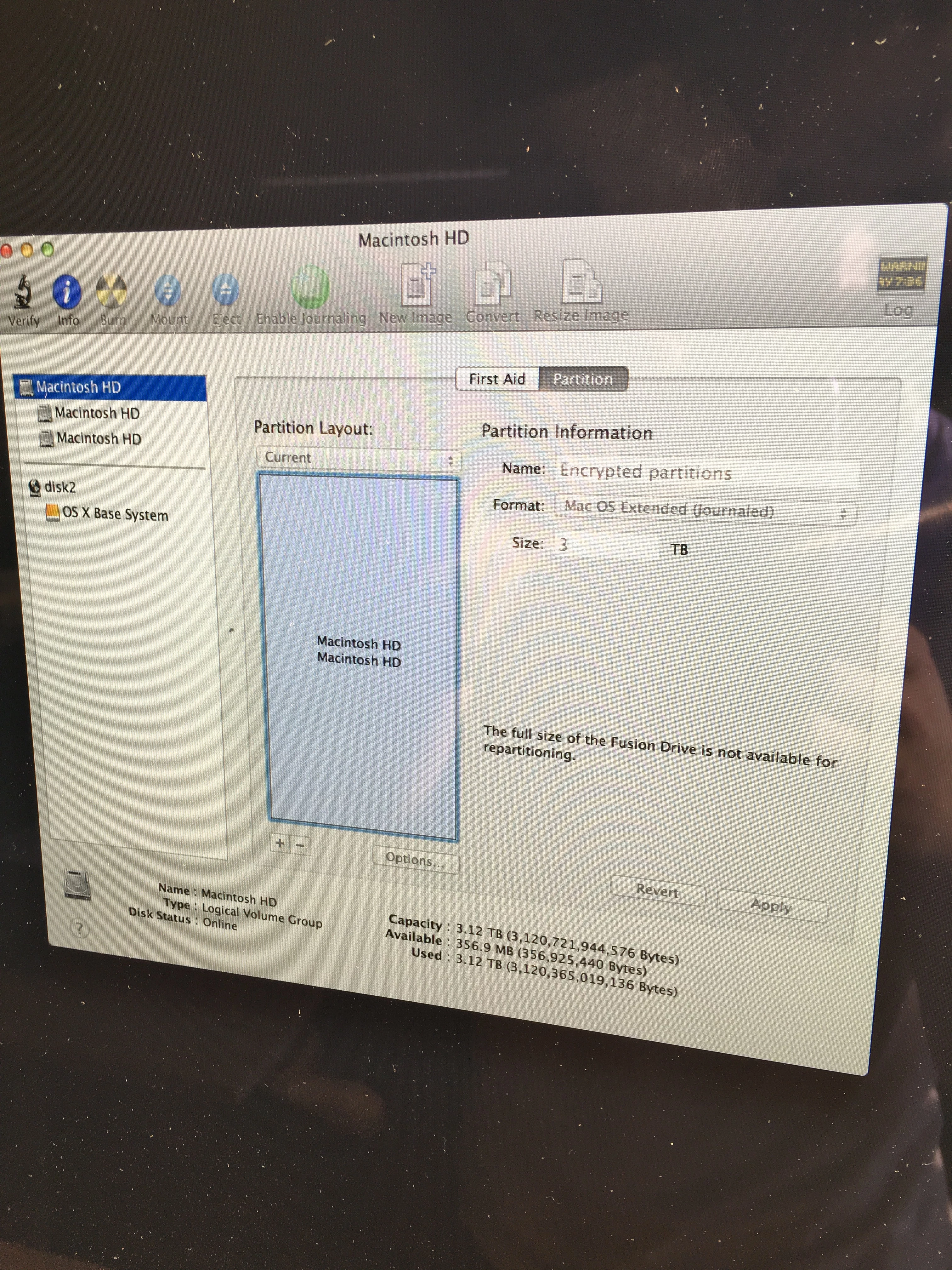
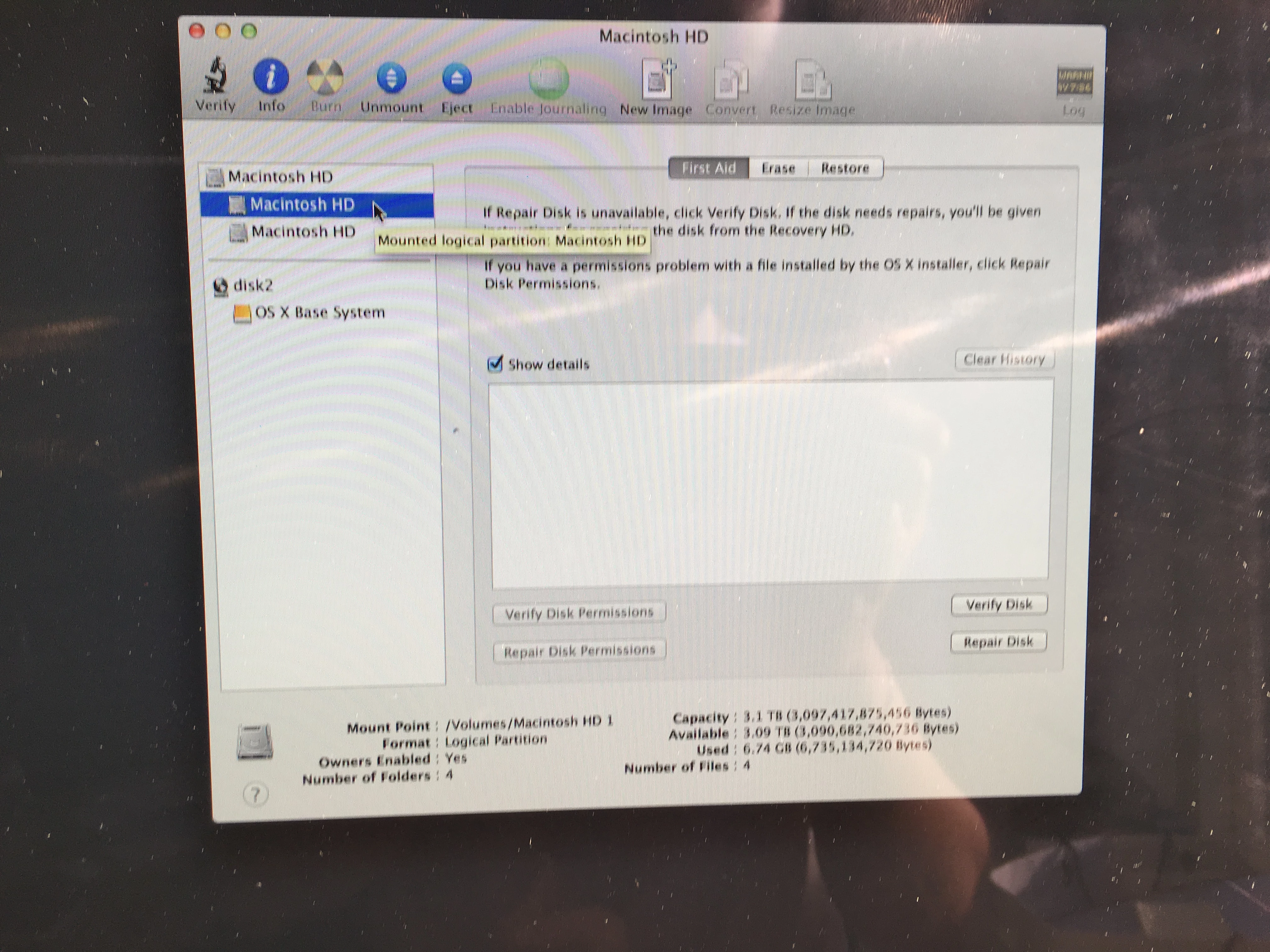
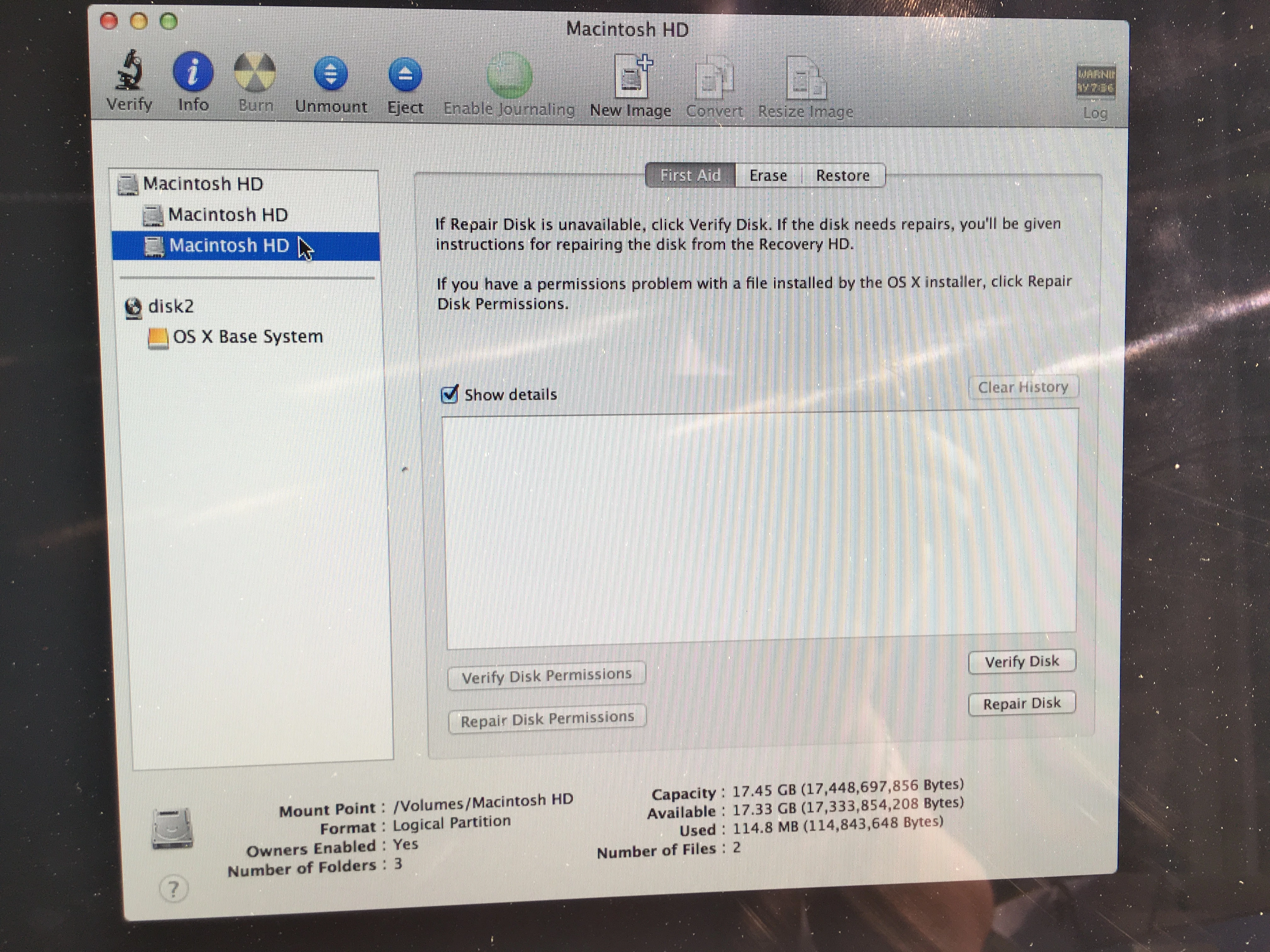
I've created a USB via DiskMakerX and booted up, when I go into Disk Utility, I see the "main" hard drive partition and then 2 more hard drives underneath it. One is at 3TB and one is 17GB. (This is a fusion drive if that helps).
I cannot repartition this into one drive as it throws up an error message.
When you install an OS on the 3TB hard drive, I can browse the 17GB hard drive as if its just another internal disk. There is nothing on it.
I erased the two drives back to Mac OS Journaled, and then turned the iMac off and turned back on. I then randomly get a windows screen saying "Your PC needs to be recovered". I can only assume somebody has installed Windows on this before and now Disk Utility cannot find it those files.
My last attempt was to put the Mac into Target Disk Mode and format via my Mac, I have done this but I get the following error on my Disk Utility -
'A CoreStorage logical volume group with more than one logical volume has been detected. The Disk Utility GUI does not support full CoreStorage editing. To use Disk Utility use diskutil to revert to single logical volume per logical volume group."
I have googled this to not much avail.
Please can anybody offer some advice on what to do next!
Thanks!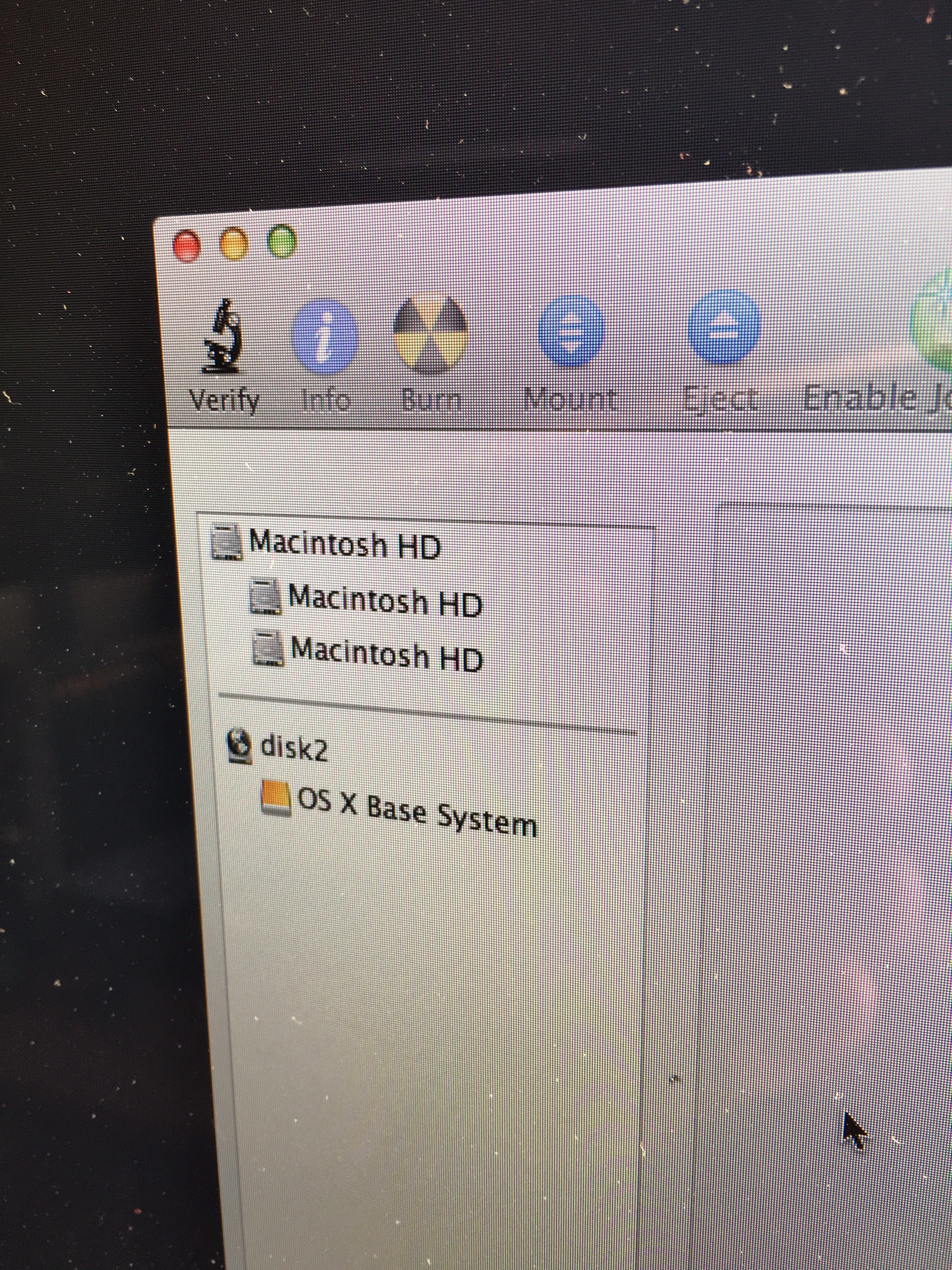
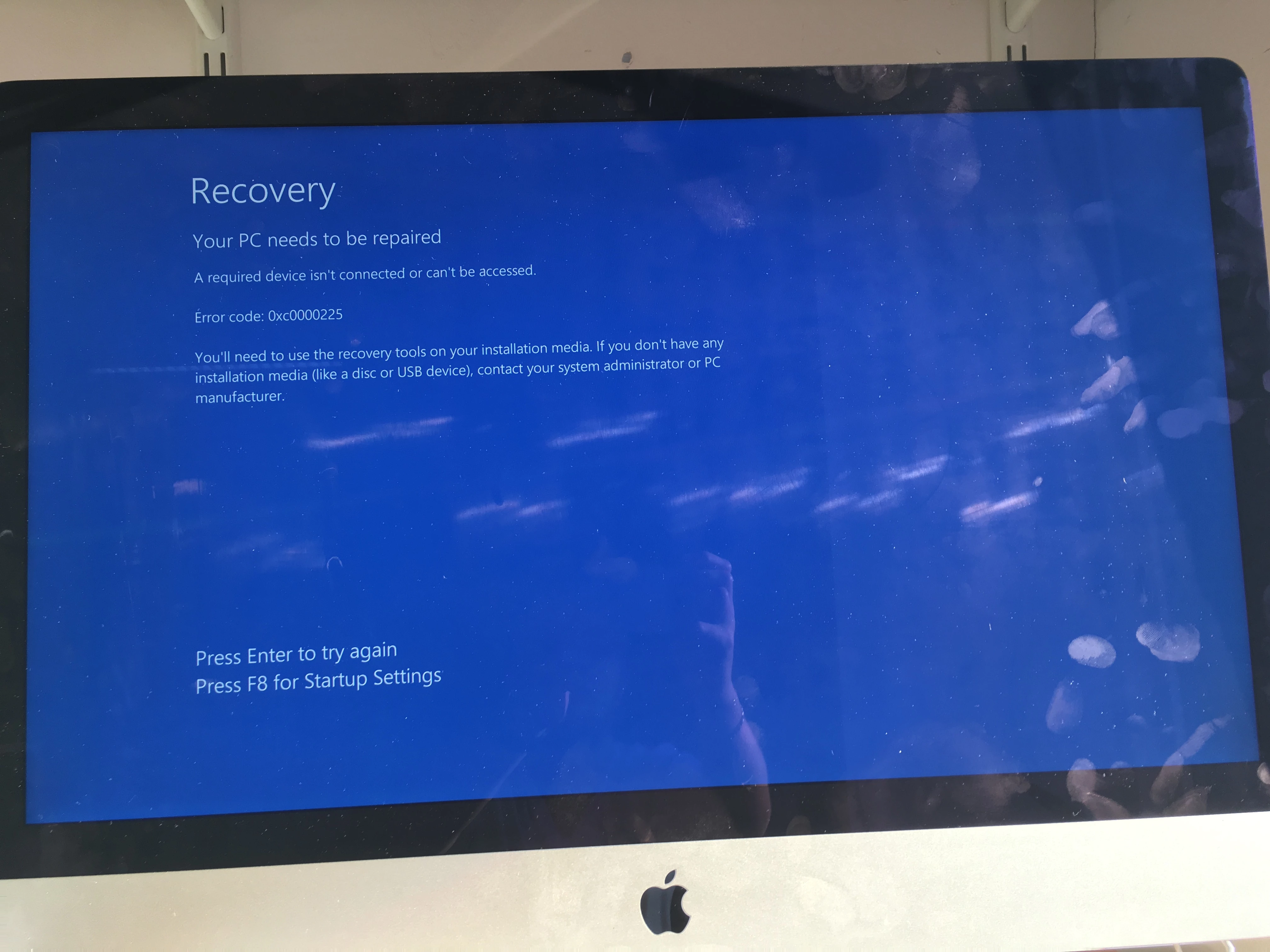
PS - Excuse the dirty screen, its been moved around a lot to get to the ports at the back!


