Question

Imaging hangs at iCloud Account Setup Assistant

  • November 23, 2015
  • 10 replies
  • 35 views

Forum|alt.badge.img+3

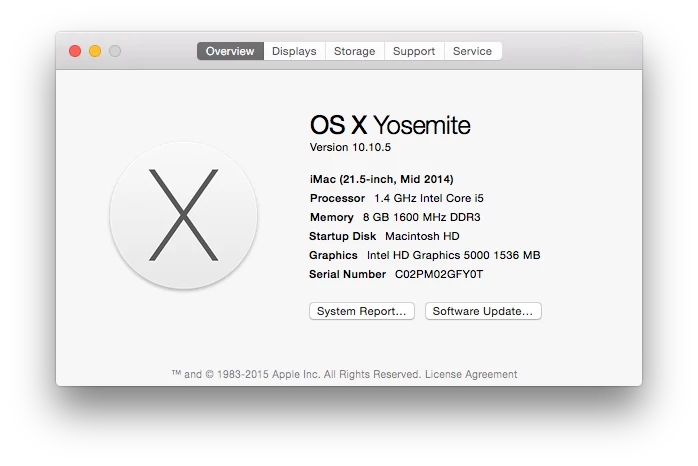
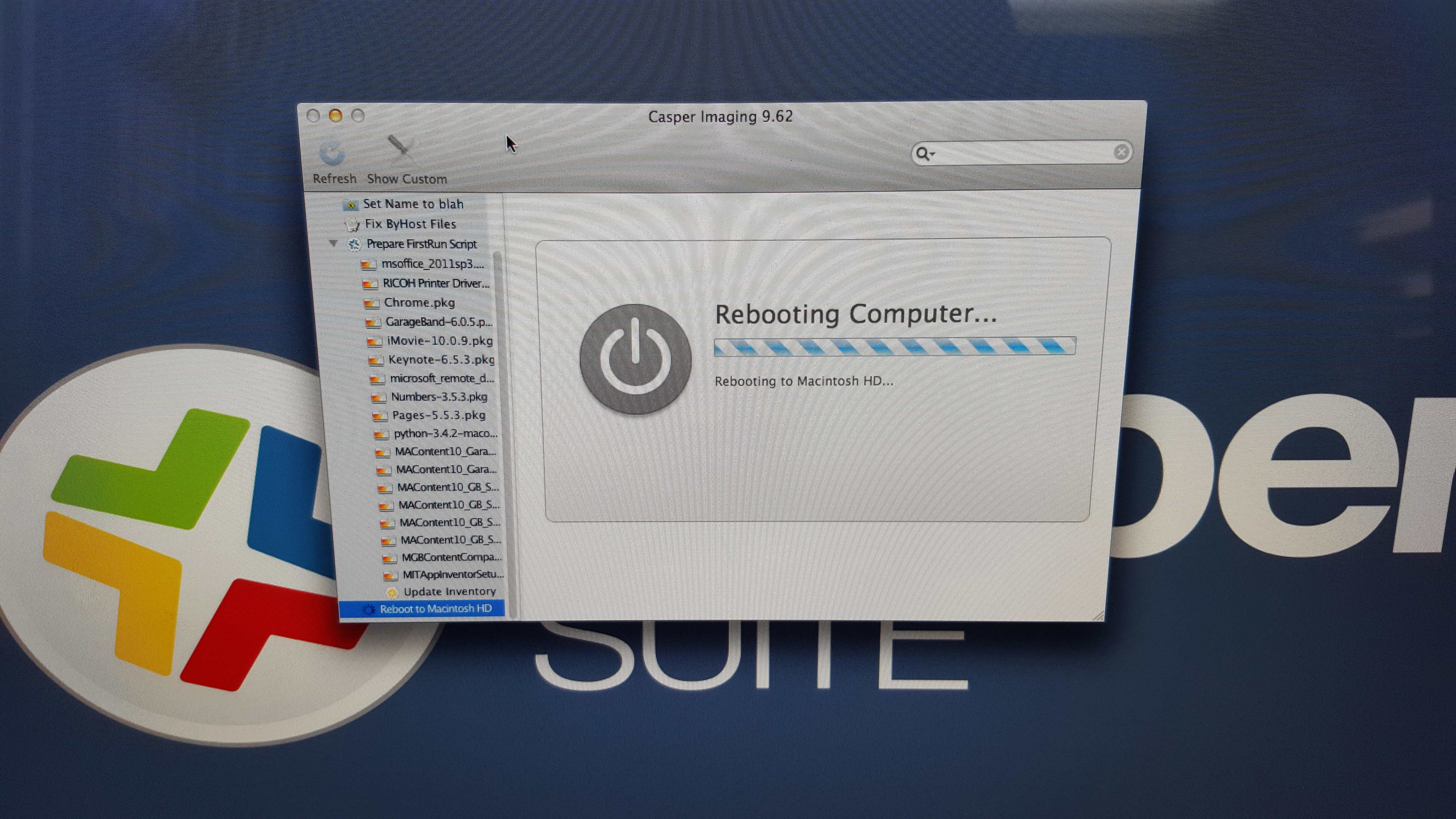
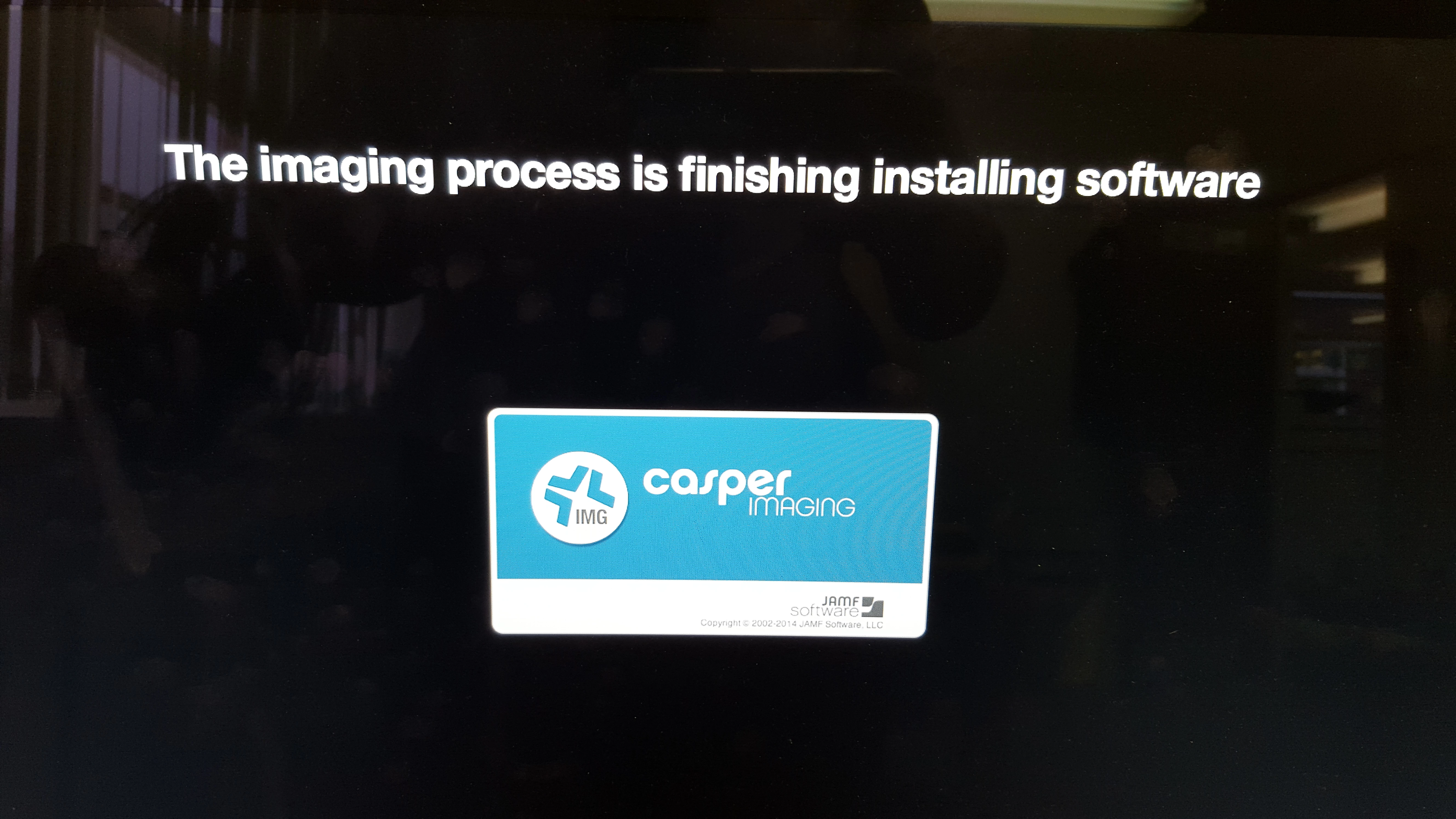
We've been successfully imaging for some time now. A little while ago we took delivery of 8 new iMacs (spec in image below). We imaged (via casper imaging) three of them a few weeks ago, and have just come to getting the rest of them imaged but for some reason, the imaging process comes to a halt after rebooting and hitting the setup assistant. I have attached screenshots below (sorry about the quality of the first), but generally what happens is, casper drops the image and software, reboots and finishes installing software, then reboots to the login screen ready for a network user to login. But what is happening is casper drops the image and software, reboots and finishes installing software, then reboots to the account setup assistant and stays there. We can click 'Don't sign in' and continue but, instead of booting to a login screen for a network
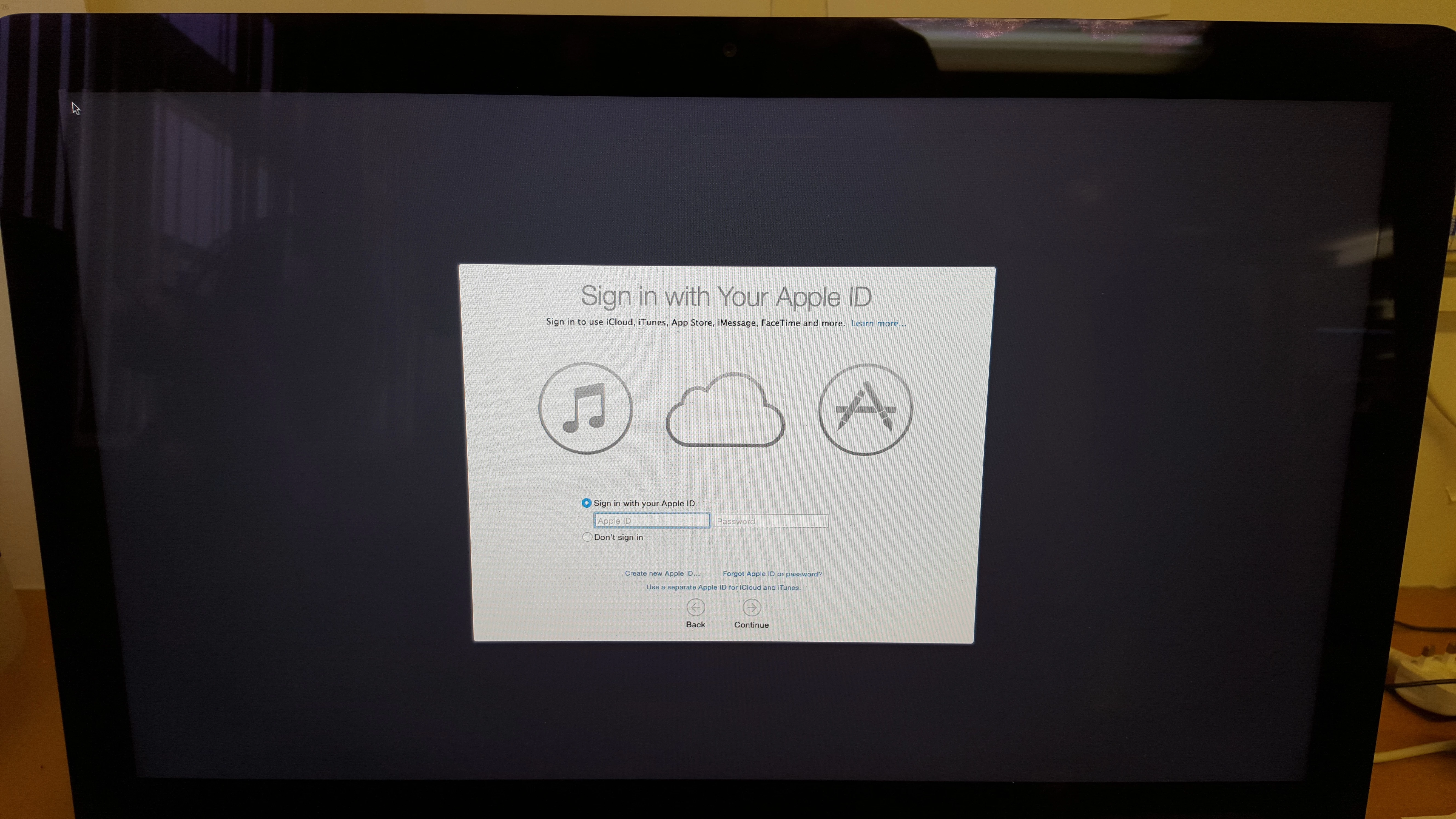
user, it logs straight in to a temporary adobe account.

10 replies

Chris_Hafner
Forum|alt.badge.img+27
  • Jamf Heroes
  • December 8, 2015

I'm not 100% sure if this is your issue but I would look into upgrading your JSS and NBI to include the newer CasperImaging. I have seen this in the early 10.10 release cycle but it was resolved rather quickly as I remember.


Forum|alt.badge.img+6
  • Contributor
  • August 19, 2016

I'm having this issue currently. If I click continue, it works fine. However, this halts imaging as it is waiting for user input.

I'm currently running Imaging 9.9, and JSS 9.93. Any suggestions?


bentoms
Forum|alt.badge.img+35
  • Hall of Fame
  • August 20, 2016

@jakeobie Always a good idea to keep Imaging current with JSS.

Maybe try that?


Chris_Hafner
Forum|alt.badge.img+27
  • Jamf Heroes
  • August 22, 2016

I've been seeing this happen, specifically to new iMac's, running 9.93 for both the JSS and Casper Imaging (Along with a 10.11.6 NBI created with AutoCasperNBI, which still runs great by the way!)

With that said, I have not yet troubleshot the process. Laptops in general don't seem to have this issue so at least I have a direction to follow.


Forum|alt.badge.img+6
  • Contributor
  • August 24, 2016

After updating the NetBoot to 9.93 I saw the issue go away on one configuration. However, I just created another and I'm seeing it again.

Other than the OS image itself, I also added a script that renames the computer, a Casper quickadd package (as computers were having issues enrolling during imaging), and a Microsoft Office serializer package.

I'm trying some troubleshooting now. Disabling certain packages and what not. Unfortunately, this configuration is getting applied to a lab of computers tomorrow.


PatrickD
Forum|alt.badge.img+9
  • Valued Contributor
  • August 24, 2016

I too have this issue. My NBI is 10.11.3 with Casper Imaging 9.81. With that same NBI (using 9.81) I have seen this when my JSS was on 9.81, 9.82, 9.90 & 9.91. I just didn't bother to continue updating my NBI If it isn't "really" broken don't fix it.

What I have found is imaging is quite quick if I just manually skip the iCloud prompt. If I don't skip it and it goes to the casper imaging screen, it will finish imaging however it does take longer. Just leave it over night and come back tomorrow and all shall be good!

We are installing the full adobe suite upon reboot as well as a couple other packages with 20 - 30 GB of data.

Cheers,

Pat


Forum|alt.badge.img+16
  • Honored Contributor
  • August 25, 2016

Same a PatrickD, just wait it out.. it's about the same time if the iCloud prompt is there or if it's normal...

C


Forum|alt.badge.img+6
  • Contributor
  • August 25, 2016

@gachowski @PatrickD

So, you are manually skipping the iCloud prompt? Have you guys tried leaving it and seeing if it will eventually finish the imaging?


Forum|alt.badge.img+16
  • Honored Contributor
  • August 25, 2016

I have done both, also it's a known issue and should be resolved ...

C


PatrickD
Forum|alt.badge.img+9
  • Valued Contributor
  • August 25, 2016

Hi @jakeobie,

I sometimes skip the prompt if I need it finished a bit quicker however, as I mentioned, it definitely does finish if I don't skip the prompt and wait it out. It just takes a little longer.