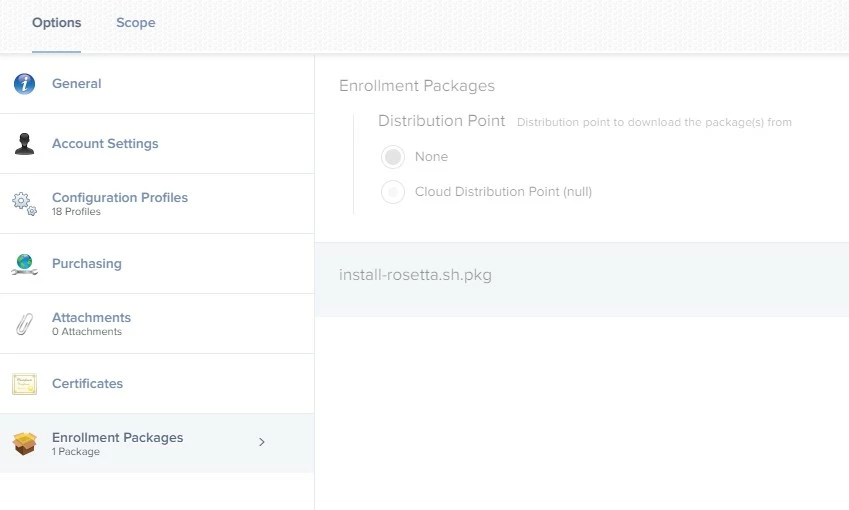
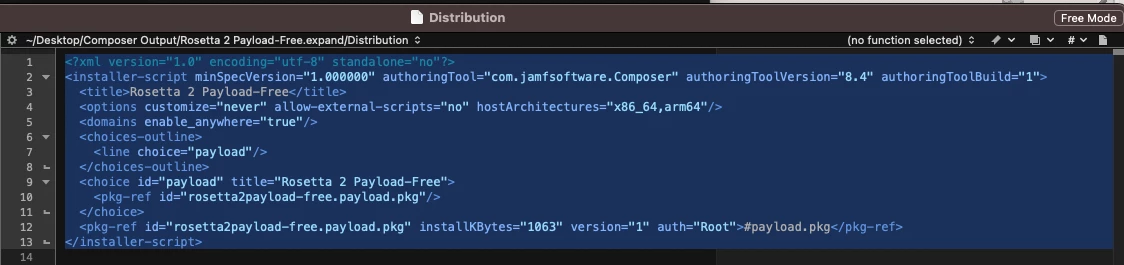
In PreStage Enrollments, I configured an enrollment package to install Rosetta with the script someone shared on this forum. The script is packaged with Composer:
#!/bin/bash arch=$(/usr/bin/arch) if [ "$arch" == "arm64" ]; then echo "Apple Silicon - Installing Rosetta" /usr/sbin/softwareupdate --install-rosetta --agree-to-license elif [ "$arch" == "i386" ]; then echo "Intel - Skipping Rosetta" else echo "Unknown Architecture" fi
Yet when I set up an M1 computer, many configurations are not getting installed and the logs show:
Installation failed. The installer reported: installer: This package requires Rosetta 2 to be installed.
Please install Rosetta 2 and then try again.
sudo softwareupdate --install-rosetta
installer: Error - Microsoft Teams can’t be installed on this computer.
Installation failed. The installer reported: installer: This package requires Rosetta 2 to be installed.
Please install Rosetta 2 and then try again.
sudo softwareupdate --install-rosetta
installer: Error - Pulse Secure can’t be installed on this computer.
Installation failed. The installer reported: installer: This package requires Rosetta 2 to be installed.
Please install Rosetta 2 and then try again.
sudo softwareupdate --install-rosetta
installer: Error - Code42 can’t be installed on this computer.
I don't understand what I need to do to get this work. I have a nice provisioning system before that works quite well on Intel.