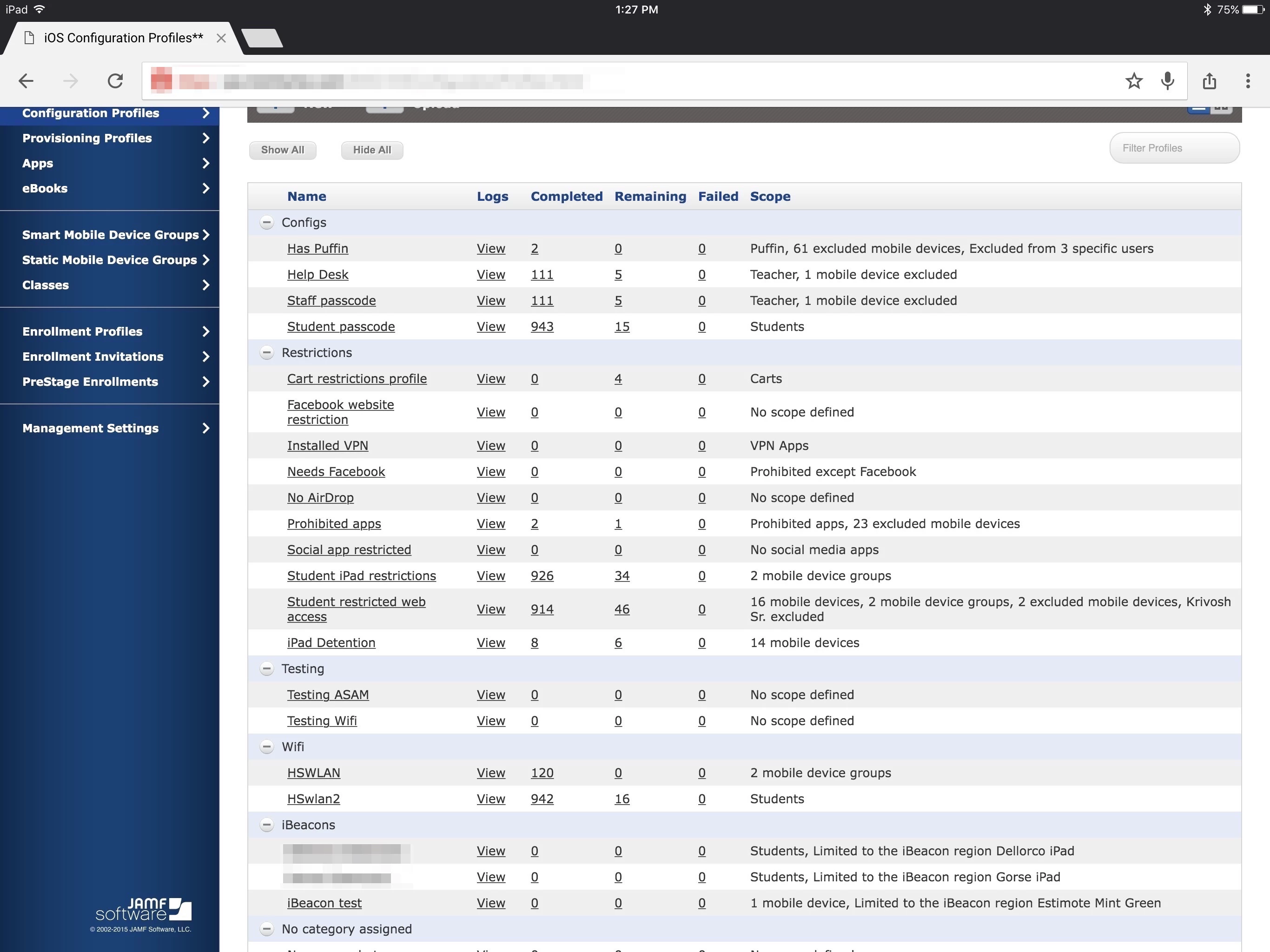
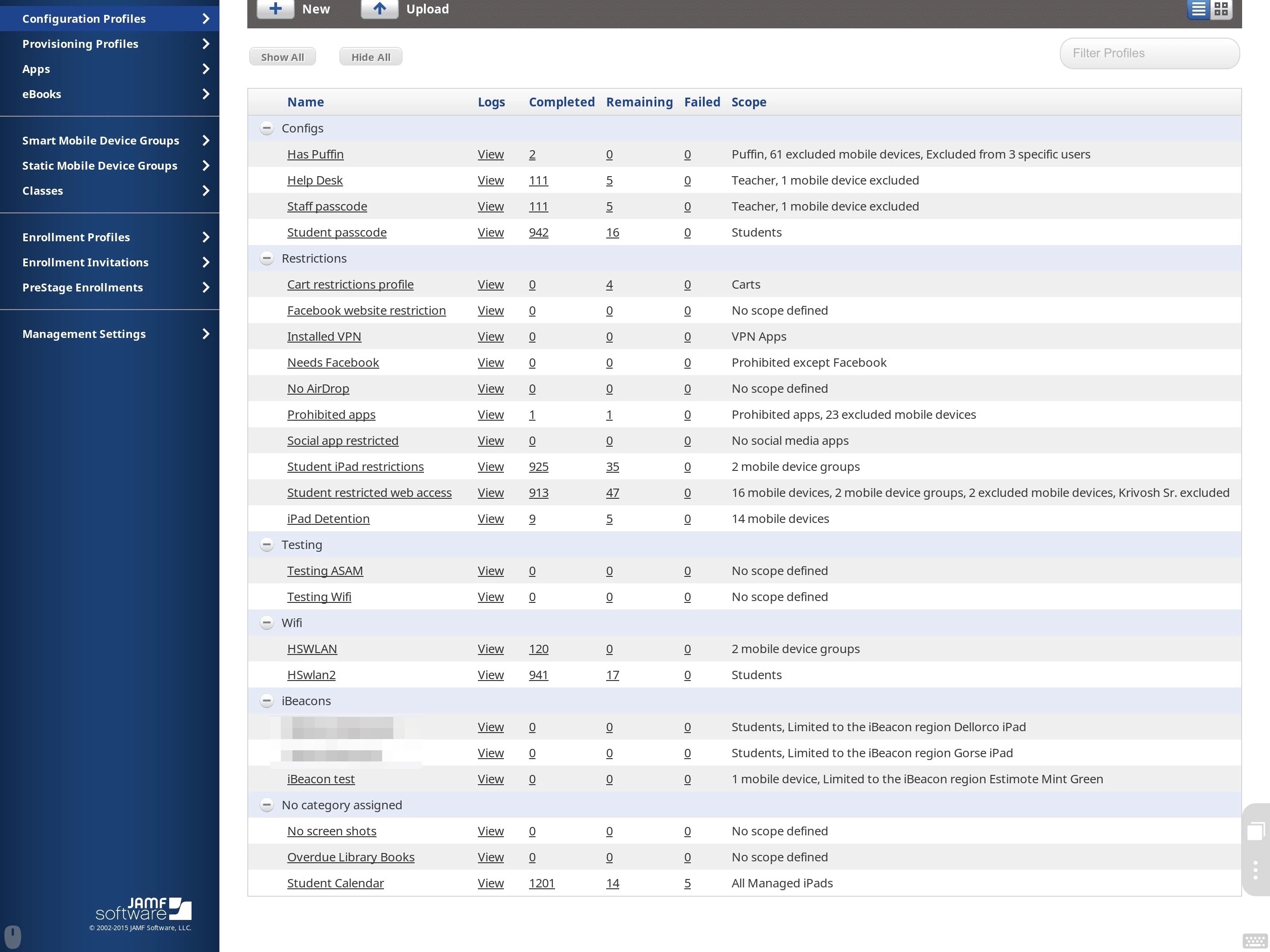
I just got my iPad pro and have gone all iOS at work. Today was my first day of attempting to work only on iOS and I was unable to edit any static groups or add any devices (we are iOS only) to any config profile group in Safari which is my browser of choice since it loads our JSS the fastest (even faster than Safari or Chrome on OS X). I was able to edit the groups and config profiles in Chrome and using the Puffin browser. You will see in the attached images what I saw in all 3 browsers (Safari, Chrome, Puffin). It seemed to me that there was something that was blocking all the data in the JSS tables from loading in Safari.
I use the Purify content blocking app for iOS and have been using it since I upgraded to iOS 9 with no problem working with the JSS in Safari. So I whitelisted our JSS URL in the Purify app and that returned all functionality to Safari. There must have been some subtle change in iOS 9.2 to content blocking that resulted in this unexpected behavior as I have not had this problem in iOS 9 or 9.1. If you use content blockers on iOS be sure to whitelist your JSS URL or you will waste time (as I did) troubleshooting a problem you created.