We are currently implementing Jamf Connect Login + Sync for Okta in my org.
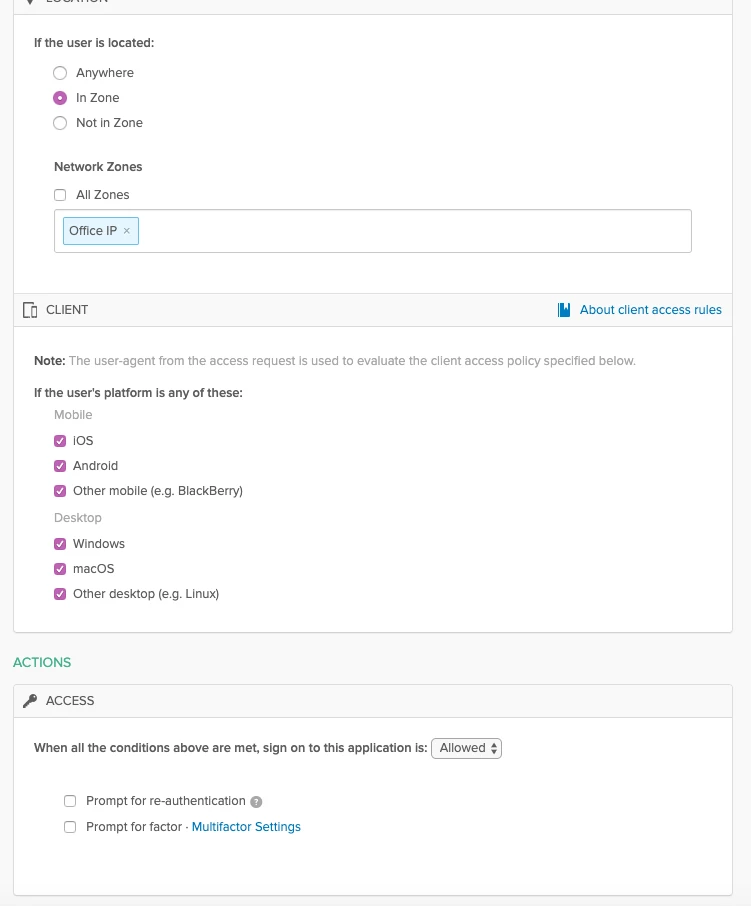
As I understand it, MFA needs to be set up on the workplace level, so at domain-admin.okta.com/admin/access/policies. If I set this, this will override the MFA settings for my default policy.
If I wanted to deny MFA if they are within our network range, but keep it on for everything else, does this mean I have to individually set a prompt-for-factor policy on every app we have in Okta? Would there be a potential pitfall in this scenario?
Conversely, is there a way to get rid of the prompt-for-factor requirement when in the network zone on my Jamf Connect OIDC apps themselves? I attempted changing this from the Sign On Policy level but it does not seem to do anything.