
Question

Jamf enrollment - Single Sign On not working

  • March 21, 2019
  • 8 replies
  • 46 views

Forum|alt.badge.img+10

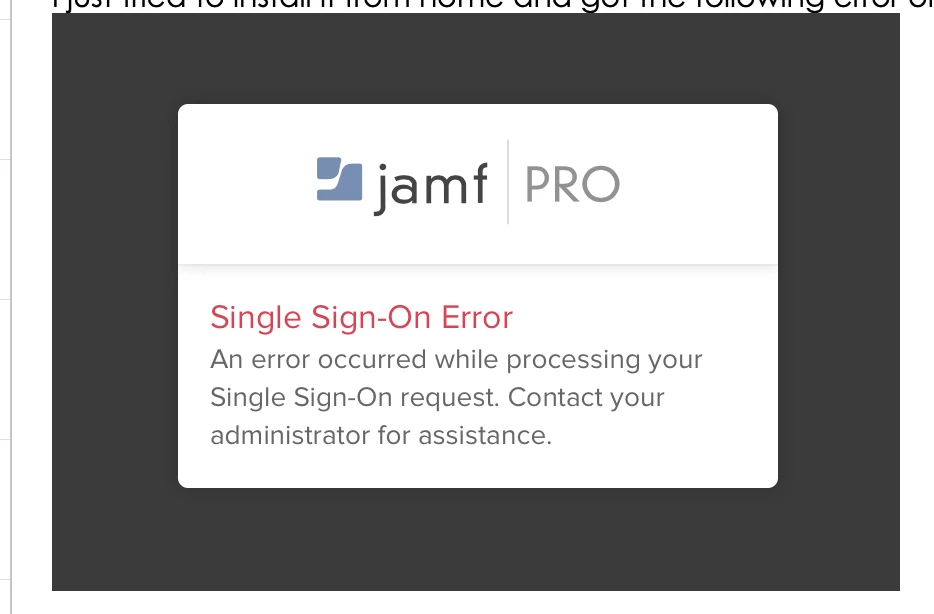
For some mac clients where users try to enroll I see below error.
We are using single sign on and guess for 95% of users it works fine, but for some this error comes

Sometimes it works in a different browsers, but other times it is the same error no matter which browser.

It must be some kind of client issue but don´t know if it a keychain error. Anyone has experienced this error before?

8 replies

Forum|alt.badge.img+7
  • Contributor
  • December 17, 2019

Hi @jameson ,

I've enabled SSO last week and I get that screen on my two Macs and iPad. I did try using it with Safari and Firefox with no luck. It did work for me on a Windows computer.

I'm not very worried about it now as it's only giving that error when I try to login to Jamf Pro and only the IT people here login to Jamf Pro. I've checked the "Allow users to bypass the SSO for Jamf Pro" box.


Cayde-6
Forum|alt.badge.img+22
  • Honored Contributor
  • December 17, 2019

Yes I get this sporadically


Forum|alt.badge.img+1
  • New Contributor
  • February 22, 2021

I too am getting this randomly... but the enrollment configuration downloads just fine, so I am ignoring it for now... would be nice if this didn't happen at all though


Forum|alt.badge.img
  • New Contributor
  • March 24, 2021

I just setup the SSO with G-suite on jamf pro today, I got the same error randomly. If it is used private browsing or clean the browser cache , does not have this problem


Forum|alt.badge.img+16
  • Contributor
  • March 24, 2021

I'll get this randomly, but what fixes it 100% of the time is to just log out of the offending SSO account i.e. if it's Google log out on one of their web apps or remove the cookie.


Forum|alt.badge.img+3
  • New Contributor
  • March 24, 2021

Most likely your session has timed out and you need to clear out your token, which would explain why clearing the browser cache clears it up.


Forum|alt.badge.img+1
  • New Contributor
  • June 3, 2021

We saw this error when a person enrolling the machine had their username in Jamf Pro (Settings > System Settings > Jamf Pro > User Accounts & Groups) configured with the user's email instead of their username (the user's email had populated as the username during the LDAP user setup). Once I deleted @domain.com from the username, the error went away.


Forum|alt.badge.img+3
  • New Contributor
  • June 24, 2021

Any solution for this ?