We are a vocational school which uses a couple of Mac multimedia labs equipped with Adobe Creative Cloud. Now our Adobe licensing is changing as well as version updates. Plus I need to get everyone on Mojave and this is consistent with our departments process of summer computer upgrades.
So last summer's plan to reimage our mac labs failed disastrously with High Sierra, which prompted us to proceed with Jamf as an MDM solution after hearing that it is the best choice.
So my macs are enrolled in jamf and AFTER that I have the newest macs enrolled in Apple's DEP. So I am able to do policies and all that, but I'm having a devil of a time with the Mojave install. I've picked up a few things here and there scattered throughout Jamf Nation and Jamf Success, but nothing that really sets a clear path from start to finish.
I've tried a couple of steps to get that "Zero Touch" magic that I keep hearing about, but it's not coming to life. FIrst, these are lab computers and students are not here for the summer. Further, i'm pushing out about 30 gigs of software, which is why we reimaged previously.
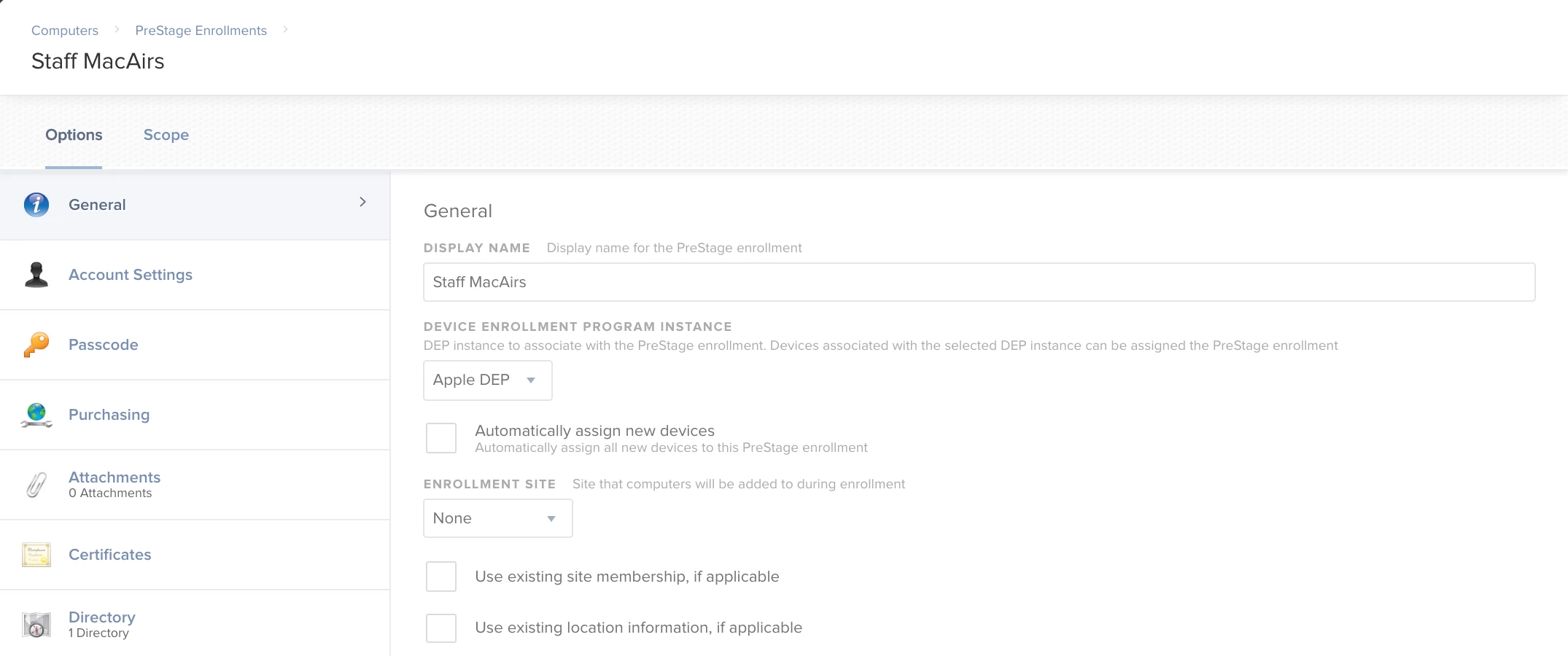
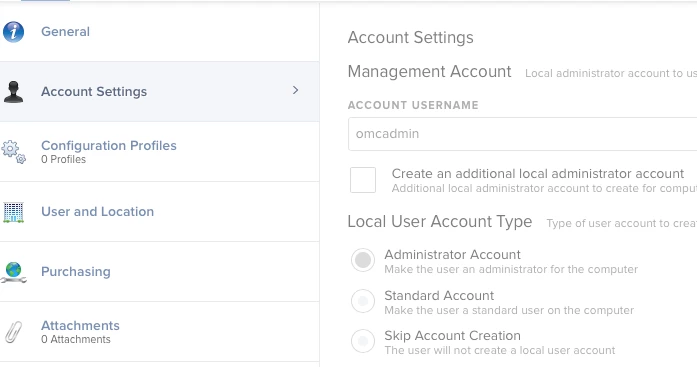
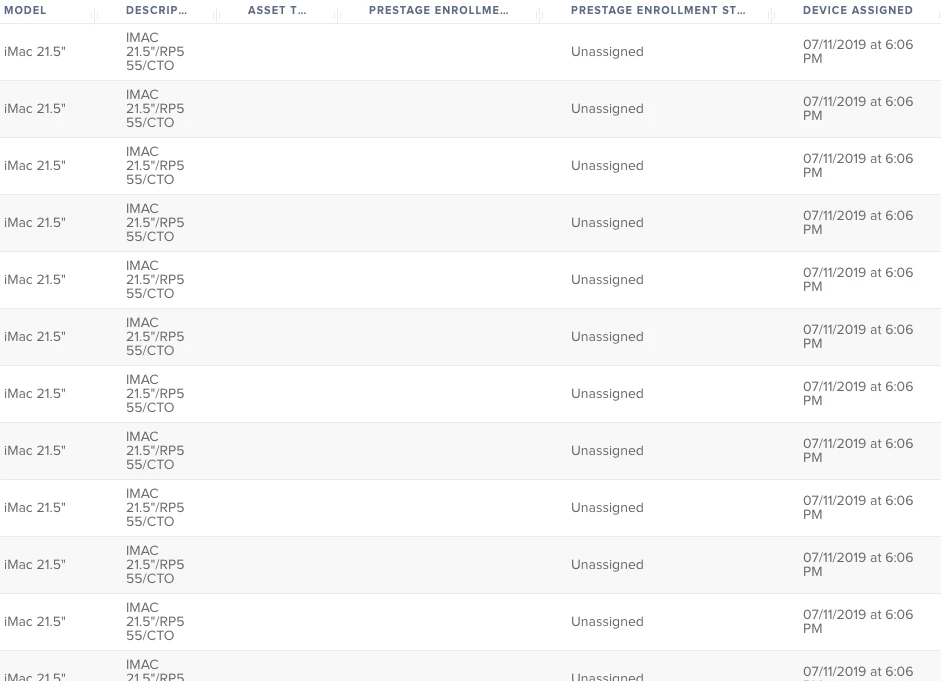
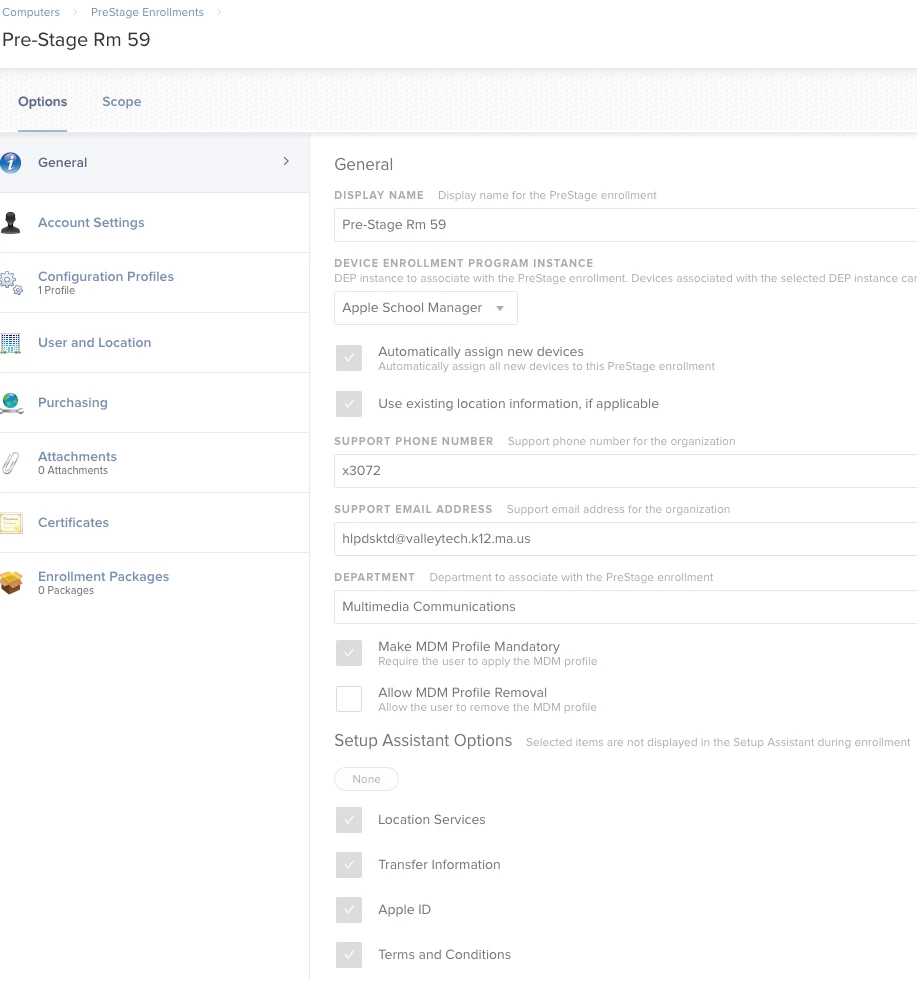
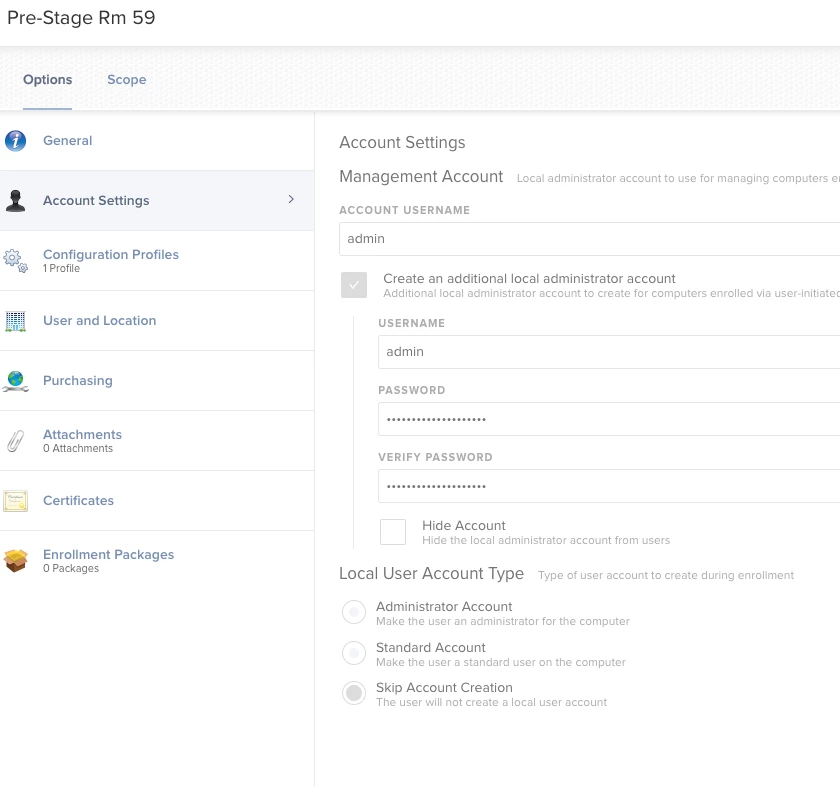
First I tried a pre-stage enrollment with a mac that (again, we owned this prior to jamf, but I did enroll it in DEP After we received and it is in the scope in pre-stage enrollment. Not being exactly sure what would kick off the process, I did an internet reinstall, which only did an in-place OS upgrade.
So I tried an internet wipe and reload which did exactly that, and nothing else. Next I tried making a package in Composer that would drop the package in Applications and run the erase install. Here is the exact script which is set to run After the package in the policy.
#!/bin/bash

# Start Erase and Reinstall process Mojave
/Applications/Install macOS Mojave.app/Contents/Resources/startosinstall  --agreetolicense --eraseinstall --newvolumename "Macintosh HD" --nointeraction &

exit 0
So it runs and nothing happens. Nothing. It does complete, it just does nothing.
A couple of things that need to be addressed: We are tied into active directory as we are predominantly a Microsoft school. The computers are named by asset number, computer type and room number i.e. 3456im123, once the OS install takes place, the computers need to be re-enrolled(?) and assigned the correct name and preferably rejoined to AD.
Each user needs his own desktop with his own application preferences.
So my preference by far and if possible is to use DEP and pre-stage imaging, but I need to make something happen this week, so I'll take what I can get.
Again, the core issue is getting a clean OS layed out, renamed and tied to AD and JAMF.
Can someone please help me with this?