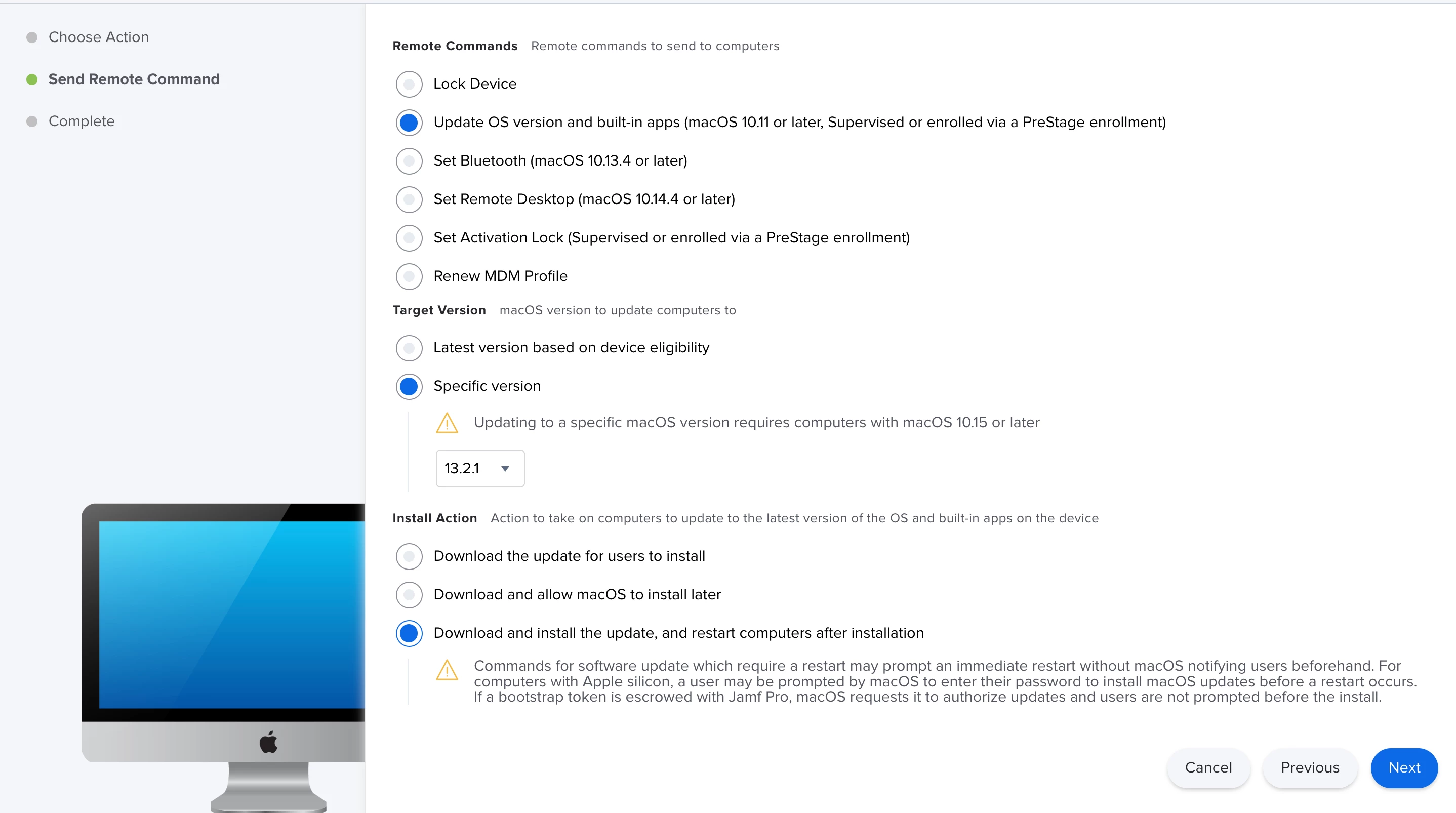
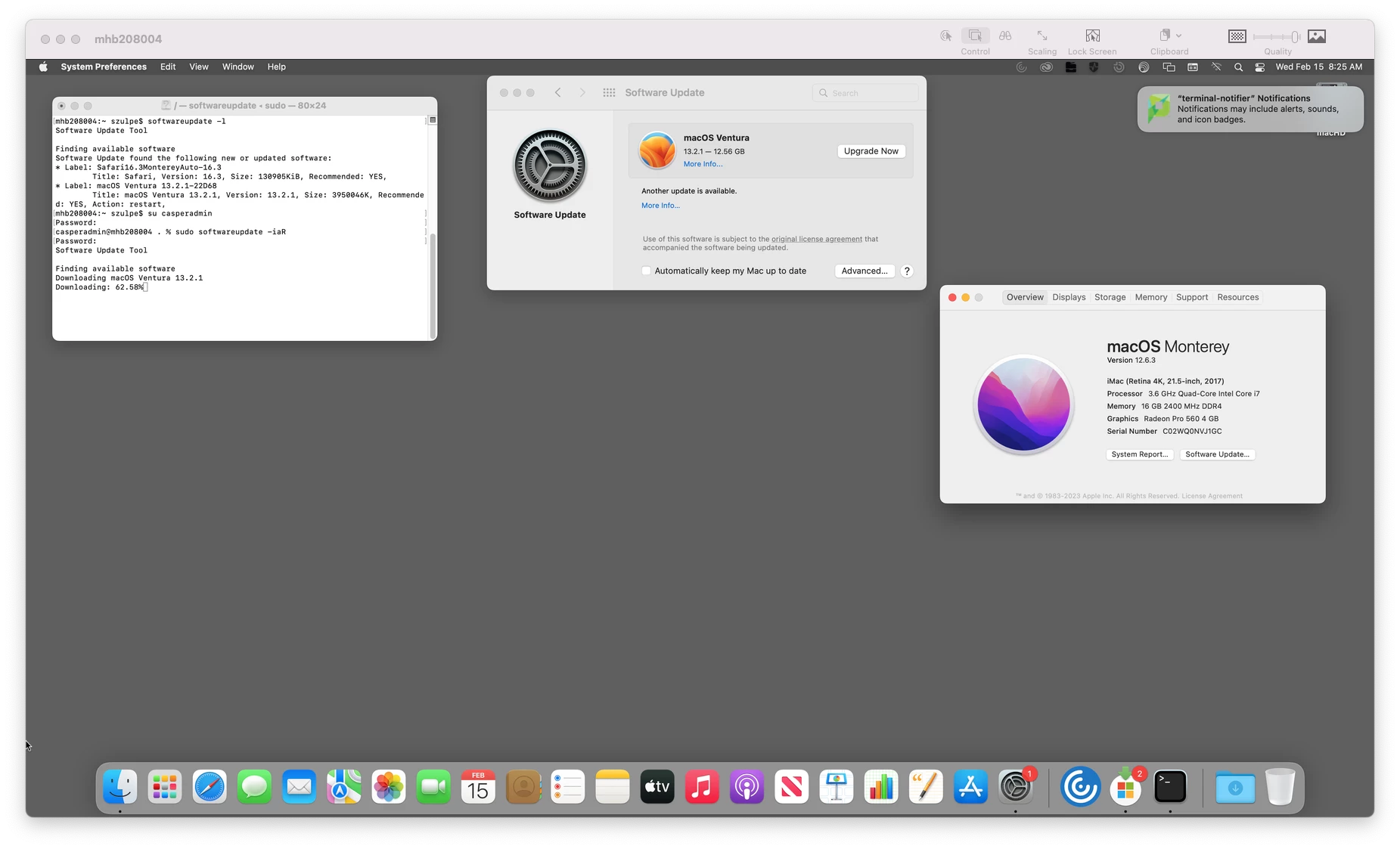
I know there's quite a few different ways people have tackled macOS Updates. In the past I've general leaned into the "encourage" users camp vs trying to brute force them. I've done a number of methods all to varying degrees. This week our CSOC identified CVE's that needed patching by getting everyone to macOS 11.6.3 or 12.2. Instead of guiding users to update, I'm actively trying to force them at certain actions (login/logout is my goal). That being said, I checked with Jamf about best practices and was pointed to this article -> https://docs.jamf.com/technical-papers/jamf-pro/deploying-macos-upgrades/9.96/Running_Software_Update_Using_a_Policy.html (we don't have any M1's so the article applies). I built my policy, applied it to some test boxes and, well, hit or miss. Specifically I'm running into this running software update locally:
Last login: Thu Feb 3 11:22:11 on console
Ed@TestBox ~ % softwareupdate -la
Software Update Tool

Finding available software
Software Update found the following new or updated software:
* Label: macOS Big Sur 11.6.3-20G415
 Title: macOS Big Sur 11.6.3, Version: 11.6.3, Size: 2552748K, Recommended: YES, Action: restart,
Ed@TestBox ~ %
Which most definitely indicates that it requires a reboot to complete the install. However the Jamf policy doesn't see it that way (note the last 2 lines):
Executing Policy Software Update - Install All Available - Test
Setting Software Update preferences to apple.com for all accounts...
Installing all available Software Updates...
Result of Software Update: Software Update Tool
 Finding available software Downloading macOS Big Sur 11.6.3 Downloaded: macOS Big Sur 11.6.3
Software update finished. Reboot is not required.
Software update will not require a shutdown.
and as a result, the macOS update doesn't ever happen. I have a case open with Jamf Support, but wanted to reach out to the community to see if anyone else has encountered this and what your fix was.
TIA!