Question

Jamf Pro Client Apps not working (10.6.2)

  • August 24, 2018
  • 5 replies
  • 26 views

Forum|alt.badge.img+5

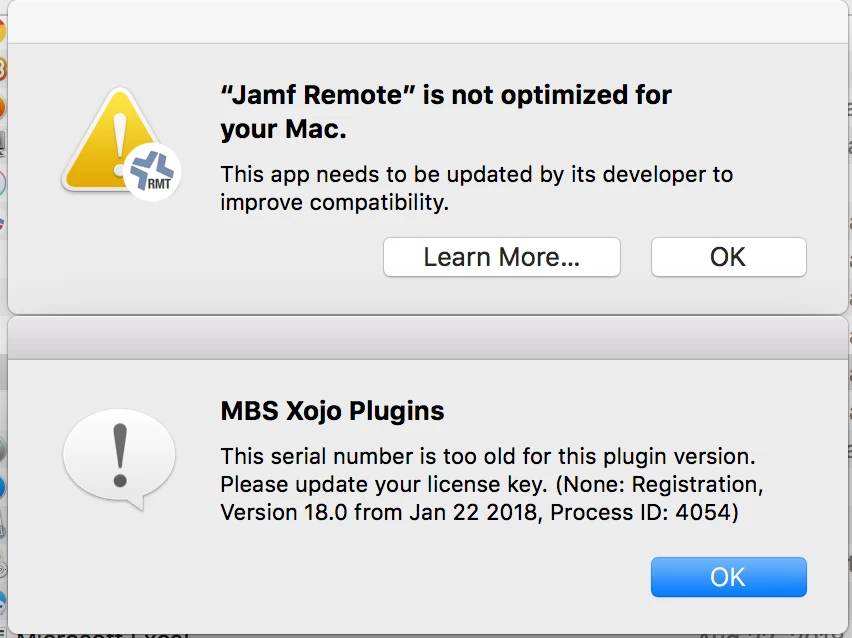
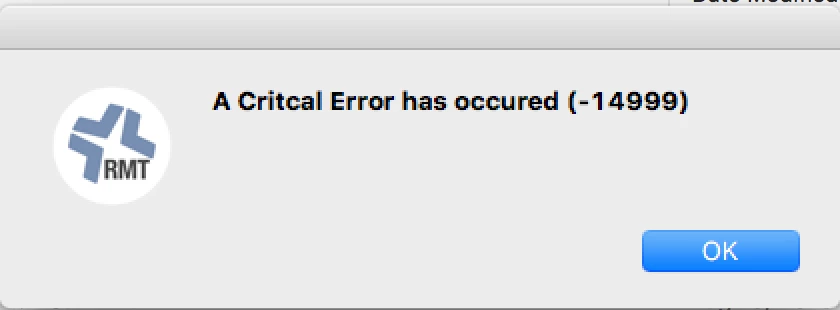
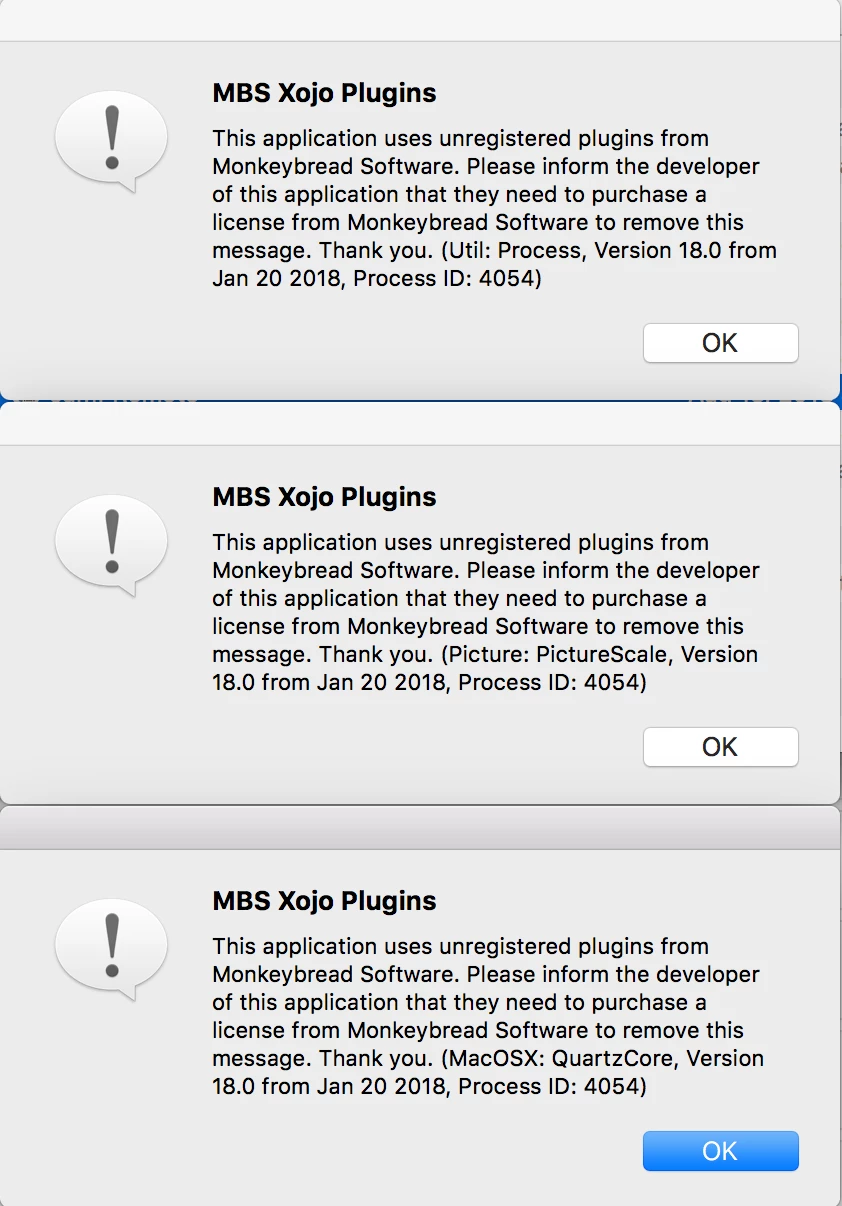
I just downloaded, installed, and tried to launch JAMF Remote 10.6.2 on a freshly imaged, fully enrolled MacBook Pro running High Sierra 10.13.6 and I'm getting the attached error messages. I've had other co-workers try to install launch these apps on their Macs, and they're getting the same errors. Anyone else having this issue?
5 replies

Forum|alt.badge.img+5
  • Author
  • Contributor
  • 60 replies
  • August 24, 2018

I should also note that it's not just Remote that's throwing these errors - it's every JAMF 10.6.2 app


bpavlov
Forum|alt.badge.img+18
  • Esteemed Contributor
  • 1206 replies
  • August 24, 2018

Forum|alt.badge.img+13
  • Valued Contributor
  • 391 replies
  • August 28, 2018

Mine run fine!!
I do grt the “not optimised” message but all working as usual...


Forum|alt.badge.img+2
  • New Contributor
  • 10 replies
  • August 28, 2018

Apple is moving to 64 bit apps only. starting with 10.13 they are starting to warn when 32 bit apps are running. in a future update for macOS apple will completely remove 32 bit app support. All the info about it can be found here: https://support.apple.com/en-us/HT208436


Forum|alt.badge.img+18
  • Valued Contributor
  • 278 replies
  • August 29, 2018

I'm looking at upgrading to 10.6.2 and then using the 10.6.0 tools. But this does feel a little odd. It's strange that Jamf hasn't released a new set of the 10.6.2 tools with a fix for this. Seems like something that should be easy to do.

