Solved

Jamf Pro: Ubuntu install JAMFChangeManagement log not written to

  • March 14, 2022
  • 5 replies
  • 51 views

Bol
Forum|alt.badge.img+11

So hopefully we all know about;

PI103977 - PI-009975 Jamf Pro startup can be suspended if an invalid file path is specified for the Change Management logs.

This isn't about that.. I have change management logs setup although Jamf isn't writing to the log file. If I view: Settings - System Settings - Change Management - Logs, in browser there's 5,000+ events;
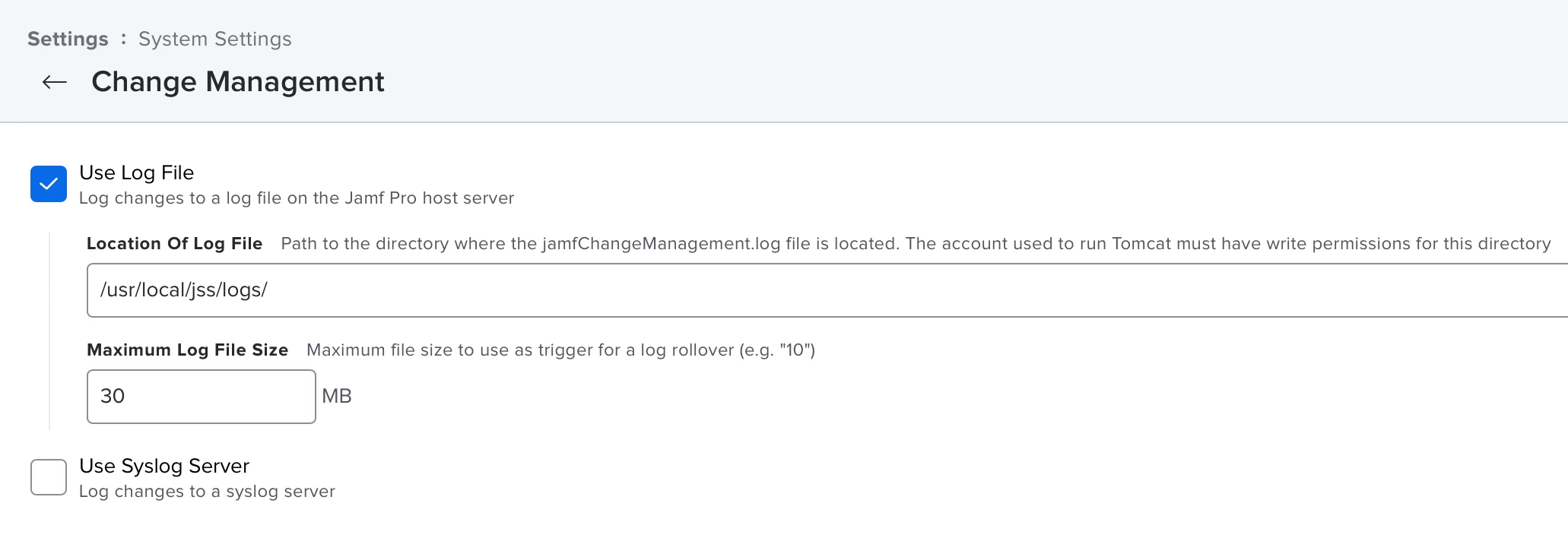
Although there's nothing being written in;

/usr/local/jss/logs/JAMFChangeManagement.log

So I backed up and gave the logs folder a;

sudo rm -rf /usr/local/jss/logs

Then re-installed Jamf-Pro, all other logs are working as expected.

Just wondered if anyone else is seeing this as I couldn't find anything related in known-issues.

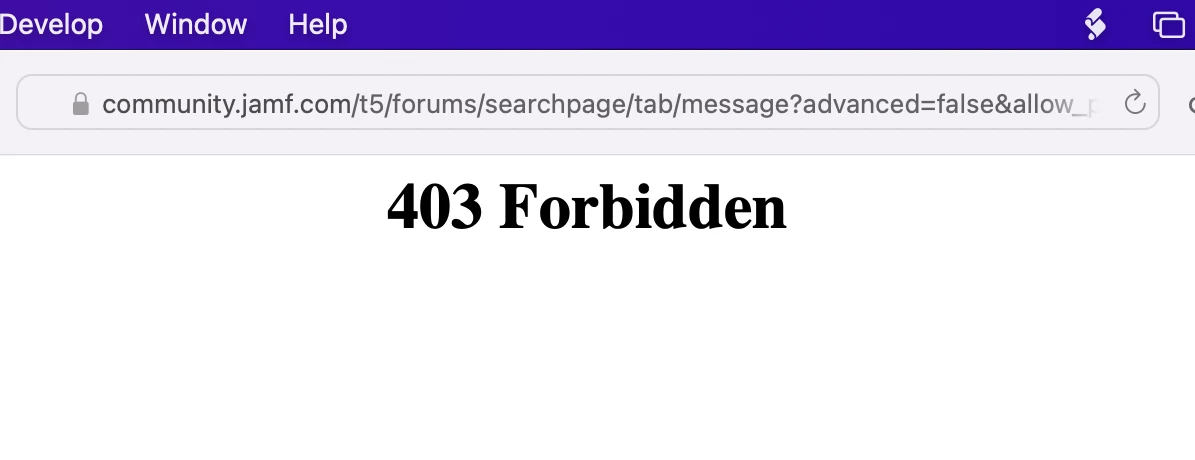
Also on another note, when searching the community for "JAMFChangeManagement.log" I see this;

 

Best answer by matteo_bolognin

Which Jamf Pro version you're running?
If 10.35 (specifically this version, not older versions), upgrade to 10.36.1.

5 replies

matteo_bolognin
Forum|alt.badge.img+8

Which Jamf Pro version you're running?
If 10.35 (specifically this version, not older versions), upgrade to 10.36.1.


Bol
Forum|alt.badge.img+11
  • Author
  • Contributor
  • March 14, 2022

Which Jamf Pro version you're running?
If 10.35 (specifically this version, not older versions), upgrade to 10.36.1.


Oh wow, I forgot to actually say that, yes I'm on;

10.35.0-t1640197529

I couldn't find anything related in the resolved notes for 10.36 though.. I will try tomorrow, it was my last resort, think mysql needs upgrading to 8+ thought. urgh. Will let you know, cheers


matteo_bolognin
Forum|alt.badge.img+8

For 10.36.1, MySQL8 (although recommended) it's not required.
Just make sure you're running a compatible version aka 5.7.36 or newer: https://docs.jamf.com/10.36.0/jamf-pro/release-notes/System_Requirements.html
Looking through release notes, I don't seem this one issue made it's way there.
Let me know if this helps or you'll still see issues on 10.36.1


Bol
Forum|alt.badge.img+11
  • Author
  • Contributor
  • March 14, 2022

5.7.36 is where I'm at so nice, cheers for the heads up and I will try first thing and let you know!

Nice avatar change by the way :D 


Bol
Forum|alt.badge.img+11
  • Author
  • Contributor
  • March 15, 2022

Amazing, sure enough, upgrading from 10.35 -> 10.36.1, logs are filled again. Thanks for your quick reply, community was quicker than a support ticket :D 

Nice work