Solved

JamfConnect error "unable to reach any KDC in realm"

  • July 31, 2024
  • 4 replies
  • 89 views

johntgeck
Forum|alt.badge.img+7

Help! We're migrating to Jamf Connect from AD, and we've done successful testing and migrations and I've been setting up user accounts with no issues. But all of a sudden today when I went to change someone's password using the menu bar agent, I got this error: "Unable to reach any KDC in realm xxxxxxx, tried 10 KDCs"

Nothing has changed in our infrastructure that I am aware of; does anyone know what would cause this? I am freaking out a little.


Best answer by johntgeck

Welp, turns out it was a firewall issue. So, I guess I'll leave this up to help others who encounter this glitch; check your ACLs for anything that would prevent traffic between the host and the KDC server.

4 replies

Forum|alt.badge.img+19
  • Honored Contributor
  • July 31, 2024

What happens if you run kinit from terminal? What about klist

Typically that error is because of a network issue. Are you in an or using a VPN?


johntgeck
Forum|alt.badge.img+7
  • Author
  • Contributor
  • July 31, 2024

What happens if you run kinit from terminal? What about klist

Typically that error is because of a network issue. Are you in an or using a VPN?


No VPN, DC is reachable via running Test-NetConnection in powershell on a pc on the same subnet.

kinit and klist return the following, though I'll admit I've never used these commands before. Kerberos is outside my normal wheelhouse: 

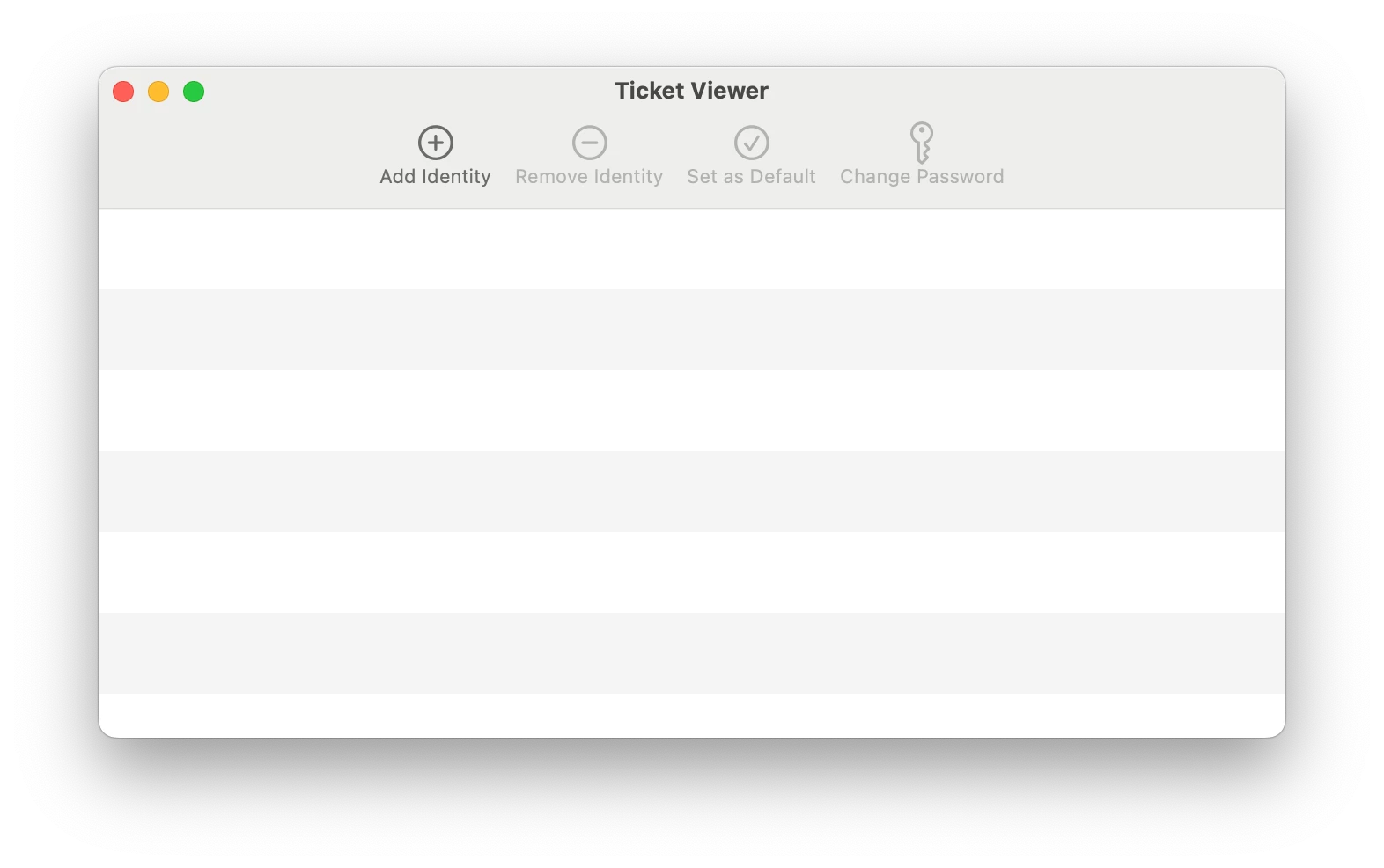
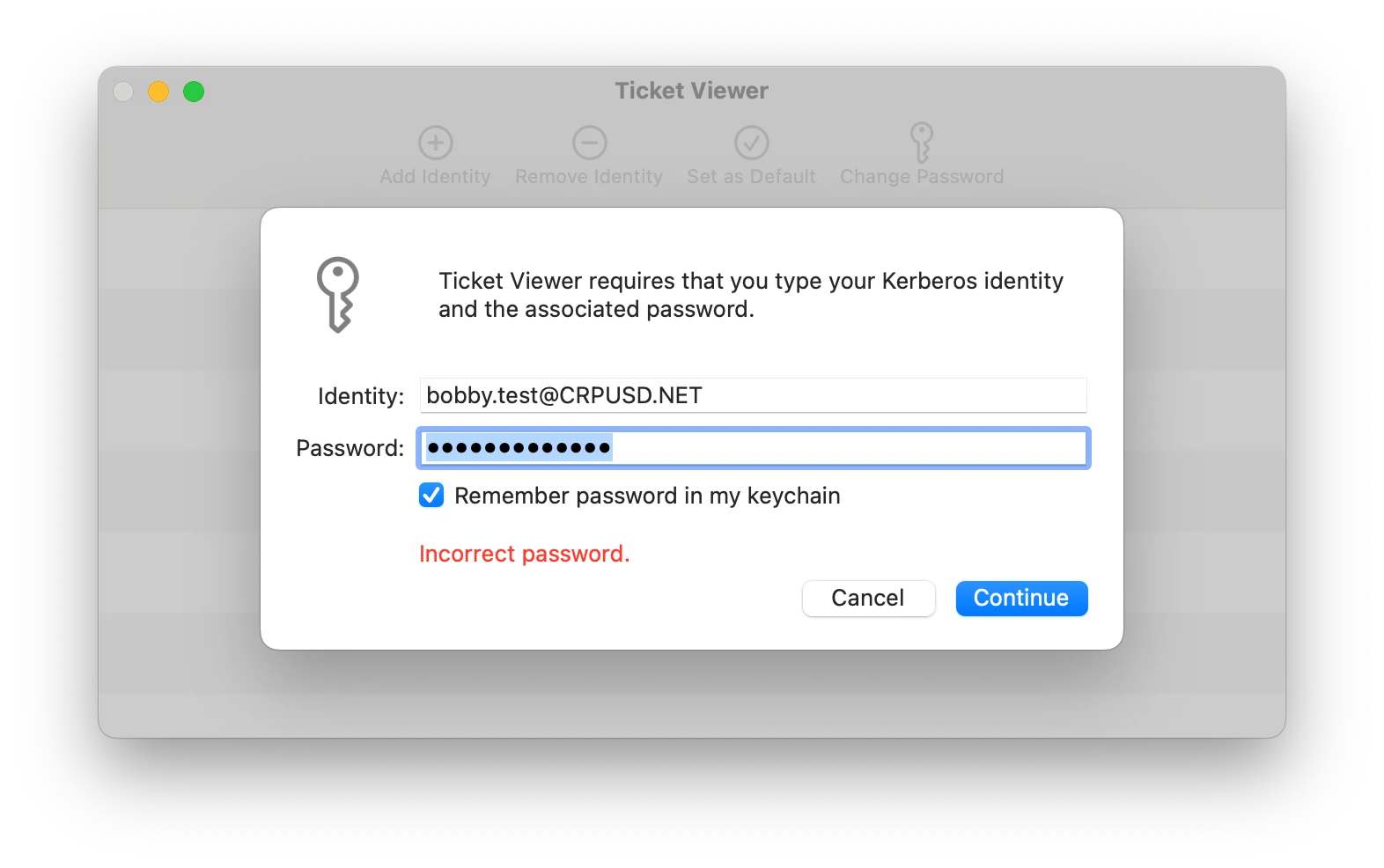
Ticketviewer is also totally blank, and when I try to manually grab a ticket, I get an error of "Incorrect password." which isn't true because I just created that account using the very same password.

EDIT: I appreciate the response, btw!


johntgeck
Forum|alt.badge.img+7
  • Author
  • Contributor
  • July 31, 2024

What happens if you run kinit from terminal? What about klist

Typically that error is because of a network issue. Are you in an or using a VPN?


It does appear to be some kind of networking issue, because I'm not getting the error even on the same subnet when I'm joined to a different WiFi SSID.


johntgeck
Forum|alt.badge.img+7
  • Author
  • Contributor
  • Answer
  • August 1, 2024

Welp, turns out it was a firewall issue. So, I guess I'll leave this up to help others who encounter this glitch; check your ACLs for anything that would prevent traffic between the host and the KDC server.