Background
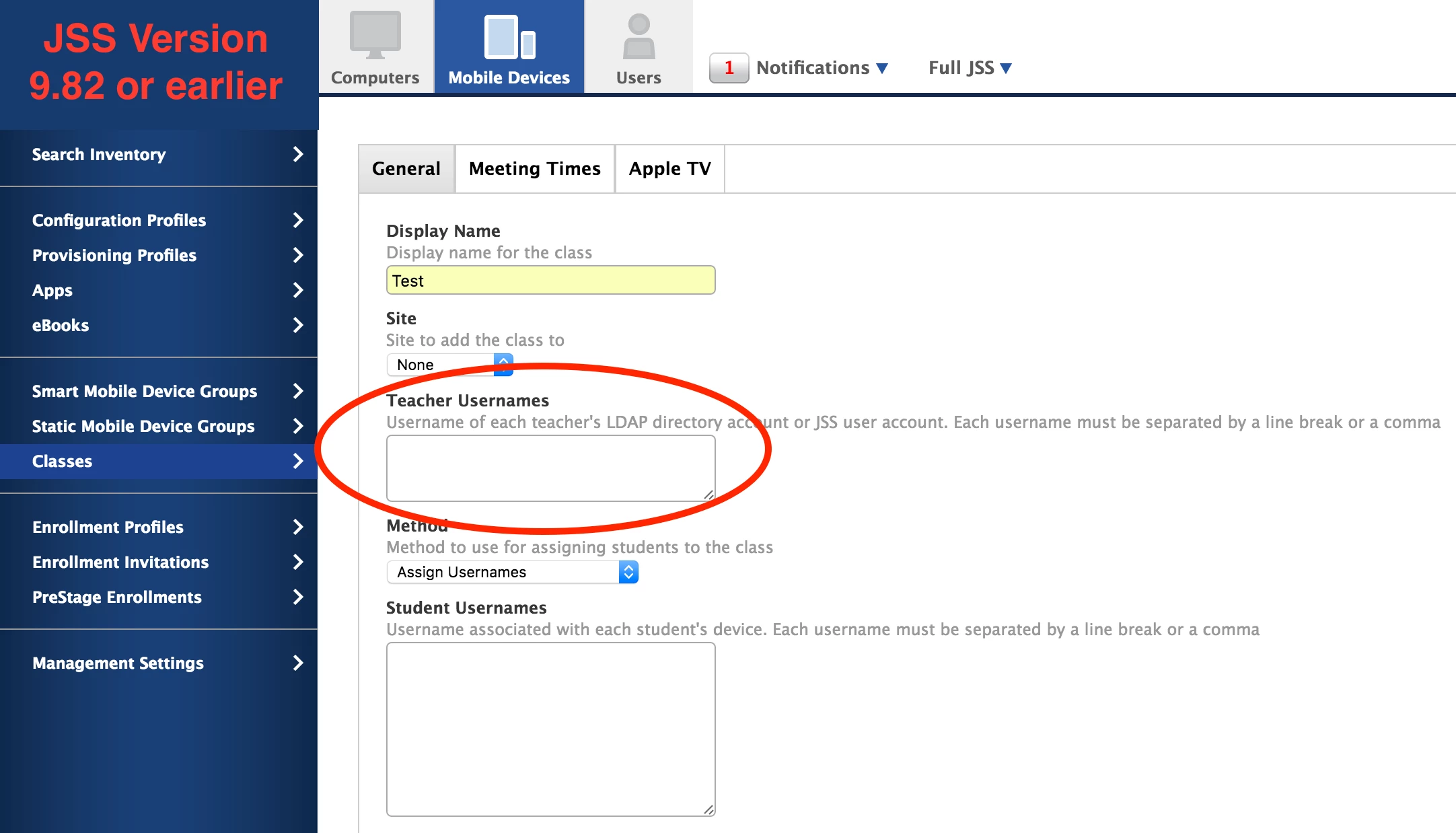
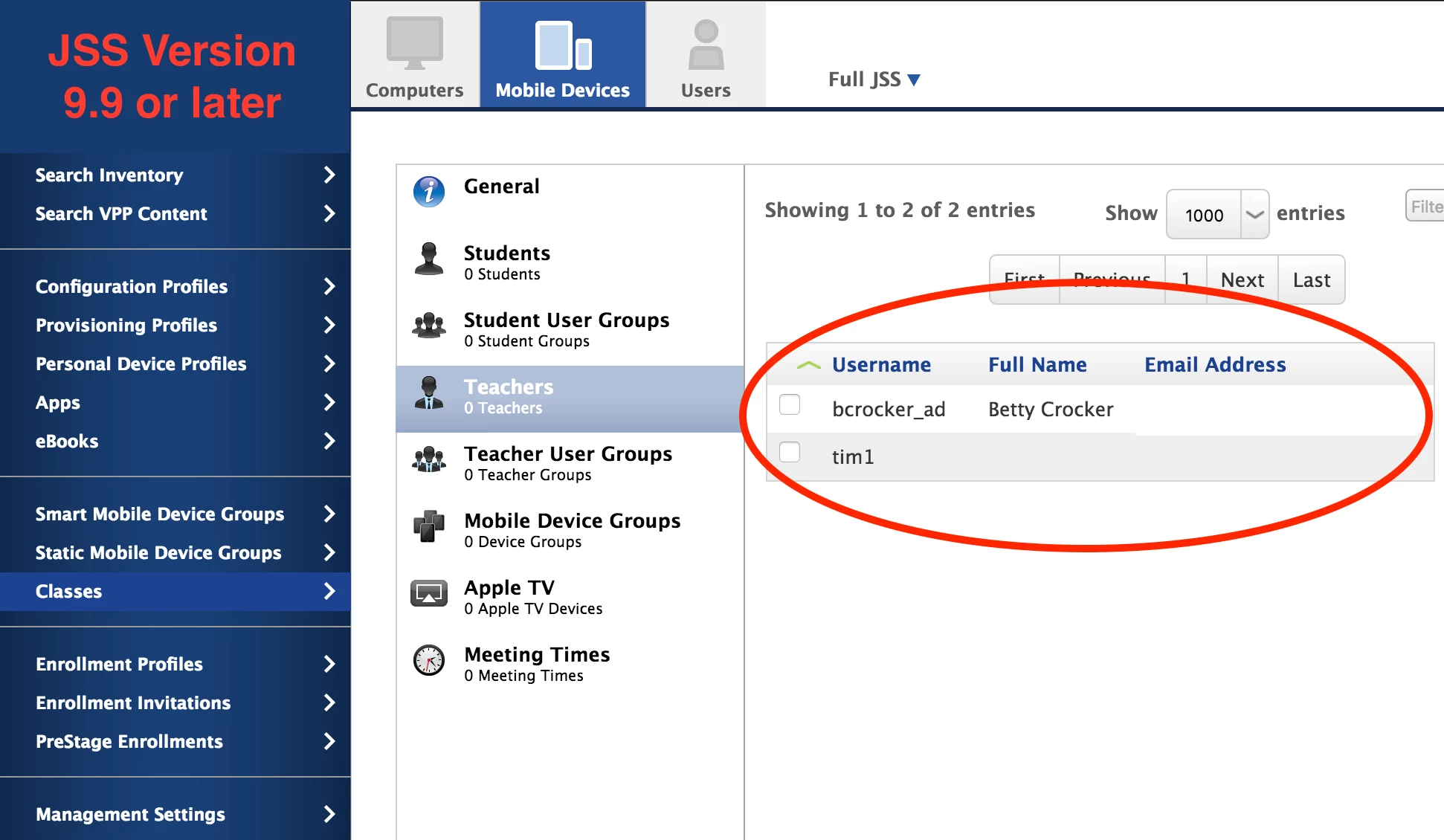
Between JSS versions 9.82 and 9.9 there was a major change to the classes section in the JSS. This change affected the way we would typically add non-LDAP users as teachers. In JSS version 9.82 or earlier we could add the teachers by typing the username into a text box. Now in JSS version 9.9 or later we add teachers by selecting a checkbox next to their name.
Workflow Change
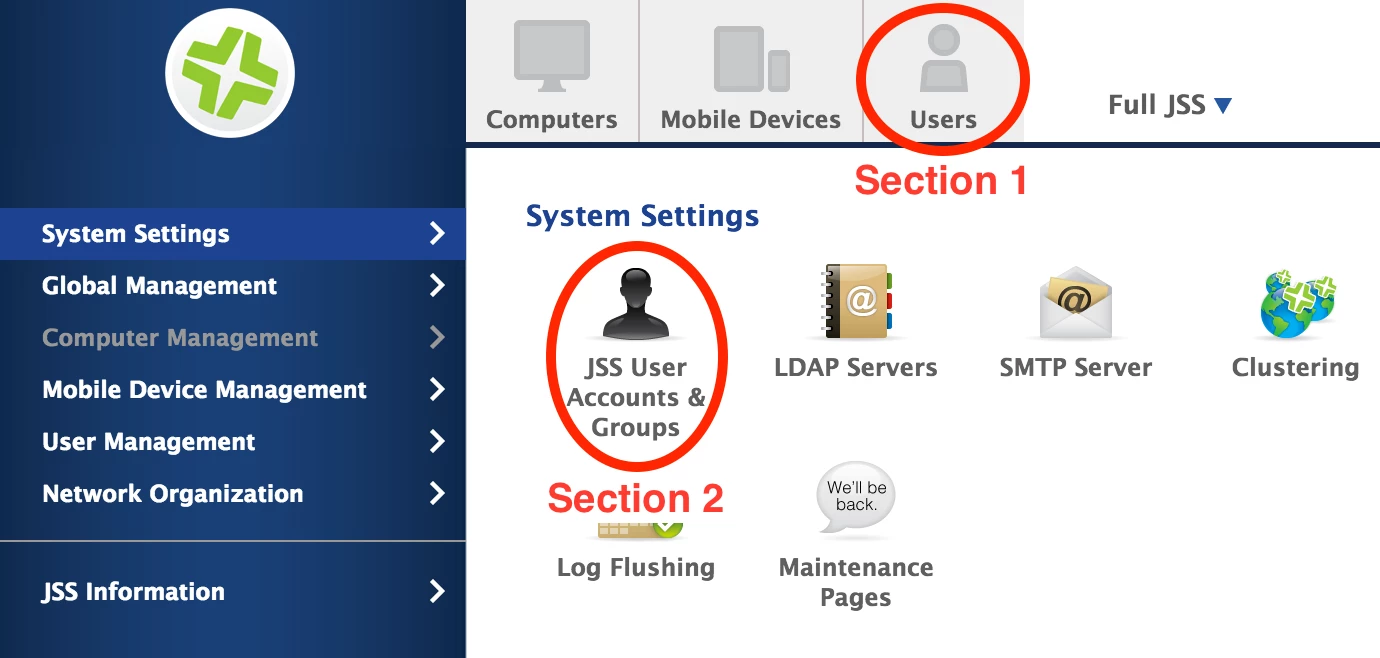
If we have non-LDAP users we would like to add as teachers we will have to create a user in both of the following sections of the JSS with matching usernames:
Section 1) The Users tab located at the top of the screen
Section 2) Settings > System Settings > JSS User Accounts & Groups
Once we create a user in both of the above sections we will see them show up as a selectable option in the teacher's section under Mobile Devices > Classrooms. It's worth noting that the user record in the JSS User Accounts & Groups section is what applies the password for teachers trying to log into the Casper Focus iOS app. This workflow change was documented as a product issue with the reference number PI-002628.