Logout After 1 Min - Login Window Config - Not Working
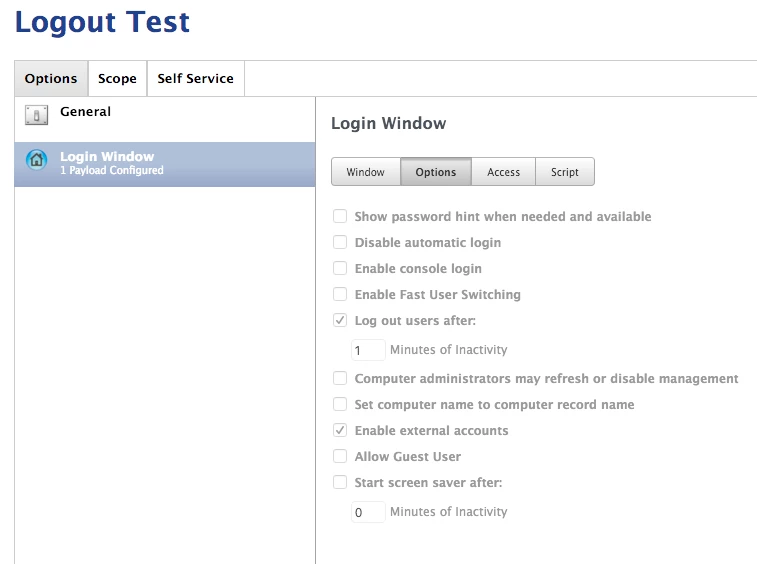
If i have this profile applied on top of another Login window configuration profile will it still work? As of now it will not log out with no programs running.

 +6
+6Logout After 1 Min - Login Window Config - Not Working
If i have this profile applied on top of another Login window configuration profile will it still work? As of now it will not log out with no programs running.
Best answer by davidacland
I have had trouble with multiple config profiles managing the same plist in the past. When I tried it, only the first one applied.
I've seen lots of people have trouble setting this.
You can log users out with this command osascript -e 'tell application "loginwindow" to «event aevtrlgo»'. You can check the idle time with expr $(ioreg -c IOHIDSystem | awk '/HIDIdleTime/{ rec=$NF } END{ print rec }') / 1000000000.
Between the two you could put that into some kind of policy.
There's some more discussions on the topic here: https://jamfnation.jamfsoftware.com/discussion.html?id=11254
Enter your E-mail address. We'll send you an e-mail with instructions to reset your password.

