After macOS Catalina 10.15.6 Supplemental update we are all getting attached image and it is enabled by default. We dont want it to be enabled by default as iCloud is not an approved storage solution in our company. Is there a way to supress this message or uncheck those options by default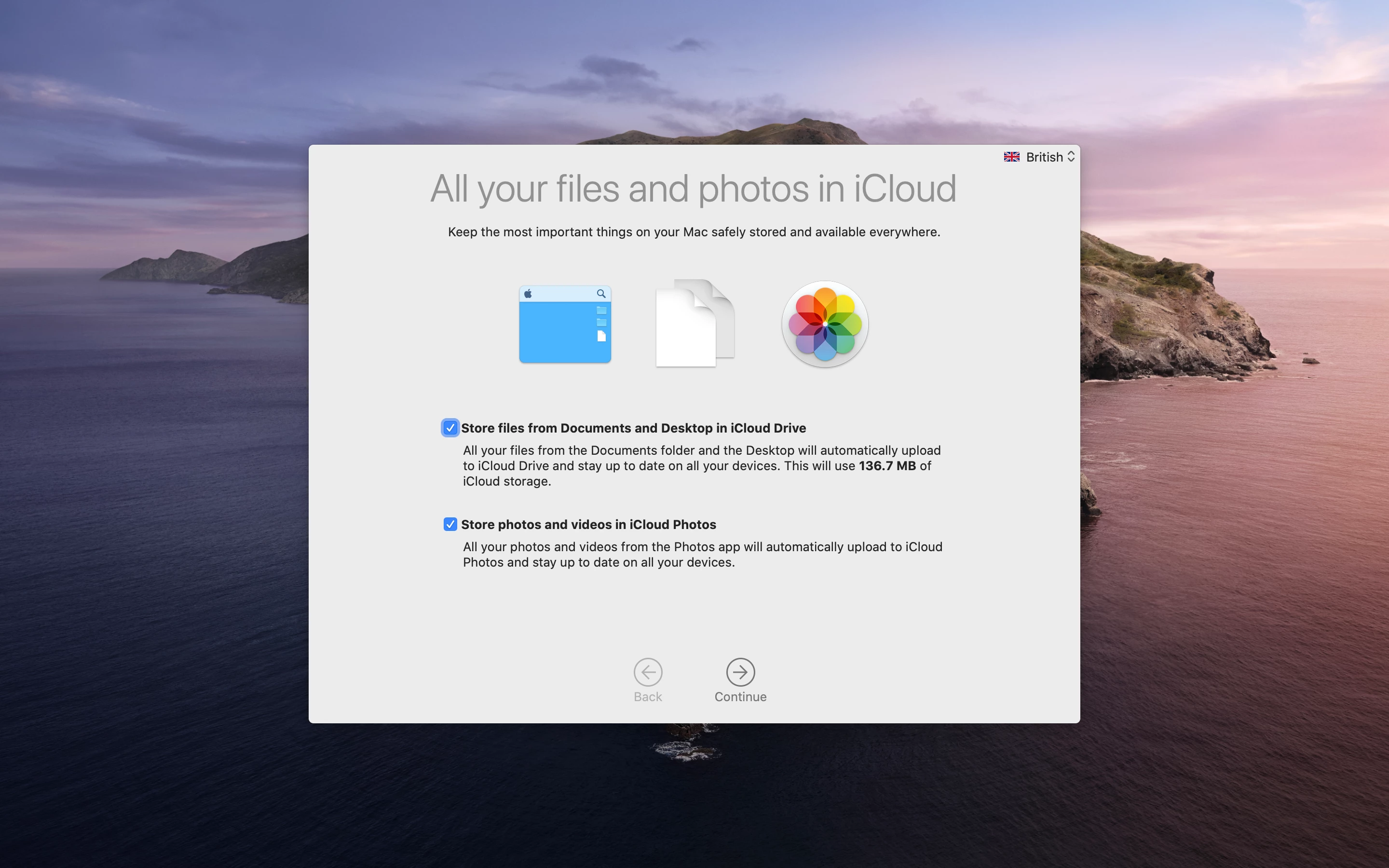

Question
macOS Catalina 10.15.6 Supplemental Update - iCloud Storage
 +7
+7

Enter your E-mail address. We'll send you an e-mail with instructions to reset your password.