Question

macOS Sierra available in App Store

  • September 20, 2016
  • 11 replies
  • 64 views

11 replies

Forum|alt.badge.img+20
  • Valued Contributor
  • September 20, 2016

Anyone have a clear way to block this? I am experimenting and so far the install starts up and isn't being restricted like El Capitan was.

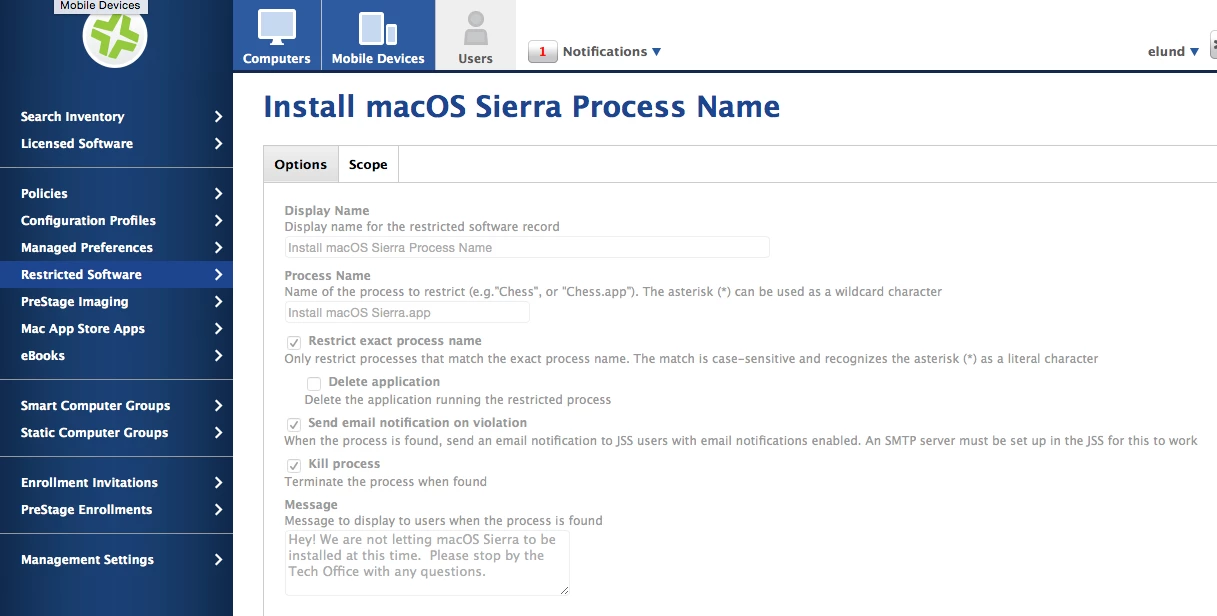
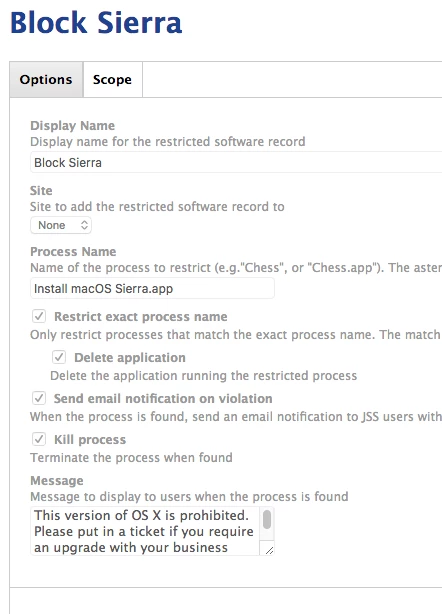
I am restricting the following process:

Install macOS Sierra.app

Thoughts?


Forum|alt.badge.img+20
  • Valued Contributor
  • September 20, 2016

Never mind, this started working with the above restricted process. Just took a bit for the restriction to flow down. Sorry.


Forum|alt.badge.img+9
  • Contributor
  • September 20, 2016

I have a restriction set up the same, but it does not work if I change the name of the installer app itself. It's not catching it by process name. Ideas?


Forum|alt.badge.img+20
  • Valued Contributor
  • September 20, 2016

What I found is the JSS hadn't caught up to me. Because I was pushing this along fast, I ended up opening terminal and running the following commands to speed it up.

sudo jamf policy
sudo jamf recon

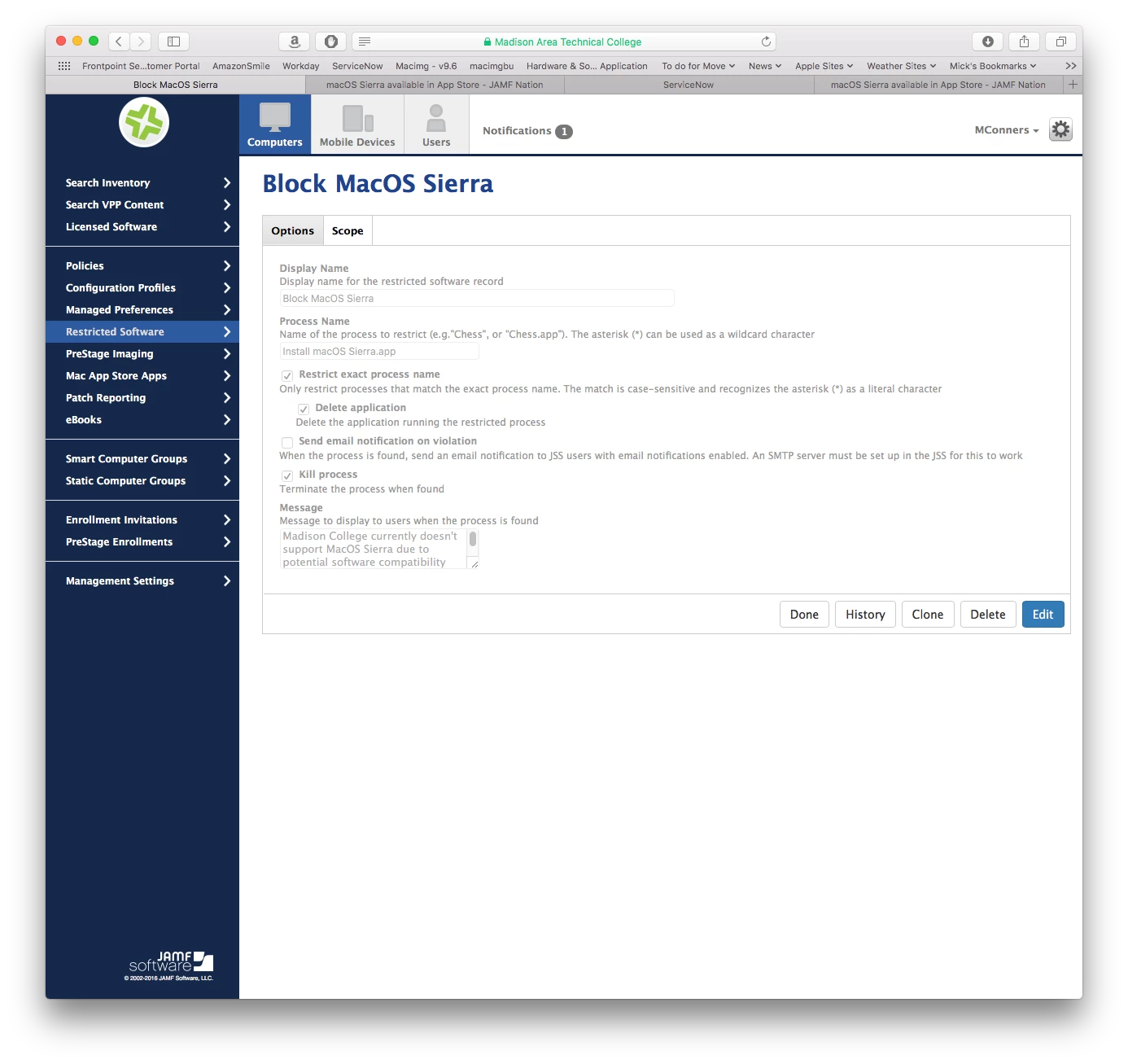
After this, the restrictions began to work for me. Here is a screen shot of what we have in place.

Mick


Forum|alt.badge.img+9
  • Contributor
  • September 20, 2016

I tried that on two different machines. It still will not catch it if the name of the App is different. The process name in Activity Monitor stays the same like it should - Install macOS Sierra I must need more coffee.


Forum|alt.badge.img+9
  • New Contributor
  • September 20, 2016

I am having the exact same issues. I copied and pasted the installer so no typo errors. I also ran jamf manage and jamf recon and still lets me install.


Forum|alt.badge.img+20
  • Valued Contributor
  • September 20, 2016

Strange. I haven't seen this after running those commands. I ran the sudo jamf policy, recon and manage commands in terminal as well. So far, things are being blocked as expected.

Anyone else have thoughts?


Brad_G
Forum|alt.badge.img+16
  • Valued Contributor
  • September 20, 2016

I too didn't get it to work initially. Might have been impatience on my part.

I unchecked the "Restrict exact process name" option and changed it to "Install macOS Sierra" without the .app extension. I figured there shouldn't be anything running with that name anyway.


Forum|alt.badge.img+6
  • New Contributor
  • September 20, 2016

I also was having the same issue. I ended up just using "Install macOS*" and unchecking Restrict exact process name and everything started working. This works fine for me because anything named "Install macOS" should not be running.


daniel_ross
Forum|alt.badge.img+20
  • Jamf Heroes
  • November 11, 2016

The issue were currently seeing is that the policy works but the user can start interacting with it and thus it can start the update process if they are quick enough clicking wise. Our hope was that it would kill it instantly on the computers and display the message.


Forum|alt.badge.img+2
  • New Contributor
  • November 11, 2016

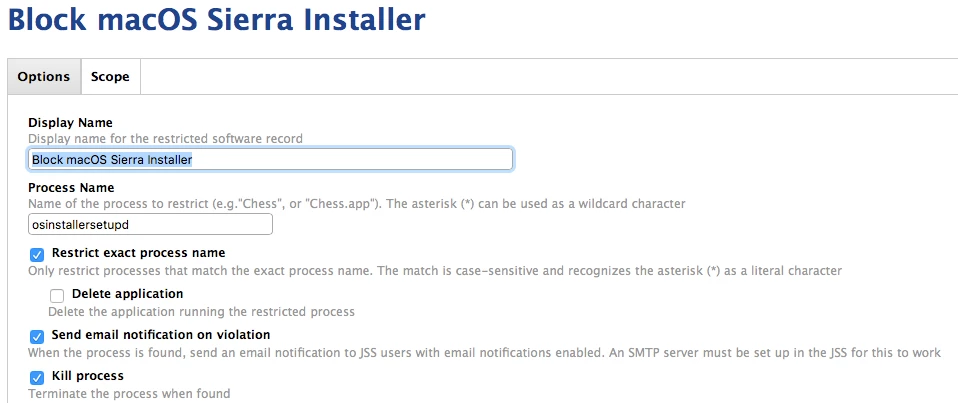
@karthikeyan.mac If you want to block Sierra You can block the process. If you only block the .app you can simply rename the file and still launch it. When you start the install it spawns a process named "osinstallersetupd". Screenshot attached with the configs that I used.