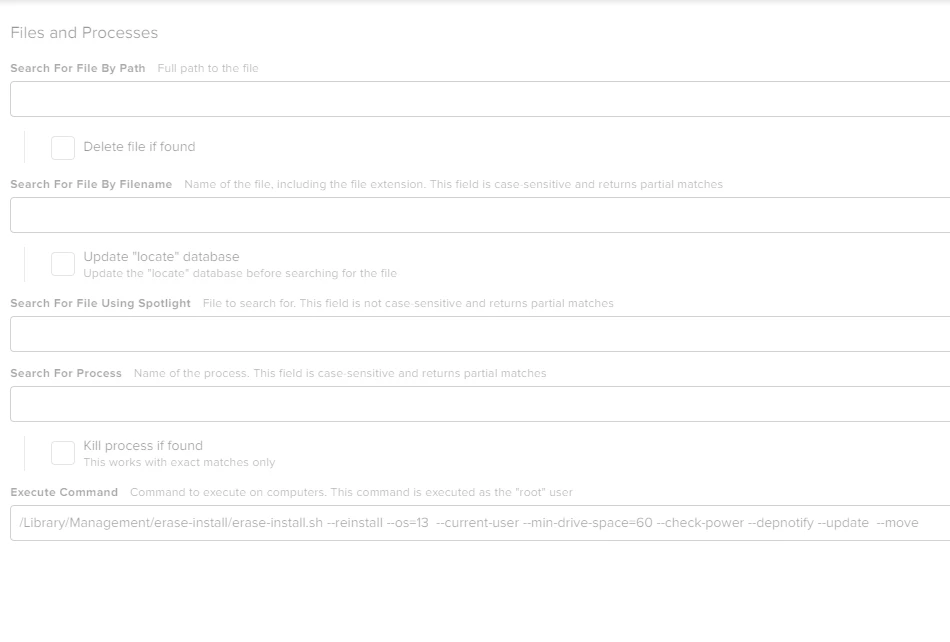
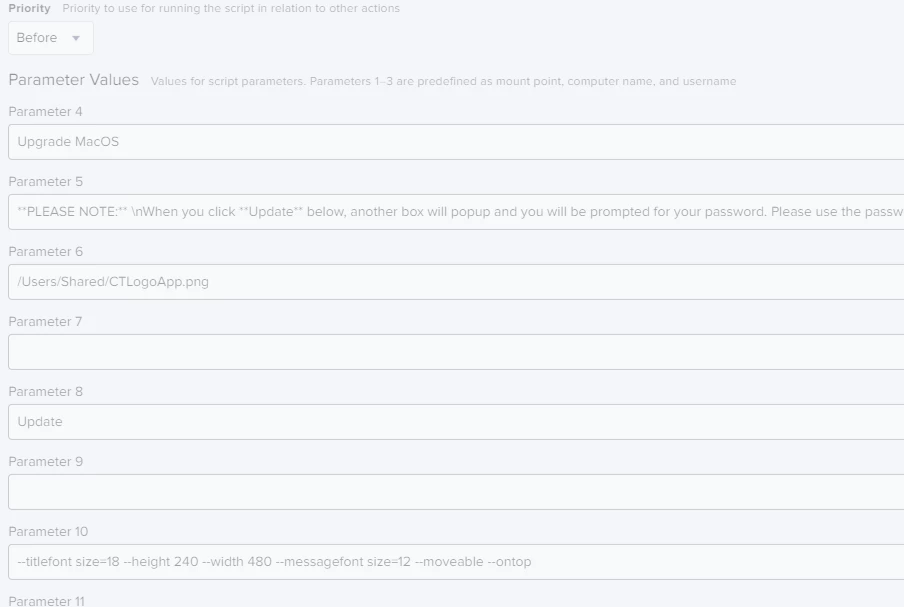
I am working on an Update Script to get our fleet of Macs (M1/M2/Intel) upgraded to Ventura. I am using swiftdialog to notify the users that they may need to input their password and erase-install to actually run the process. I have tested it on 3 or 4 Macs (Apple silicon) and the process worked without a hitch. However, on my last two test machines (we have a variety of hardware configurations) the process fails.
I added the --overwrite and --cleanup-after-use flags but they do not seem to help.
Any idea what I am missing
Here is the script command I am using..
/Library/Management/erase-install/erase-install.sh --reinstall --os=13 --update --overwrite --current-user --min-drive-space=60 --check-power --depnotify --cleanup-after-use
and here is the error in the log...
Result of command:
[erase-install] v27.1 script execution started: Mon Dec 12 08:16:10 CST 2022
[erase-install] Caffeinating this script (pid=1207)
[check_free_space] OK - 447 GB free/purgeable disk space detected
[check_power_status] OK - AC power detected
[erase-install] Looking for existing installer app or pkg
[find_existing_installer] Installer sparse image found at /Library/Management/erase-install/Install_macOS_13.0.1-22A400.sparseimage.
[check_installer_is_valid] Checking validity of .
[check_installer_is_valid] Using DTSDKBuild value from Info.plist
[check_installer_is_valid] Installer Info.plist could not be found!
[check_installer_is_valid] Build of existing installer could not be found, so it is assumed to be invalid.
[erase-install] ERROR: Invalid installer is present. Run with --overwrite option to ensure that a valid installer is obtained.
[erase-install] attempting to terminate the 'caffeinate' process - Termination message indicates success
/Library/Management/erase-install/erase-install.sh: line 1046: 1226 Terminated: 15 /usr/bin/caffeinate -dimsu -w $$
[finish] Script exit code: 1
Thanks,
Matt