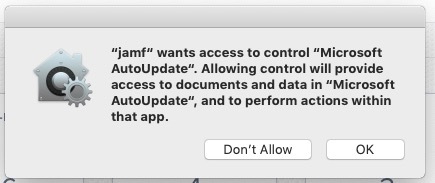
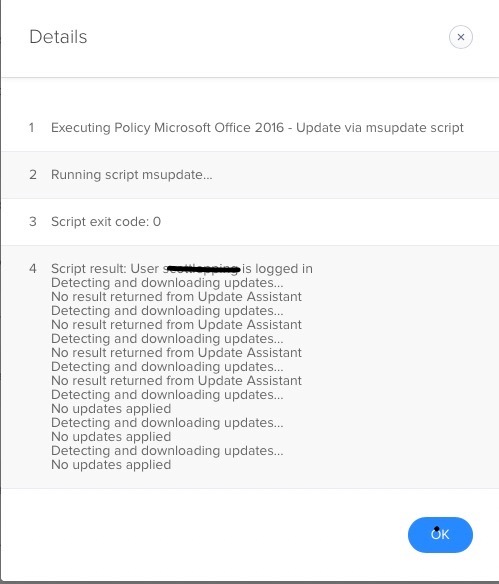
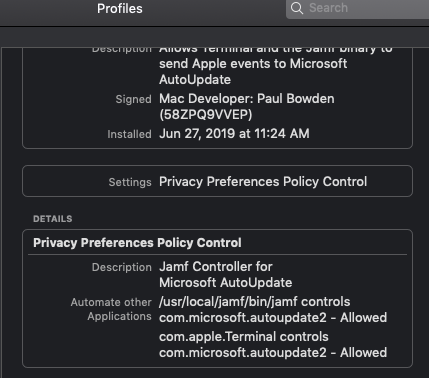
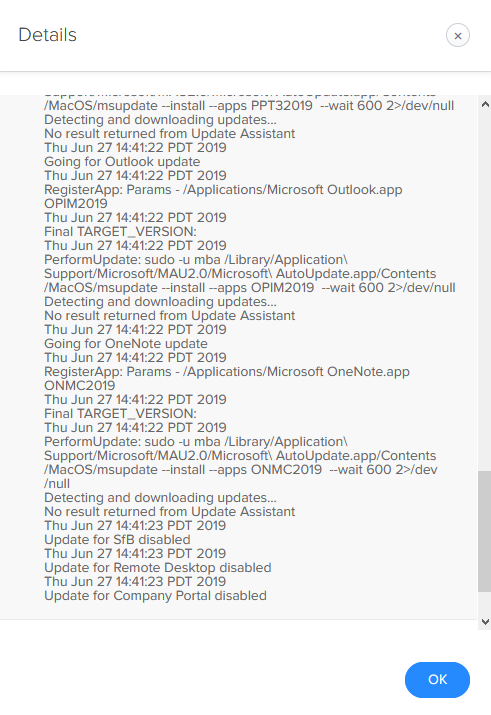
We are doing some testing with 10.14. When our policy to update Office 2016 via the msupdate script runs we receive the following prompt (see screen shot) “jamf“ wants access to control “Microsoft AutoUpdate“. Allowing control will provide access to documents and data in “Microsoft AutoUpdate“, and to perform actions within that app. I clicked OK to allow the process to run. The policy is showing as complete with no errors, but the apps were not updated and I got different output in the logs compared to computers running 10.12-10.13 where no updates were applied even though there are updates available (see other screen shot). I just flushed the policy log to see what happens next time it tries to run.
I just run through System Preferences to see if "jamf" was added to the Security & Privacy>Privacy pane to see if it was given access to Accessibility, Automation, etc....but I don't see it added anywhere.
Any ideas how to avoid this prompt or is it something we will need to live with with the new security in 10.14?