Question

Missing icons

  • August 11, 2017
  • 4 replies
  • 37 views

Forum|alt.badge.img+4

Hello fellow JAMF admins and techs,

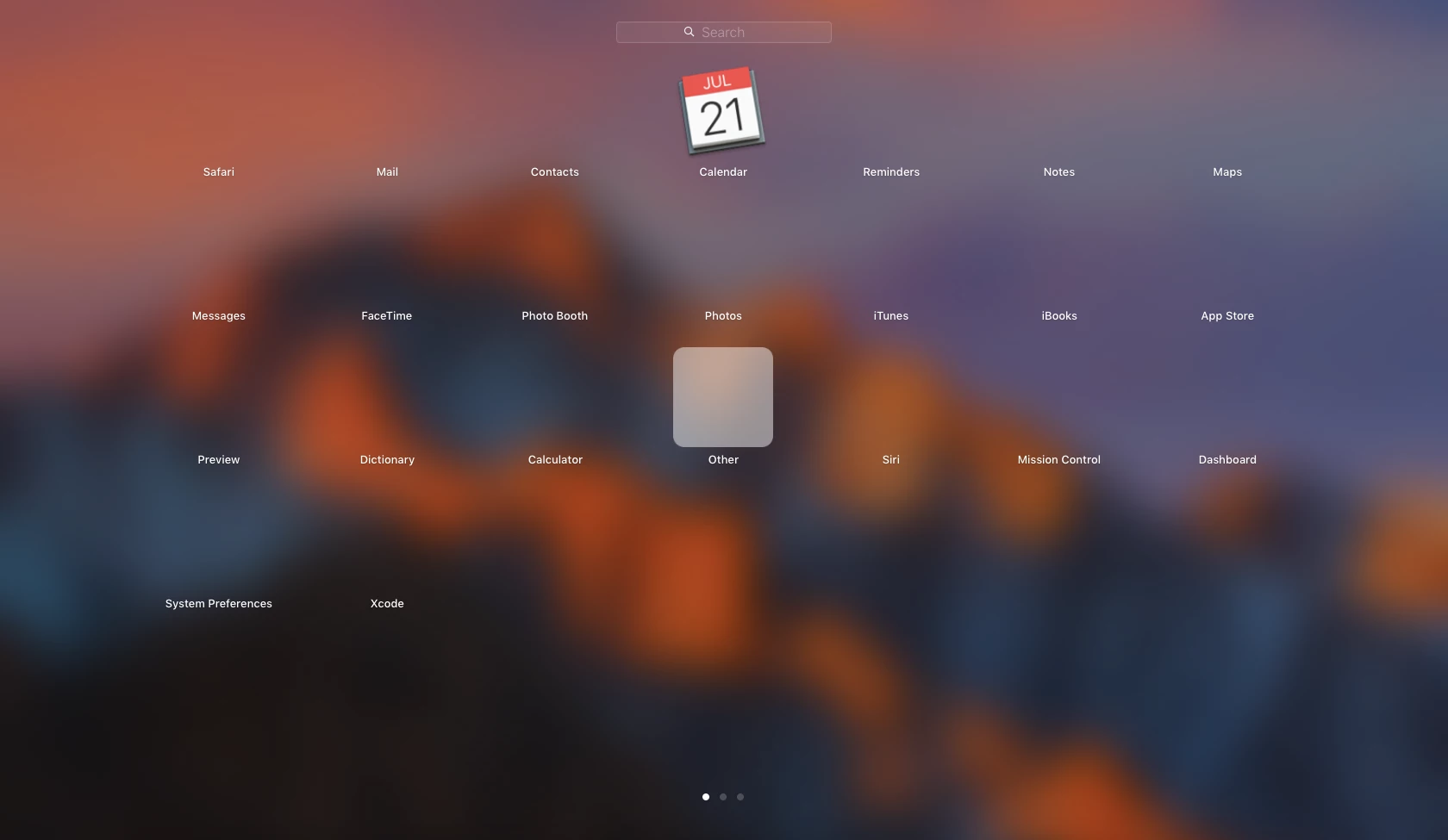
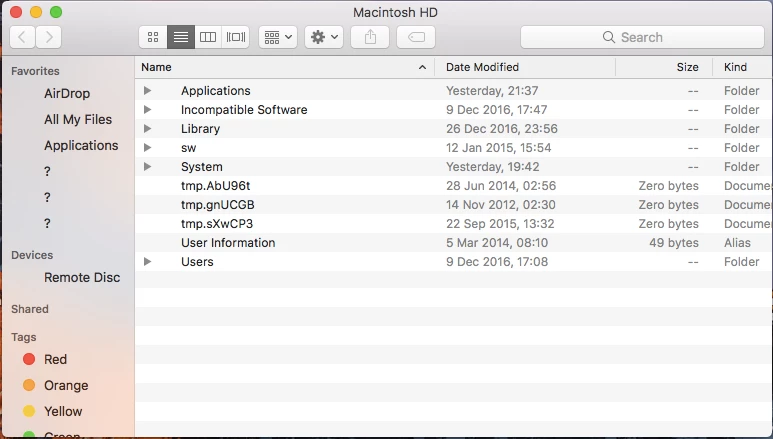
I'm wondering if anyone has experienced this issue before. A user reached out because their icons were missing from the dock and launchpad. A few of the favorite folders in finder are missing as well with question marks replacing them.

We've tried clearing the icon cache, repairing permissions, running "defaults write com.apple.dock ResetLaunchPad -bool true; killall Dock" and re-installing the OS. All getting the same results (no icons).

This only happnes on the user's account, when we created another user account all the icons are there.

Hopefully someone can hlep me out this tiank.

4 replies

Forum|alt.badge.img+9
  • Valued Contributor
  • August 11, 2017

Makes me think that their User profile/Home directory is corrupt. This happened a lot in the Windows world. Is it too much to create them a new account, them move/migrate all their data over to this new one?


therealmacjeezy
Forum|alt.badge.img+5

Yeah, it looks like their user account is all messed up. If you can like @steve.summers mentioned, move their data (all but the user library since I'd bet that's where the corruption is at) to a new account.


Forum|alt.badge.img+14
  • Valued Contributor
  • August 13, 2017

@lstrm I have run into a similar issue once before. I use a program called Maintenance to repair the issue - it is really hit or miss.

https://www.titanium-software.fr/en/maintenance.html

Pick you OS and run it with all boxes checked (it will take sometime). Let me know if it works.


Forum|alt.badge.img+4
  • Author
  • Contributor
  • August 16, 2017

Thanks for the response all. I'm trying to avoid moving the data since the user is remote. I'll try @jared_f 's method and we'll see how it goes from there. Thanks again!