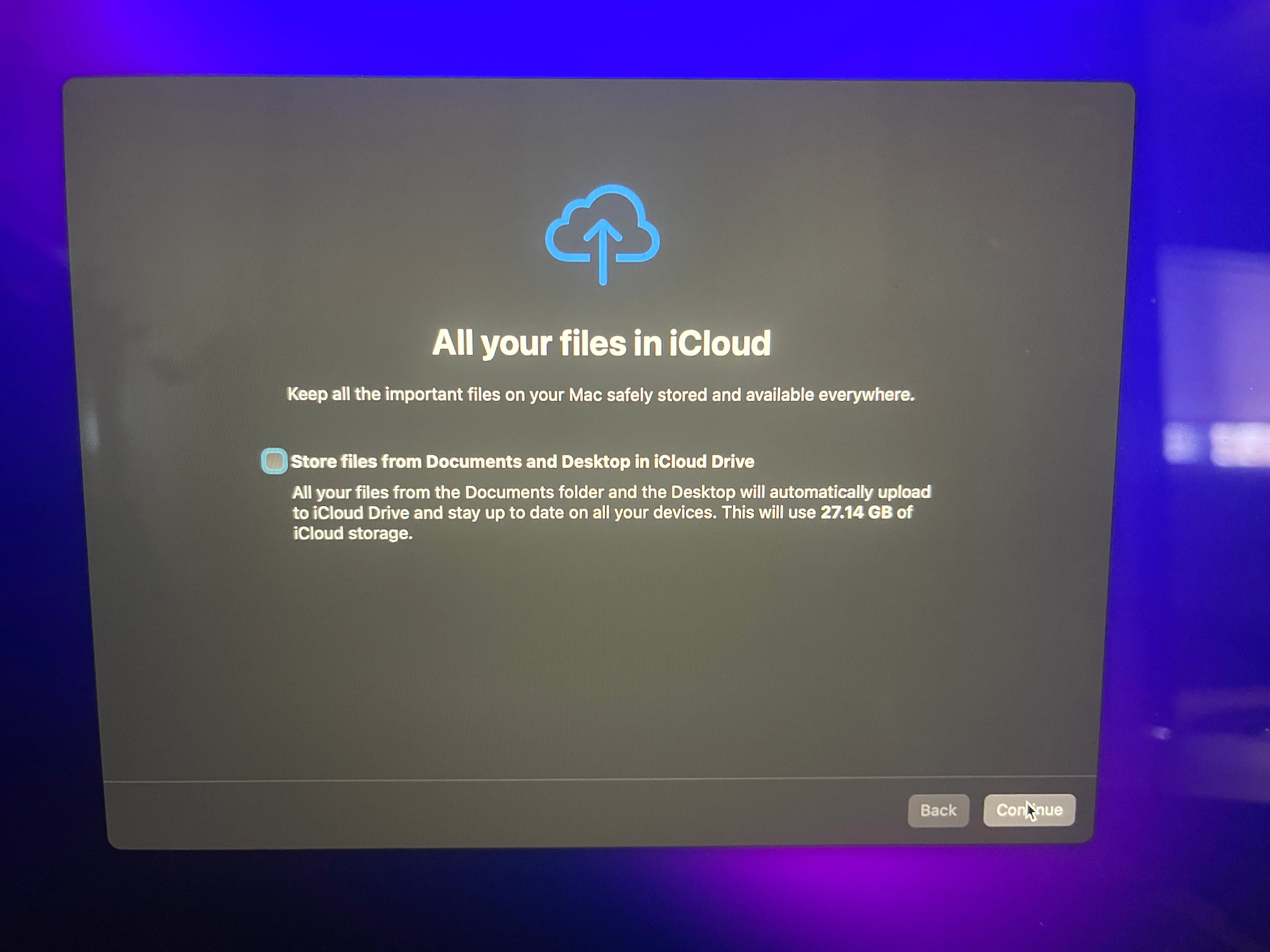
We are performing an upgrade in place on a big sur mac and on first log in user was prompted to store files in iCloud.
This is on a JAMF enrolled mac.
We would like to disable this prompt from existing workstations that are being upgraded to Monterey. We do not want to disable iCloud at all, just the first run option to store files there.
Can this be disabled?
Best answer by GuyK
this is specifically for an upgrade in place. an existing install upgrading to Monterey.
Have you tried using a Restrictions profile? Or does the upgrade override the profile (which would be weird)? The profile I'm talking about can be found: Restrictions > Functionality > somewhat in the middle of the list > Allow iCloud Desktop & Documents.
this is specifically for an upgrade in place. an existing install upgrading to Monterey.
Have you tried using a Restrictions profile? Or does the upgrade override the profile (which would be weird)? The profile I'm talking about can be found: Restrictions > Functionality > somewhat in the middle of the list > Allow iCloud Desktop & Documents.
Have you tried using a Restrictions profile? Or does the upgrade override the profile (which would be weird)? The profile I'm talking about can be found: Restrictions > Functionality > somewhat in the middle of the list > Allow iCloud Desktop & Documents.
I did not try that. I will test today. thanks for the idea!
I did not try that. I will test today. thanks for the idea!
Just ensure your users aren't using that functionality as that will completely disable that versus just hiding a prompt. If these are shared user devices i.e. lab then that's not an issue.
A login window config profile can also hide these prompts, but 10.32 only shows Apple ID and Siri as options. A custom profile can applied. Profile Creator has a Setup Assistant payload available.
As @atomczynski11 mentioned above you should really have this checked in your pre-stage as not only will it effect the initial setup assistant it will trickle down to in-place upgrades as well. iPadOS/iOS behave the same as well.
Just ensure your users aren't using that functionality as that will completely disable that versus just hiding a prompt. If these are shared user devices i.e. lab then that's not an issue.
A login window config profile can also hide these prompts, but 10.32 only shows Apple ID and Siri as options. A custom profile can applied. Profile Creator has a Setup Assistant payload available.
As @atomczynski11 mentioned above you should really have this checked in your pre-stage as not only will it effect the initial setup assistant it will trickle down to in-place upgrades as well. iPadOS/iOS behave the same as well.
We dont currently use auto enrollment at all. So prestage options isnt a solution for us at this time.
That said, the restriction profile seems to work great. The prompt simply didnt appear on a test upgrade, which is what we want. I understand your point about users that may already have this settings. We will keep that in mind.
I will also look into login window option as well, but we like the idea of restricting this as a global setting, so this may be our solution.
I have the exact opposite problem where I want all my files in the cloud to show for our users during enrollment and first login, I have the box unchecked but its not showing that one screen.