It's finally here!
Hello everyone! I'm so excited to announce the release of MUT v6.0.0! MUT v6 is a collaboration between myself, a few other Jamf's and even a community member who submitted a PR on Github!
MUT v6 includes code from a whopping FIVE (5) contributors now, and resolved eight (8) filed Issues on GitHub.
As always with MUT, I strongly recommend trying out a small, test run of just a few devices before doing a massive update to your entire fleet. MUT is a very powerful tool, and while I've done plenty of testing, it is good to be careful, especially with a change as massive as this.
Changelog:
- Added "Classic Mode" fallback when a Group or Prestage update failed due to CSV issues
- Added ability to leverage new API endpoint for enforcing and unenforcing Mobile Device Names (requires Jamf Pro 10.33+)
- Added ability to update Is Leased
- Various bugfixes and optimizations
Known Issues
- There should be a more verbose feedback if a user attempts to enforce a mobile device name, but is not on Jamf Pro 10.33+. I would like to add a popup/alert for this.
Classic Mode Details
The MUT v5 used a new method to update groups and prestages. This new method was far more efficient, but required the CSV to be perfect. Any lines with devices that were already in scope, or no longer in the environment would cause the entire update run to fail. Because of this, MUT Classic was made available, which updated group or prestage line-by-line, just as MUT v4 did.
These line-by-line submissions are far less efficient, and take significantly longer, but if there is a bad line in the CSV, MUT will simply skip over it and move on.
Now, in MUT v6, you get the best of both worlds. MUT v6 will initially attempt the new, more efficient update method, but on the off chance that it fails, you will be presented with the option to attempt a "Classic Mode" update.
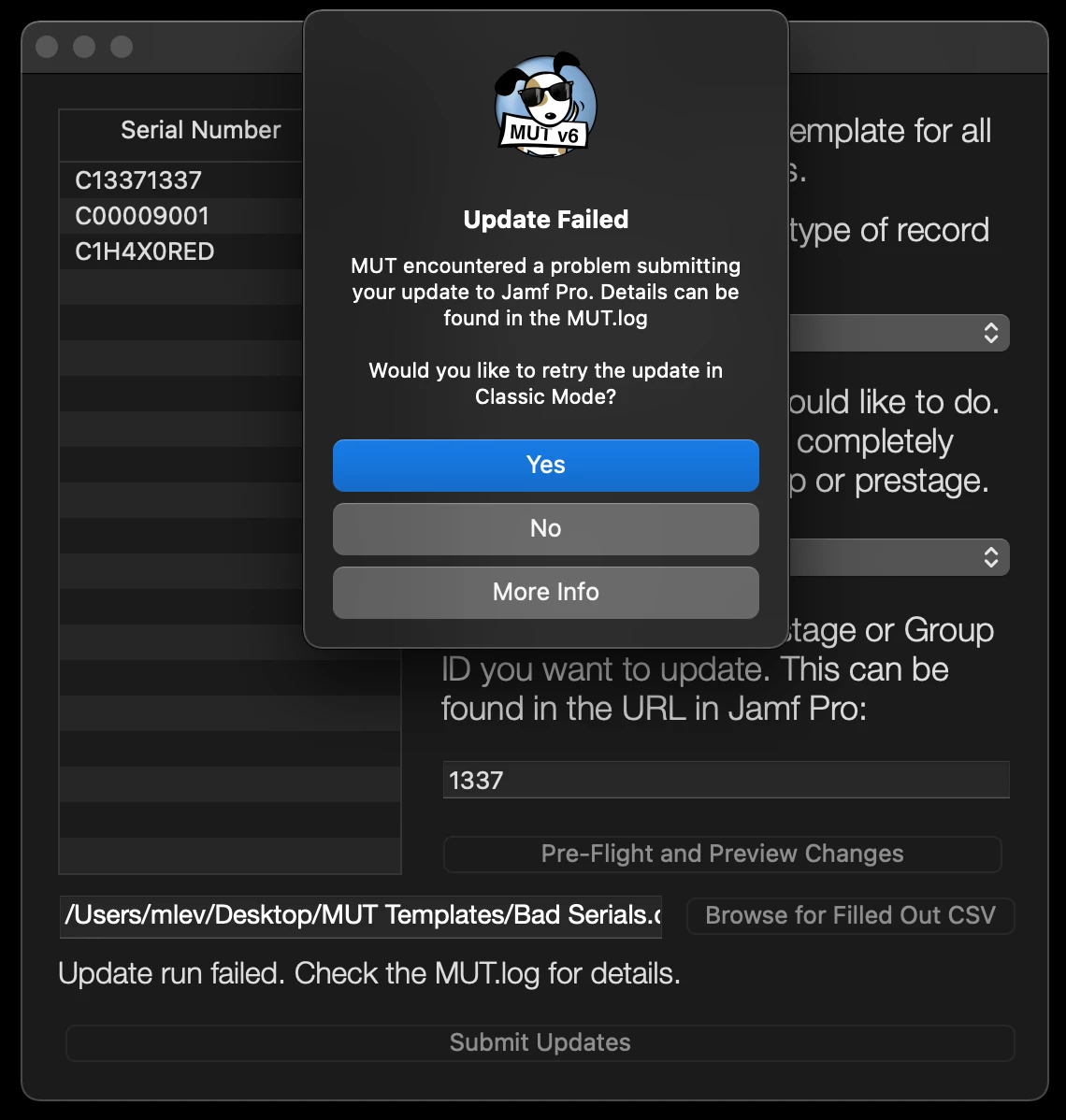
It is important to note that incorrect lines will still fail with this Classic Mode, but those lines will be reported in the MUT.log for later review, and any other lines will still go through successfully.
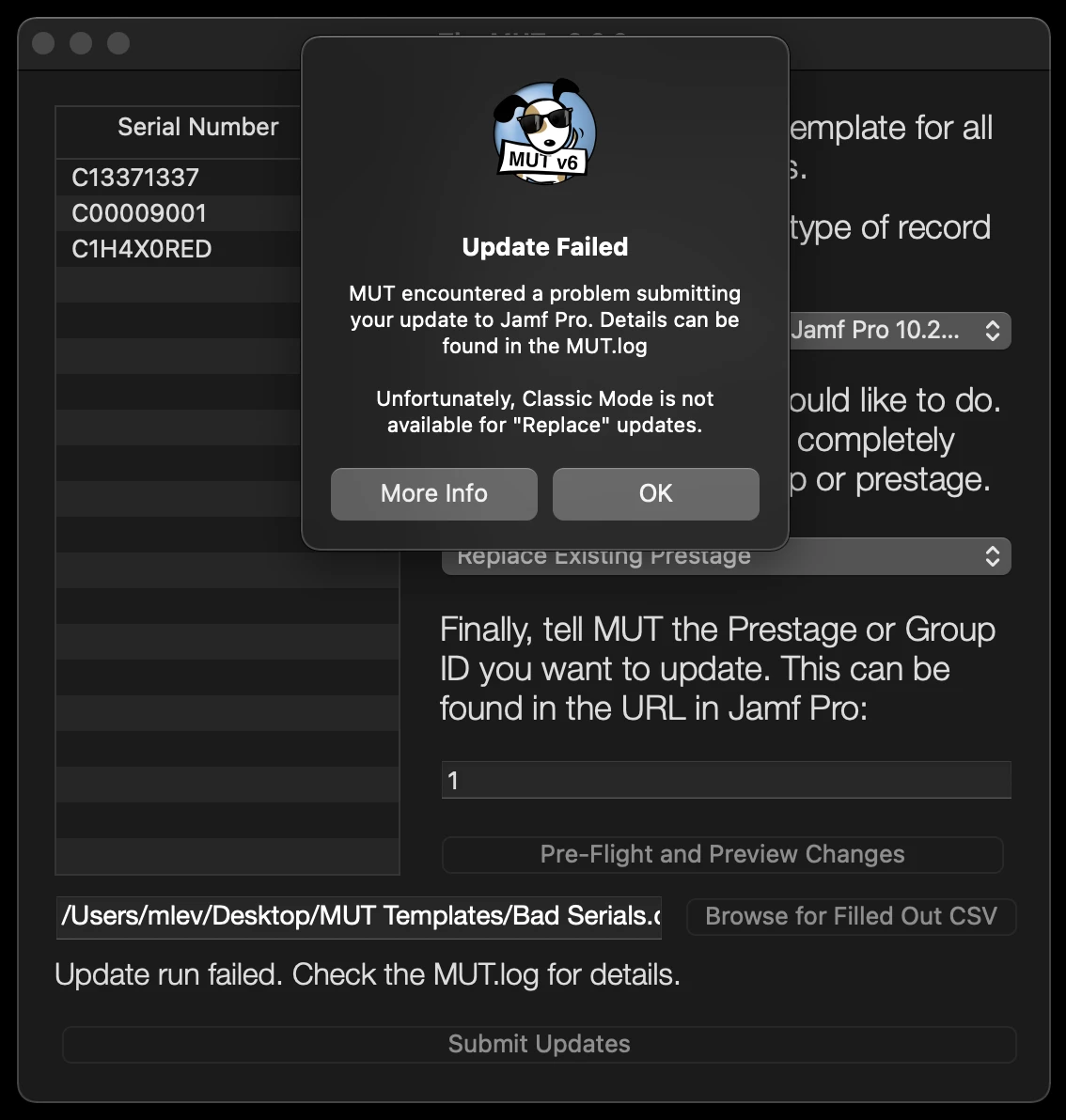
It is important to note that Classic Mode is not compatible with "Replace" update attempts via MUT, as the entire Group or Prestage would simply be replaced with the last working line of the CSV.
Enforce Name Details
Once upon a time, MUT enforced names with no issue. Some API changes made this far more difficult, but as of Jamf Pro 10.33, there is an endpoint which allows for the Enforce Name checkbox to be checked or unchecked via the Jamf Pro API.
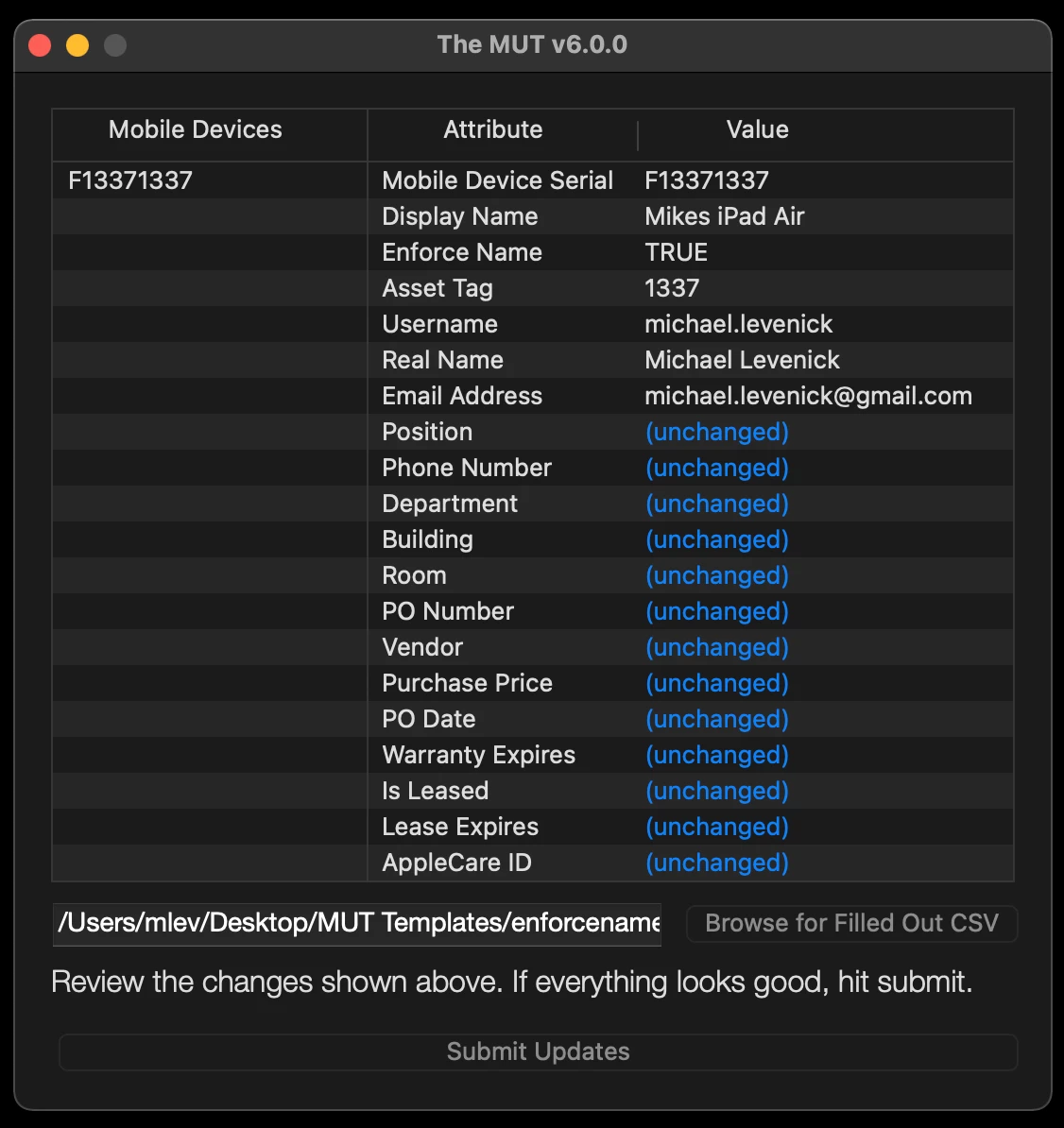
MUT v6 can leverage this endpoint, and can allow you to either enforce or unenforce the name of your Mobile Device. There is a new "Enforce Name" field in the Mobile Devices template, and this field accepts a boolean value of TRUE or FALSE. These updates can be done on their own, or in combination with any other updates.
Intro and Usage Video
Useful Links