Question

Need help to configure Jamf protect: npm install take 3 times longer

  • December 9, 2025
  • 1 reply
  • 51 views

szap

Hi everyone,

I'm currently trying to deploy Jamf Protect across my company, where about 90% of the users are developers.
Since deploying Protect, we have noticed a massive slowdown during npm install — installation time is multiplied by 4 to 5, depending on the machine and project.

To try to fix this, I added the following exceptions:

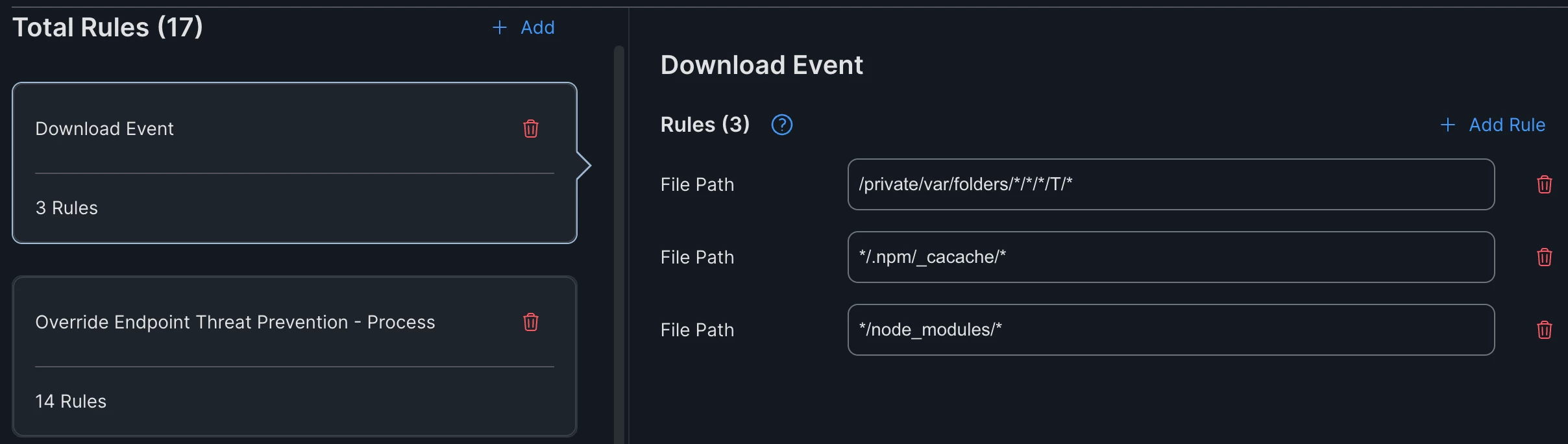
  • Download Event exclusion

  • Override Endpoint Threat Prevention – Process exclusions
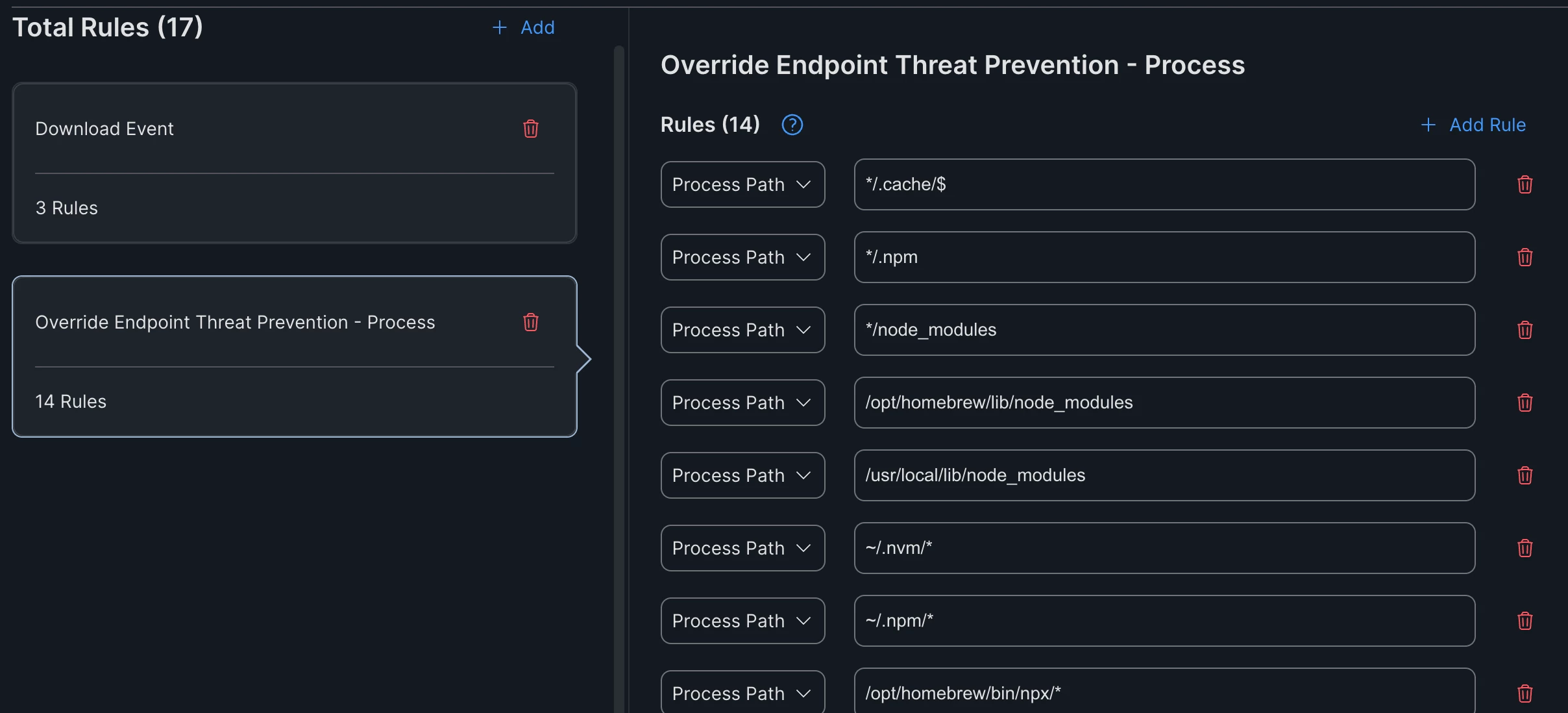
However, instead of improving performance, these exclusions seem to make the scan even slower.

Has anyone experienced similar slowdowns with Protect during package-heavy operations (npm, yarn, brew, Xcode builds, etc.)?
Do you have recommendations for:

  • the correct type of exceptions to configure,

  • paths or processes that should be excluded,

  • or general best-practices for developer-heavy environments?

Any help would be greatly appreciated — this is currently blocking our deployment.

Thanks!

1 reply

h1431532403240
Forum|alt.badge.img+6

Hi,

This is a common challenge when deploying endpoint security in developer-heavy environments. The slowdown you're experiencing is because npm install creates thousands of small files in node_modules, and Jamf Protect's Threat Prevention scans each file as it's written.

The issue with your current exclusions:

Looking at your screenshots, you've configured "Download Event" and "Override Endpoint Threat Prevention - Process" exclusions. However, these exclusion types may not be the most effective for your use case:

  • Download Event exclusions only apply to files flagged with a quarantine attribute (typically browser downloads). npm packages don't get this flag, so these exclusions won't help.
  • Override Endpoint Threat Prevention - Process is for allowing specific processes that would otherwise be blocked by Threat Prevention - it doesn't reduce scanning overhead.

What you should use instead - "Ignore System Events for Analytics":

This exception type is specifically designed to optimize performance by telling Jamf Protect to skip monitoring for trusted locations and processes entirely. This is what will actually reduce the I/O overhead during npm install.

Recommended exclusions for developer environments:

File Paths (Ignore System Events):

  • */node_modules/*
  • */.npm/*
  • */.npm/_cacache/*
  • */.nvm/*
  • */.yarn/*
  • */.pnpm/*
  • /private/var/folders/*/*/T/*
  • ~/Library/Caches/Homebrew/*
  • ~/Library/Developer/Xcode/DerivedData/*

Process Paths (Ignore System Events):

  • /usr/local/bin/node
  • /opt/homebrew/bin/node
  • /opt/homebrew/bin/npm
  • /opt/homebrew/bin/yarn

Additional recommendations:

  1. Use the jp_event_analysis tool to identify exactly which processes/paths are generating the most activity on your developer machines. This helps create targeted exceptions. See: https://github.com/jamf/jamfprotect
  2. Enable "Jamf Managed Default Exceptions" if you haven't already - this includes common exclusions maintained by Jamf.
  3. Consider creating a separate Plan for developers with these broader exclusions, while keeping stricter policies for non-developer users.
  4. Documentation reference: https://docs.jamf.com/jamf-protect/documentation/Exceptions.html

Hope this helps unblock your deployment!