Question

No Connection to Camera

  • March 16, 2020
  • 2 replies
  • 16 views

Forum|alt.badge.img+8

I have been troubleshooting issues on my student's Macbook Airs where the camera will not work and shows the error message: "There is no connected camera."

Various forums have suggested that if you use Jamf you may need to create a policy to explicitly allow access to the camera.

How is this done?

2 replies

sharriston
Forum|alt.badge.img+10
  • Valued Contributor
  • March 17, 2020

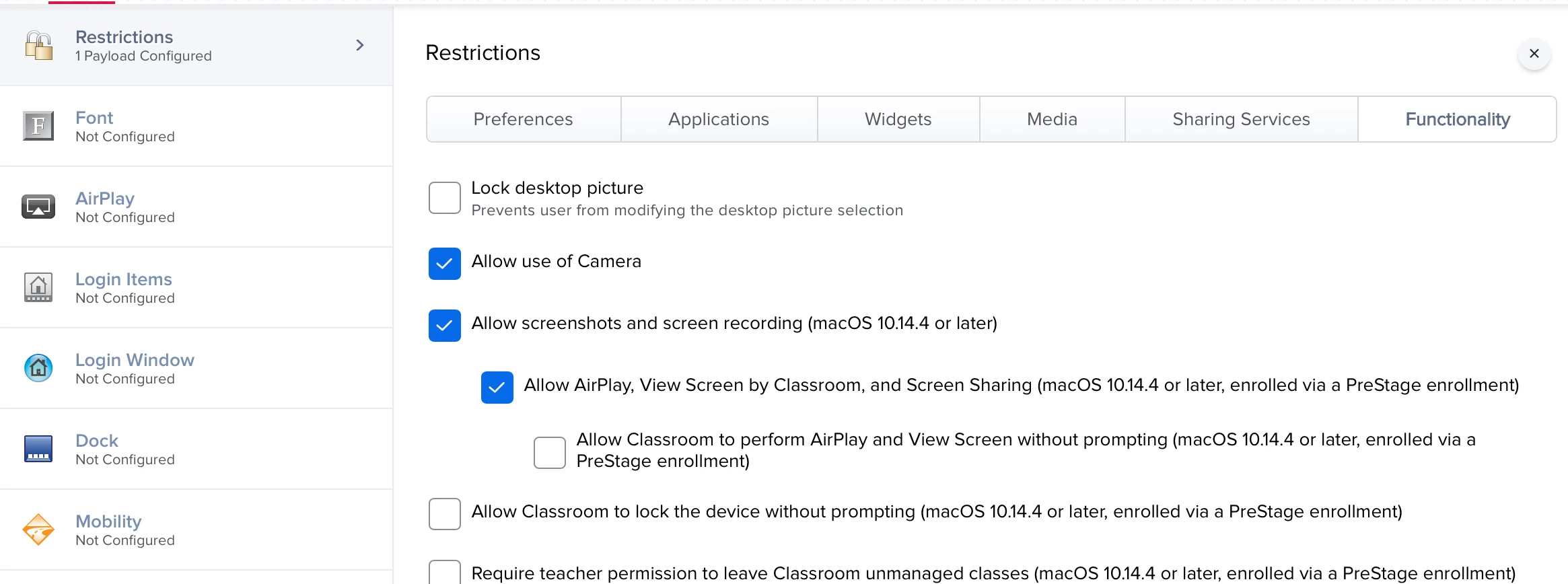
So if you have a config profile with the Restrictions payload activated, you would go to the Functionality Tab and check Allow Camera. I would check your config profiles with restrictions enabled to see if thats causing it, however more likely they need to perform a PRAM reset. Whenever the camera loses it's connection like that PRAM reset will resolve the issue. Hope this helps and good luck.


Forum|alt.badge.img+8
  • Author
  • Valued Contributor
  • March 17, 2020

I had a config profile that disallowed use of the camera that I didn't notice because it had a name like "System Preference Restrictions" or something like that. I renamed it to "One Million Restrictions" and allowed the camera in it. Why does the restrictions payload have to have soooo many things in it?