Solved

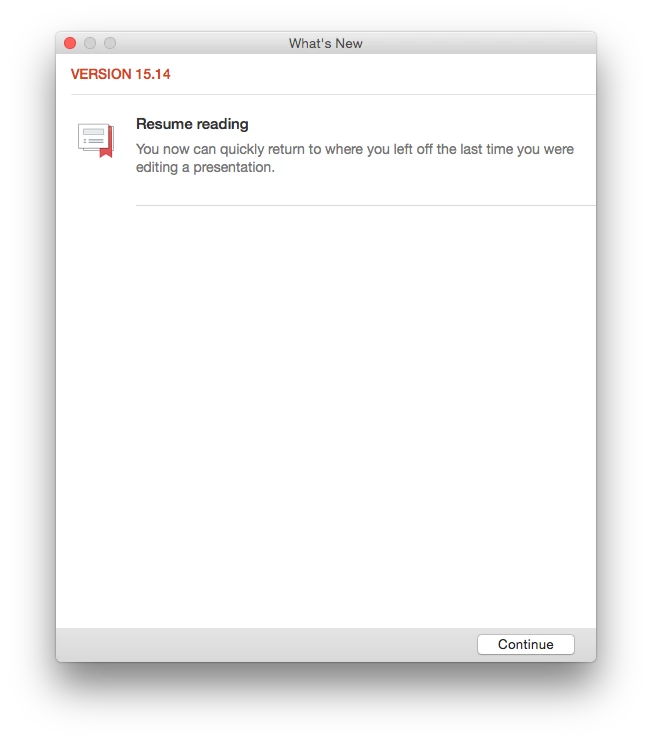
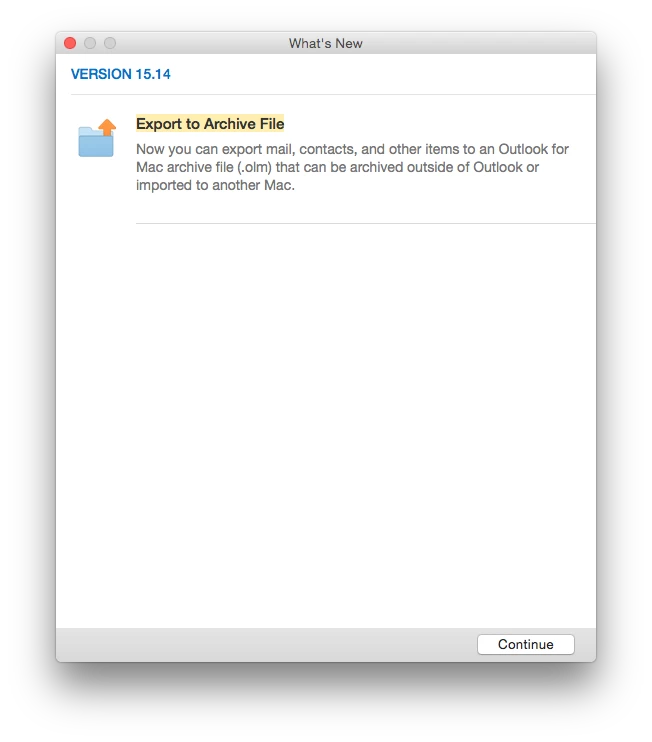
Now that Office 2016 (15.14.0) is out, anyone know how to suppress this dialog?

  • September 19, 2015
  • 50 replies
  • 224 views

Show first post

50 replies

Forum|alt.badge.img+6
  • Contributor
  • October 28, 2015

Thanks for that. I should have been more specific and asked where the plist file was. After a little bit of digging I found it. Make sure to update and launch each app before looking in each plist.

Word
~/Library/Containers/com.microsoft.Word/Data/Library/Preferences/com.microsoft.Word.plist

Excel
~/Library/Containers/com.microsoft.Excel/Data/Library/Preferences/com.microsoft.Excel.plist

PowerPoint
~/Library/Containers/com.microsoft.Powerpoint/Data/Library/Preferences/com.microsoft.Powerpoint.plist

Outlook
~/Library/Containers/com.microsoft.Outlook/Data/Library/Preferences/com.microsoft.Outlook.plist

OneNote
~/Library/Containers/com.microsoft.onenote.mac/Data/Library/Preferences/com.microsoft.onenote.mac.plist

After installing the latest version of OneNote, OUIWhatsNewLastShownLink doesn't appear in the com.microsoft.onenote.mac.plist file for me.


Forum|alt.badge.img+2
  • New Contributor
  • October 28, 2015

You can also get key info by running defaults on the domain without a path. Defaults is aware of the possible locations to store app preferences and will run thru the gamut looking for a matching domain. Supplying the full path doesn't hurt though.

defaults read com.microsoft.Excel OUIWhatsNewLastShownLink
defaults read com.microsoft.Outlook OUIWhatsNewLastShownLink
defaults read com.microsoft.Powerpoint OUIWhatsNewLastShownLink
defaults read com.microsoft.Word OUIWhatsNewLastShownLink


Forum|alt.badge.img+6
  • Contributor
  • October 28, 2015

Excellent, even better!

I needed the path for those to work for me.


Forum|alt.badge.img+9
  • Valued Contributor
  • November 3, 2015

I take it nobody 'cracked the code' as to how the "OUWhatsNewLastShowLink" is determined?
It would be nice if we could generate these based on the version of the apps and not have to change them every time there is an update....
(would be far too easy for us if it was a build number)


Forum|alt.badge.img+8
  • Valued Contributor
  • December 16, 2015

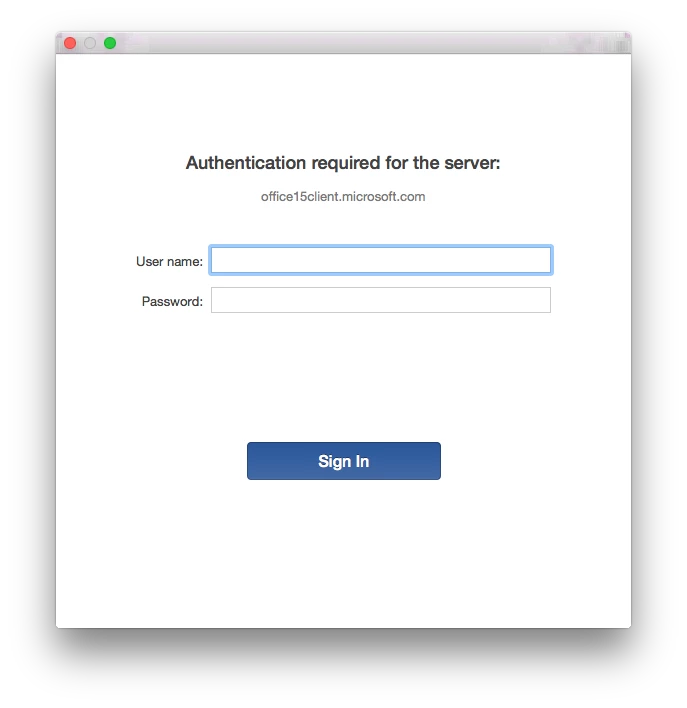
Can anyone share how they suppressed the requests for proxy authentication during the launch of Excel & Word?


donmontalvo
Forum|alt.badge.img+36
  • Author
  • Hall of Fame
  • January 12, 2016

Just want to leave this nugget here, HUGE kudos to @eholtam:

https://osxbytes.wordpress.com/2015/09/17/not-much-whats-new-with-you/


Forum|alt.badge.img+2
  • New Contributor
  • January 12, 2016

@kstrick It appears it's dynamically created, probably close to build time, as you can access the content of the latest What's New info using a forward link of http://go.microsoft.com/fwlink/?linkid=####### where ####### is the value of the OUIWhatsNewLastShownLink. http://go.microsoft.com/fwlink/?linkid=717793 shows PowerPoint 15.18's What's New content. Since there are other things that use that forward linking URL I'm guessing it's just dependent on what else was generated between builds. I'm asking the MS Software Engineer in Slack but haven't heard back yet.

@donmontalvo Thanks for the recognition. As a disclaimer I try and keep those profiles updated though OneNote is a little behind as I don't have that app to monitor. I may need to pull that one out.


Forum|alt.badge.img+9
  • Valued Contributor
  • January 12, 2016

@eholtam Thanks, that makes sense...


Forum|alt.badge.img+7
  • Contributor
  • January 12, 2016

Correct me if I'm wrong but I thought Microsoft removed the need to make the change for the "OUIWhatsNewLastShownLink" value in the enterprise version. We haven't touched that setting since the 15.15 update and we still don't see the "What's New" pop-ups come up.


Forum|alt.badge.img+2
  • New Contributor
  • January 12, 2016

@dilan That's true if you installed the Office suite as a volume license. Those with an Office 365 subscription still see the dialogs.


donmontalvo
Forum|alt.badge.img+36
  • Author
  • Hall of Fame
  • January 13, 2016

@eholtam so does this mean we can use the 15.15 settings going forward through new versions?


Forum|alt.badge.img+2
  • New Contributor
  • January 13, 2016

@donmontalvo I don't use the VL installer in production so I don't have a test base but it sounds like it. But always test and verify in your environment.


Forum|alt.badge.img+7
  • Contributor
  • January 13, 2016

@donmontalvo We stopped using the entire "what's new" command all together after 15.15 and we don't see any pop-ups with all apps except for OneNote. I will confirm this tomorrow to be certain as it's been a while since I've done a new Office 2016 deployment. Again, this IS with the VL version.


Forum|alt.badge.img+10
  • New Contributor
  • January 13, 2016

whats new doesn't show for VL licenced apps after v15.15
no need for these keys anymore
feed back from admins -> MS was that VL customers generally disable these nag screens anyway so how about we just don't show them unless we specifically want to show them. in which case there is a key you can set to explicitly show them

all in the slack #microsoft-office


donmontalvo
Forum|alt.badge.img+36
  • Author
  • Hall of Fame
  • January 13, 2016

Thanks for the valuable guys, unfortunately work gets in the way of keeping up with the Slack'ers. :D:D:D

Something tells me I'm'a gonna owe a whole lot'a beers to folks at the next JNUC.

Don


Forum|alt.badge.img+17
  • Honored Contributor
  • January 13, 2016

@jazzyj : We are seeing those popups too. There is an open case with MS, but they didn't fix it and ATM it seems as if they don't want to move forward with this one... If you want a reference, here is our case ID: REG:115090213123401


Forum|alt.badge.img+7
  • Contributor
  • January 13, 2016

@donmontalvo Just to completely confirm, I just tested a new deployment with the latest 15.18 updates NOT using the "what's new" command and all is gravy. OneNote still shows the "What's New" pop-up but all other apps launch without pop-ups.

And just as a disclaimer... this was with the volume license version of Office.


Forum|alt.badge.img+10
  • New Contributor
  • January 13, 2016

@m.entholzner Which pop ups? There are two.

Theres the Whats New.

Then theres the first run pop up which asks you to select a colour theme. Classic or Colourful i believe are the options.

The whats new pop ups are disabled as of 15.15 for VL - even if you install the sku-less retail 0365 installer and then use the VL serialiser to licence for VL.

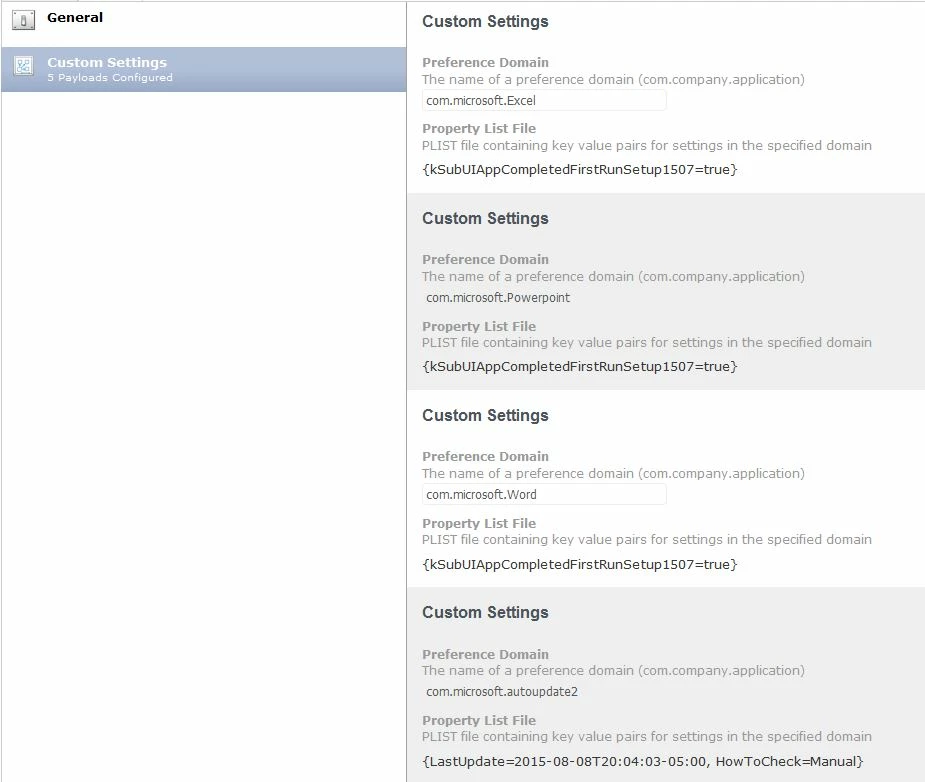
The first pop up about the colour theme can be disabled with the following key that can be put into a profile

kSubUIAppCompletedFirstRunSetup1507 -bool TRUE

Thats a per app key, so you would need to include that key in each apps pref domain


Forum|alt.badge.img+17
  • Honored Contributor
  • January 14, 2016

@calumhunter : none of these :) I talked about the proxy popup that @jazzyj mentioned in this post a few lines above... https://jamfnation.jamfsoftware.com/discussion.html?id=17013#responseChild108130


Forum|alt.badge.img+8
  • Contributor
  • June 16, 2016

Hi All,

I am trying to block the What's new popup on first use on Word 2016 (and Excel/PowerPoint)

So I have done this (for Word)
defaults write /System/Library/User Template/Dutch.lproj/Library/Containers/com.microsoft.Word/Data/Library/Preferences/com.microsoft.Word.plist kSubUIAppCompletedFirstRunSetup1507 -bool true

defaults write /System/Library/User Template/Dutch.lproj/Library/Containers/com.microsoft.Word/Data/Library/Preferences/com.microsoft.Word.plist OUIWhatsNewLastShownLink -string 708559

defaults write /System/Library/User Template/Dutch.lproj/Library/Containers/com.microsoft.Word/Data/Library/Preferences/com.microsoft.Word.plist SendAllTelemetryEnabled -bool false

defaults write /System/Library/User Template/Dutch.lproj/Library/Containers/com.microsoft.Word/Data/Library/Preferences/com.microsoft.Word.plist "14OptionsHide Welcome Dialog" -bool true

I can see the files are put in the User environment But when I start Word I still get to see the What's new dialog.. And after closing my setting "SendAlltelemetry" is set back to true (as is 1)

I have tested this with version 15.17

Many thanks


Forum|alt.badge.img+10
  • Contributor
  • June 16, 2016

We use a custom Configuration profile applied at the User Level.


Forum|alt.badge.img+8
  • Contributor
  • June 16, 2016

Ok,

I am changing the wrong file location....

I have seen the files at ~/Library/Containers/com.microsoft.........
But when I set the plist at ~/Library/Preferences is works.. Will work on this ..

Monday more time :)


spalmer
Forum|alt.badge.img+23
  • Valued Contributor
  • June 16, 2016

@rblaas As mentioned by @donmontalvo earlier in this discussion you can also write these settings/plists to /Library/Preferences/. Using this location would affect all users.


Forum|alt.badge.img+8
  • Contributor
  • June 20, 2016

@spalmer

Missed that one.

Thanks for mentioning it again :)


Forum|alt.badge.img+8
  • Contributor
  • June 20, 2016

Did anyone figure out how to set the option for not showing the Gallery?

in Office 2011 we would set :
com.microsoft.office "14File New StateFNXCEL" -int 0 (for Excel)

But I can seem to find what option I must set in 2016..

thanks in advance

EDIT: Also this option (for default saving on local machine in stead of cloud)
defaults write $HOME/Library/Group Containers/UBF8T346G9.Office/com.microsoft.officeprefs.plist DefaultsToLocalOpenSave -bool TRUE

I want this to be default for new user...