Question

Nudge Launch Agent Configuration Help

  • October 10, 2023
  • 3 replies
  • 59 views

Forum|alt.badge.img+5

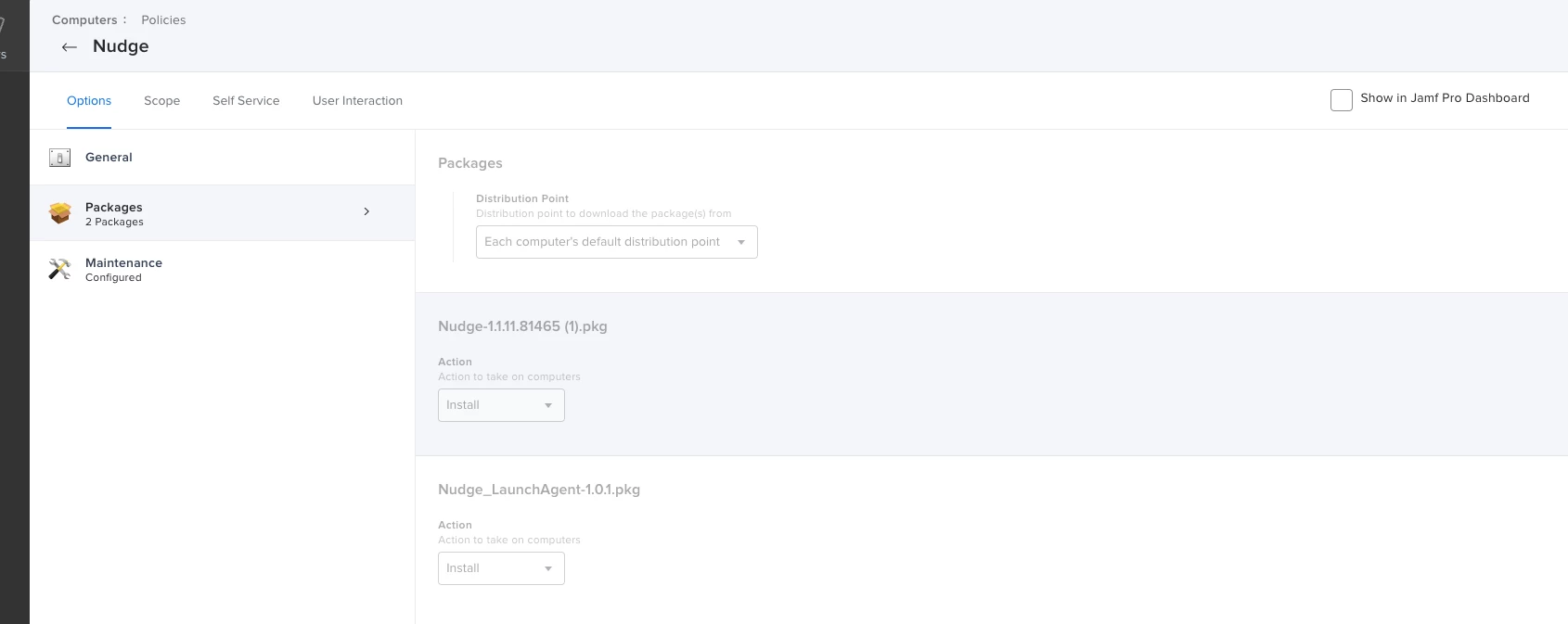
I am trying to get Nudge rolled out to our users. So far it has been pretty good, although the setup documentation leaves a lot to be desired.

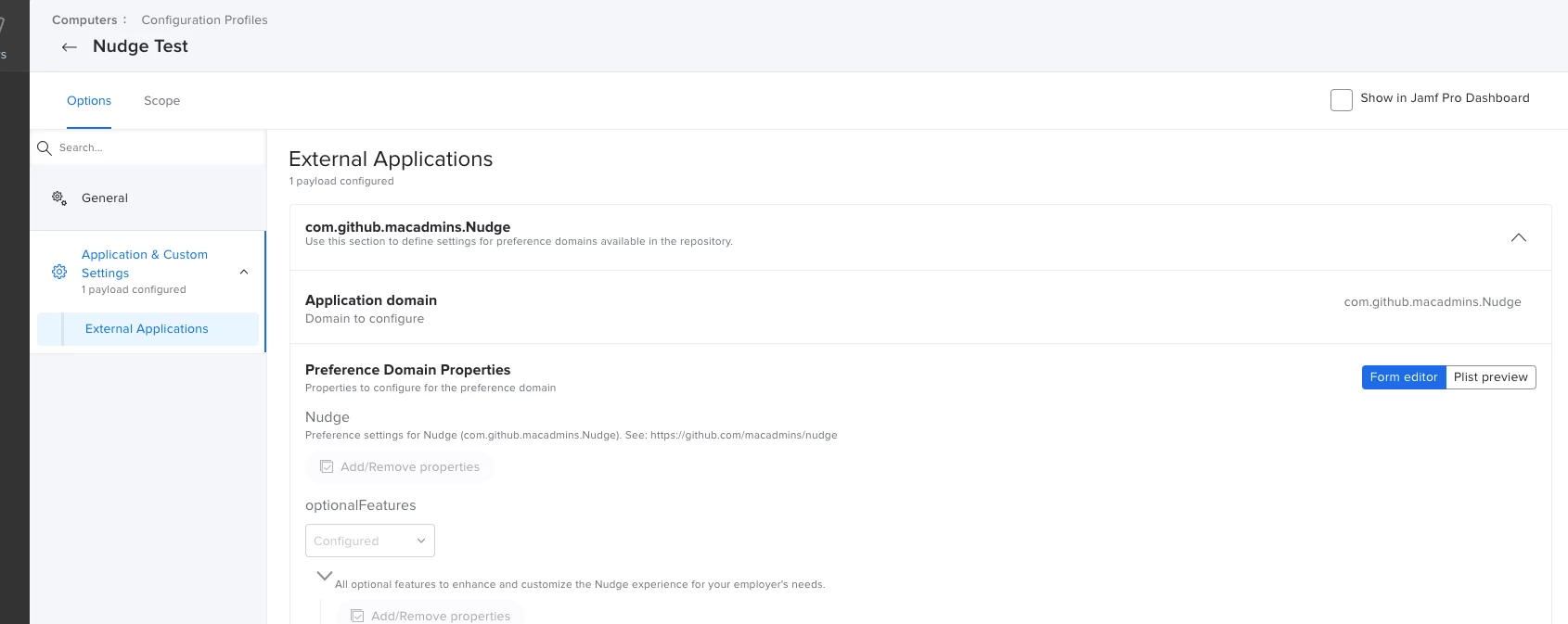
I am wondering how we can customize the LaunchAgent so that it doesn't popup every 30 minutes (default) but instead maybe 6 hours apart. Do I need another Configuration Profile for the Launch Agent itself? Do I need to change my current configuration profile? I read through the documentation 10+ times and didn't get my answer. 
 

3 replies

mickgrant
Forum|alt.badge.img+12
  • Contributor
  • October 10, 2023

You need to create a custom LaunchAgent pkg and use that instead of the default one provided.
here is a tutorial I found that should step you through how to do it - making a custom nudge launch agent 


A_Collins
Forum|alt.badge.img+11
  • Contributor
  • October 11, 2023

You need to change value of elapsedRefreshCycle


Forum|alt.badge.img+5
  • Author
  • Contributor
  • October 11, 2023

You need to change value of elapsedRefreshCycle


That field controls the below: 


The amount of time in seconds Nudge will use as a timer to refresh the user interface if it is not the currently active window. This key is triggered once the `requiredInstallationDate` has expired.


This wouldn't be quite what we are looking to change. We are looking to set the launch of the Nudge app longer than 30 minutes between deferrals.