
Question

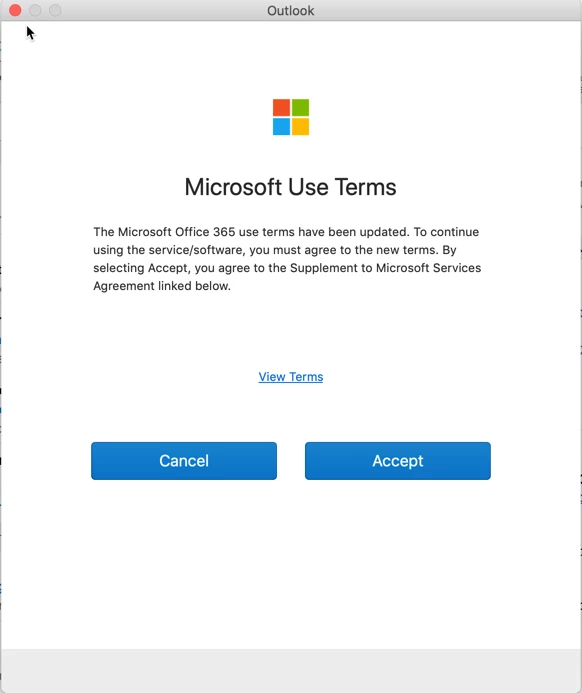
o365 Microsoft Terms Use pop up

  • March 26, 2019
  • 5 replies
  • 22 views

Forum|alt.badge.img+6

End users are now getting a pop up message for Microsoft Terms Use every time they launch a MS Office Suite application. Trying to suppress this message but do not know how. Looking at plist file, cache....can't find the culprit.

Any help would be greatly appreciated.
5 replies

Forum|alt.badge.img+12
  • Valued Contributor
  • March 27, 2019

@simonep defaults write com.microsoft.office TermsAccepted1809 -bool TRUE


acodega
Forum|alt.badge.img+15
  • Valued Contributor
  • March 27, 2019

The value can be set with a configuration profile too, correct?


Forum|alt.badge.img+12
  • Valued Contributor
  • March 27, 2019

Absolutely


Forum|alt.badge.img+6
  • Author
  • Contributor
  • March 29, 2019

@pbowden I initially deployed the changes to the plist via a script, and it didn't suppress the pop ups. I have since created a config profile and deployed it that way, so far so good. Thanks for your help!


Forum|alt.badge.img+1
  • New Contributor
  • May 14, 2019

Hi, not a jamf expert. but how I gonna do it on configuration profile. Thanks
