Question

Office 2016 16.11 and MacOS 10.13.3 - Unable to Sign In to activate Office.

  • March 30, 2018
  • 8 replies
  • 312 views

Forum|alt.badge.img+3

Hey Jamf Nation,

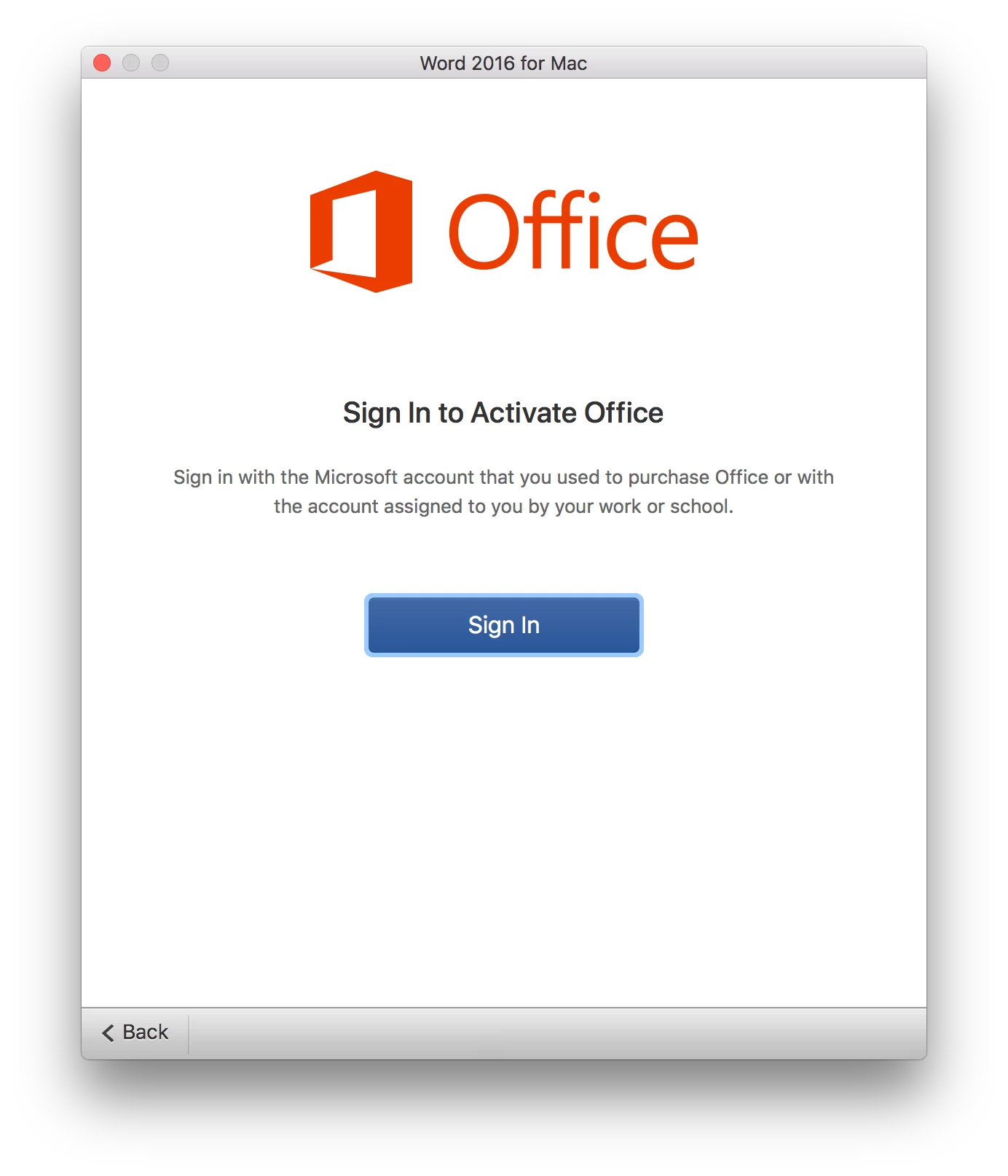
I'm currently running into an issue that is a bit perplexing to me. I'm noticing that on a fresh install of 10.13.3 and Office 2016 with the latest updates, I'm unable to activate Office via Office 365 credentials. When you select login to put in your email address it proceeds to load the login page but it loads a blank screen. This is a not an issue with 10.12. I seem something similar to this with our Windows clients which requires me to disable ADAL in order for them to activate. However, disabling ADAL on Mac seem to do nothing. This doesn't seem to be a networking issue. I've tried it both at work and at home off VPN.

Is anyone else seeing this in their environment? Any suggestions on what else I can try to fix this?


8 replies

gskibum
Forum|alt.badge.img+13
  • Valued Contributor
  • March 30, 2018

I haven't encountered this exact same issue, but I have encountered a few with trying to get Office to activate.

Very often I am successful with using a different app (Excel, PowerPoint etc) to get the suite to activate when one is not successful.


Forum|alt.badge.img
  • New Contributor
  • March 20, 2019

Hi Roger,

Have you found the issue and how to solve it?
I'm having the (almost) exact same issue and I have try everything with no luck!!
macOS Sierra 10.12.3 and Office 2016 for Mac 16.16

I'm able to put the email but it never asks for the password. It keeps loading....

Thanks in advance


ega
Forum|alt.badge.img+17
  • Valued Contributor
  • March 20, 2019

I had the same issue and was able to use the Microsoft_Office_License_Removal_1.5.pkg and then reinstall over the top.
Have a look at:
https://support.office.com/en-us/article/how-to-remove-office-license-files-on-a-mac-b032c0f6-a431-4dad-83a9-6b727c03b193
I hope this helps!


Forum|alt.badge.img+1
  • New Contributor
  • April 10, 2019

I have the exact same issue (stuck in Loading after putting my email), but License Removal didn't work for me either =(

I don't know what could be happening - I even formatted my Mac, installed an SSD and nothing.


Forum|alt.badge.img+3
  • New Contributor
  • April 10, 2019

May sound obvious but check the time/date settings are correct. Had this a few times where Office couldn't be activated because the device time was wrong.


Forum|alt.badge.img+7
  • Contributor
  • April 10, 2019

+1 for checking the date/time - if the time skew is greater than 5 minutes then authentication/activation will fail.


Forum|alt.badge.img+1
  • New Contributor
  • April 15, 2019

Solved here! It was just do a little MacOs update - I think it was related to privacy settings / security patchs. Now it's working fine here. :)


Forum|alt.badge.img+1

This is STILL an issue years later apparently. Fresh install of macOS 10.15.7 and Office for Mac 16.50. After clicking Sign In to activate, just a "Loading" message and then a blank window. Uninstalled/reinstalled, tried the license removal above, tried different computer accounts, etc... no luck. Disabled IPv6 and it worked.