


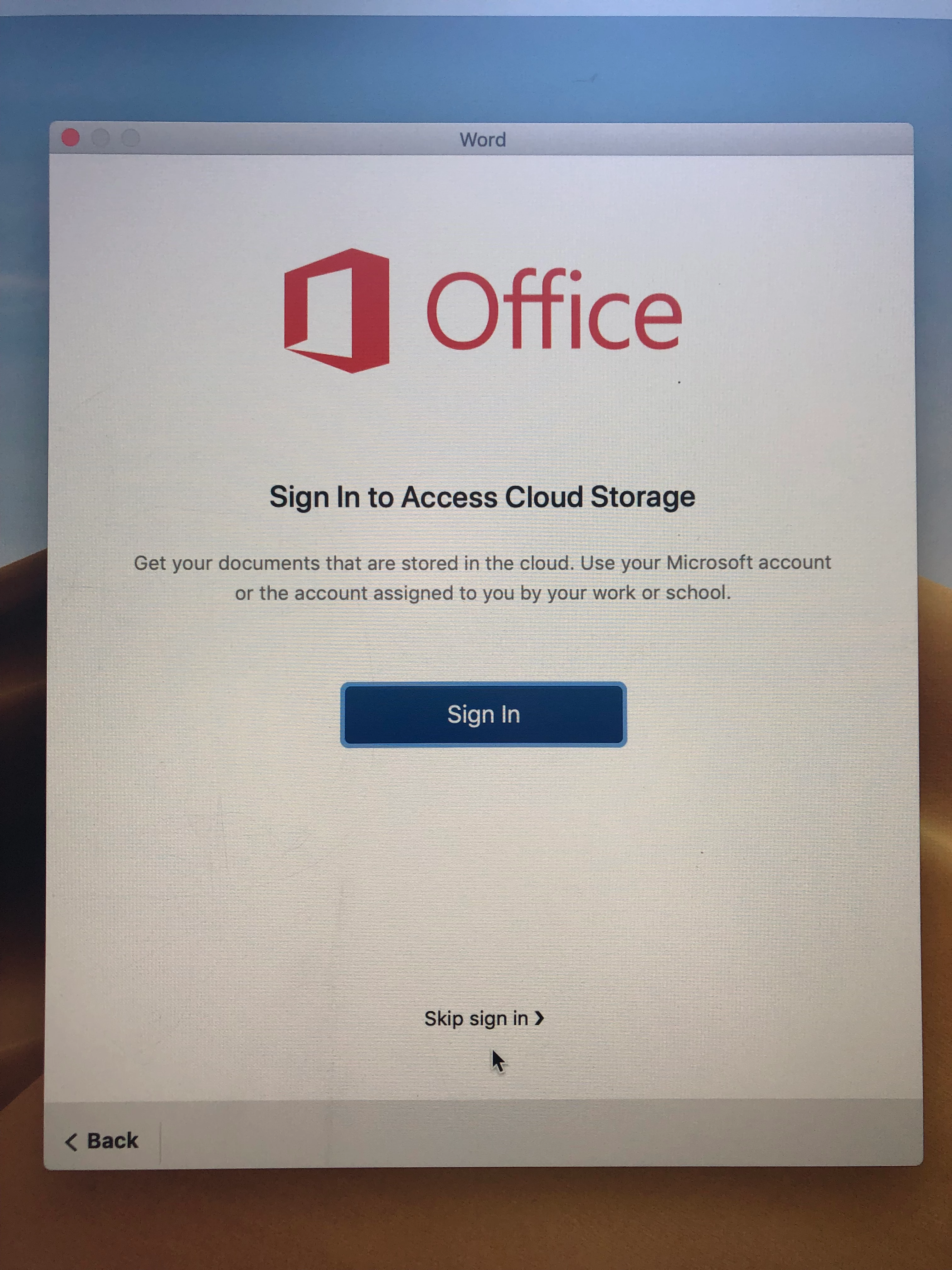
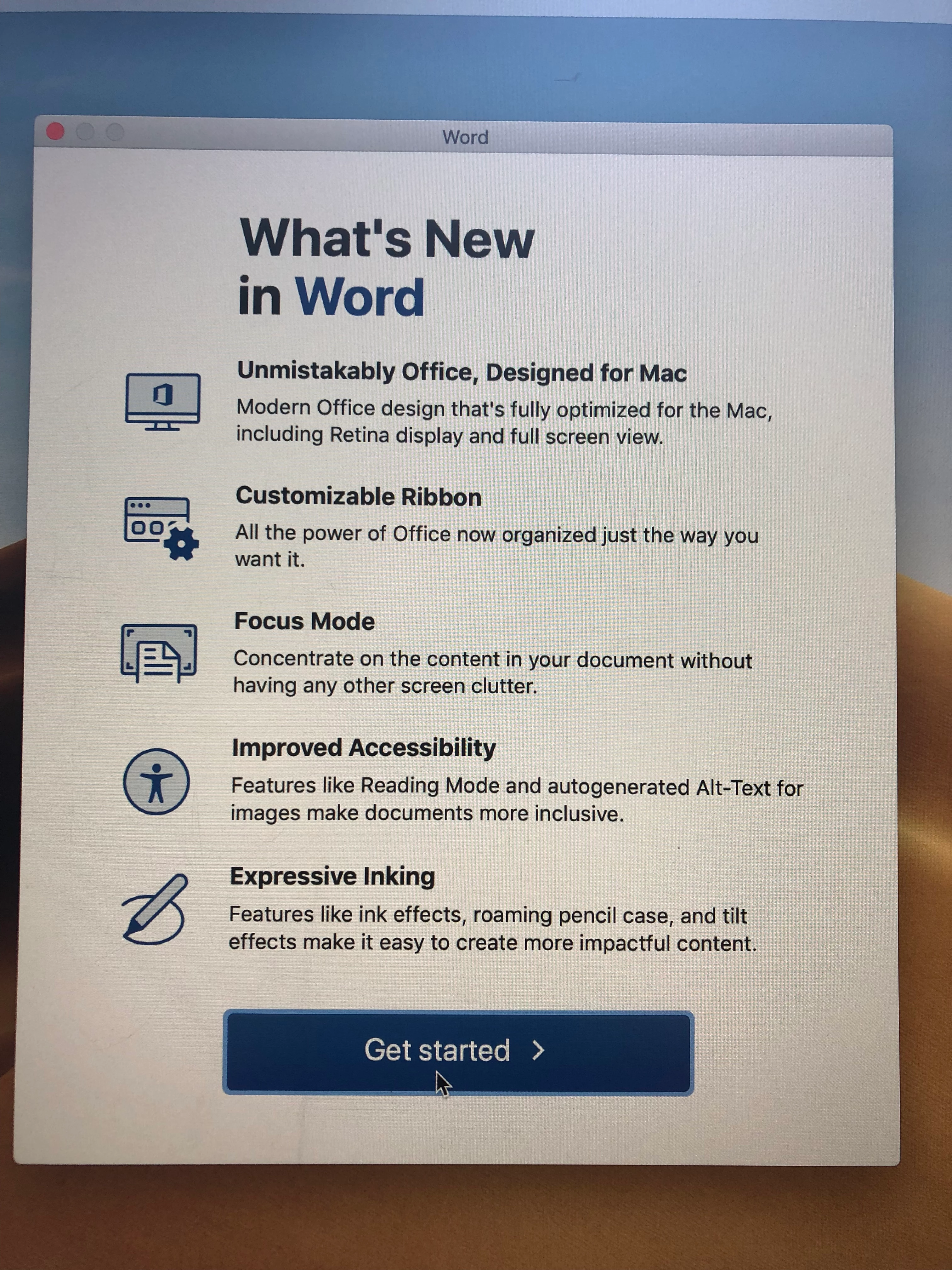
Has anyone figured out a script to bypass these screens after deploying office 2019 for Mac. I had an old script that worked with office 2016 but it doesn't seem to work anymore.
!/bin/bash
Disabling First-run dialogs in Office 2016 for Mac
Link: http://macops.ca/disabling-first-run-dialogs-in-office-2016-for-mac/
if [[ -e "/Applications/Microsoft Excel.app" ]]; then
/usr/bin/defaults write /Library/Preferences/com.microsoft.Excel kSubUIAppCompletedFirstRunSetup1507 -bool true
elif [[ -e "/Applications/Microsoft OneNote.app" ]]; then
/usr/bin/defaults write /Library/Preferences/com.microsoft.onenote.mac kSubUIAppCompletedFirstRunSetup1507 -bool true
elif [[ -e "/Applications/Microsoft Outlook.app" ]]; then
/usr/bin/defaults write /Library/Preferences/com.microsoft.Outlook kSubUIAppCompletedFirstRunSetup1507 -bool true
/usr/bin/defaults write /Library/Preferences/com.microsoft.Outlook FirstRunExperienceCompletedO15 -bool true
elif [[ -e "/Applications/Microsoft PowerPoint.app" ]]; then
/usr/bin/defaults write /Library/Preferences/com.microsoft.PowerPoint kSubUIAppCompletedFirstRunSetup1507 -bool true
elif [[ -e "/Applications/Microsoft Word.app" ]]; then
/usr/bin/defaults write /Library/Preferences/com.microsoft.Word kSubUIAppCompletedFirstRunSetup1507 -bool true
fi



