
I'm new to jamf. Just finished up our MacOS jumpstart, and i am having issues with trying to get PaperCut client (with the Launch Agent) installed and working.
I used composer to build the package to place the plist file in /Library/LaunchAgents/ and to place the PaperCut app in Applications. I have also read a few of the post that talk about PaperCut and LaunchD here on Jamf Nation.
I have created a policy and used the package i created, but i am receiving the following errors when i view the failed log from my dashboard:
[STEP 1 of 4]
Executing Policy Install PaperCut Client
[STEP 2 of 4]
Downloading https://"location of file"
Error: Package was not successfully downloaded. 403
The network connection was interrupted while downloading the package from https://"location of file"
Attempting to reconnect...
Downloading https://location of file
Error: Package was not successfully downloaded. 403
Error: PaperCut.dmg is not available on the HTTP server.
[STEP 3 of 4]
[STEP 4 of 4]
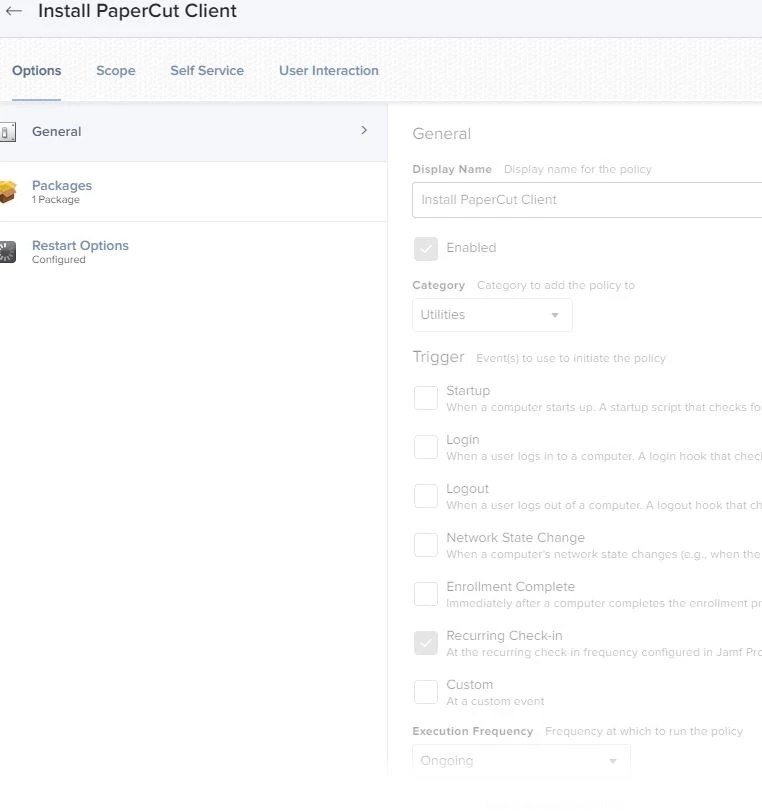
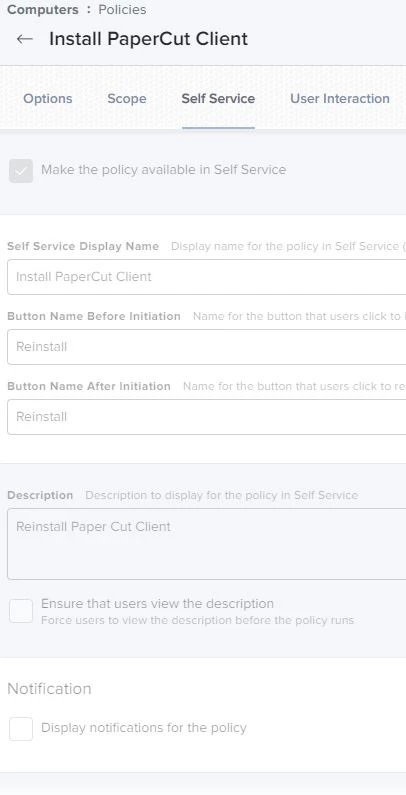
I have also attached my policy screenshots. When i place the PaperCut client manually into Applications and placed the .plst file in /Library/LaunchAgents/ folder, it works just fine.