Question

Patch Management Report weirdness

  • January 8, 2018
  • 3 replies
  • 11 views

Forum|alt.badge.img+11
  • Valued Contributor

Having just setup Patch Management in 10.1.1 and enabled Patch Reports to appear in the Dashboard found some inconsistencies in the reports.

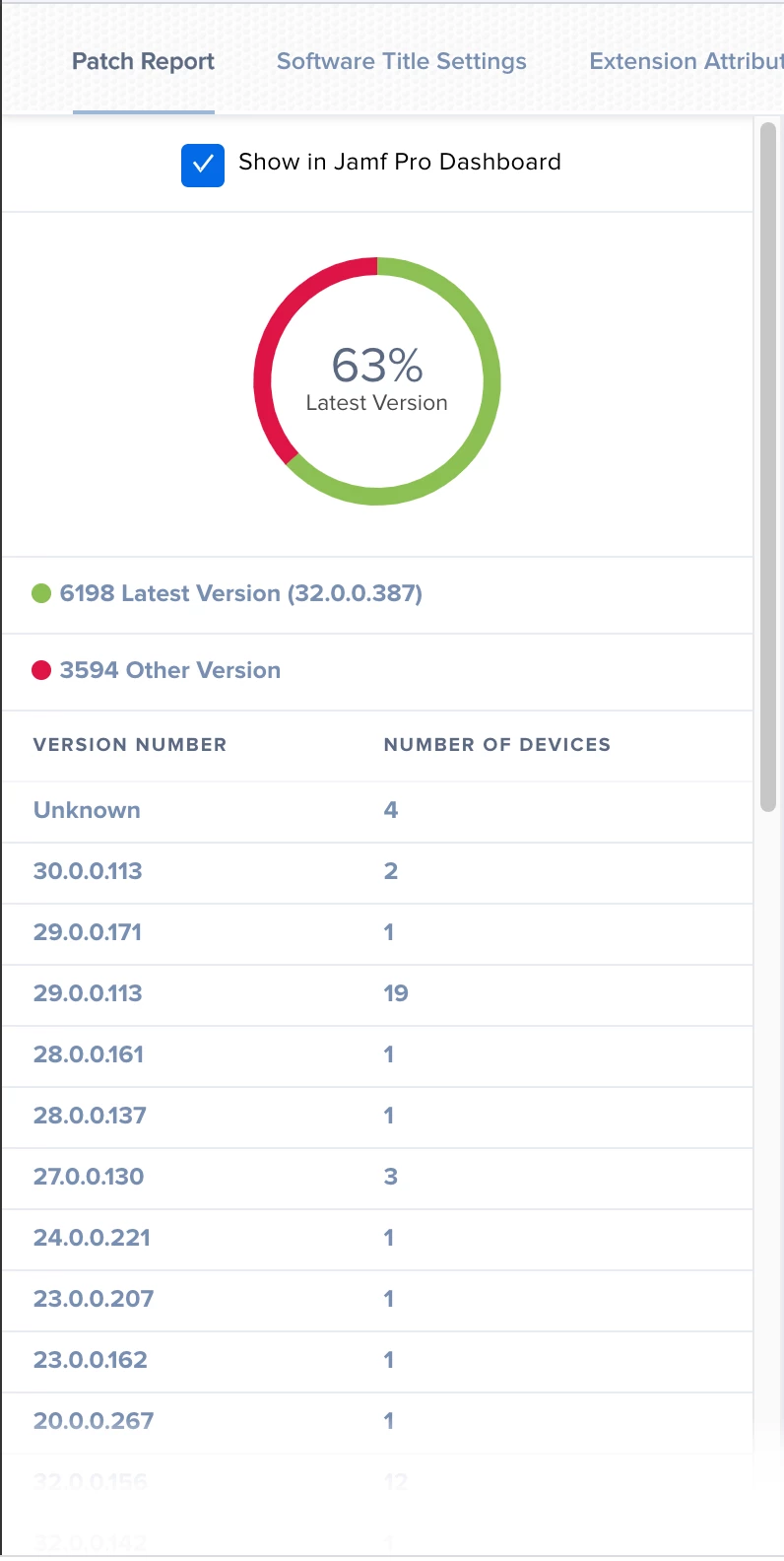
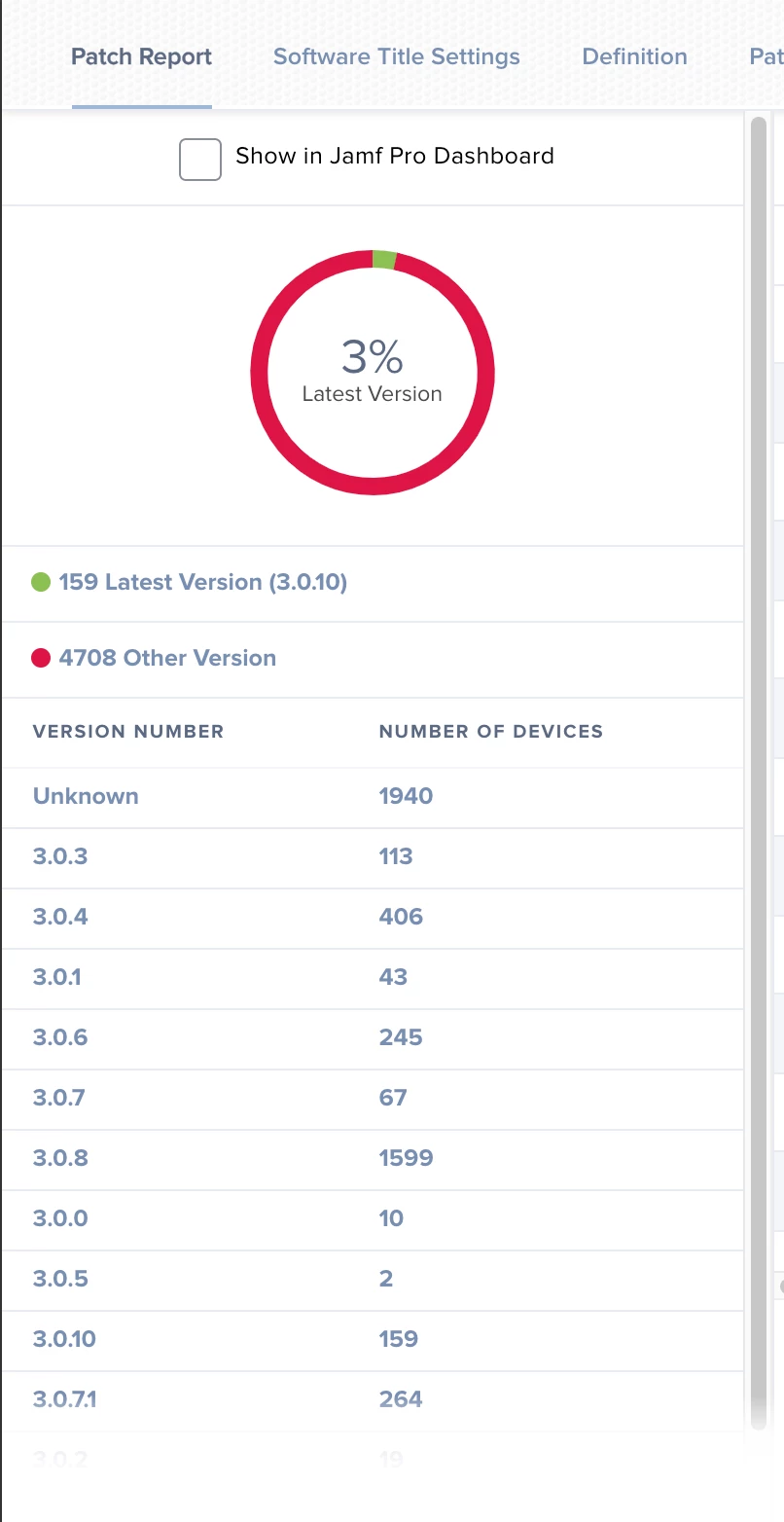
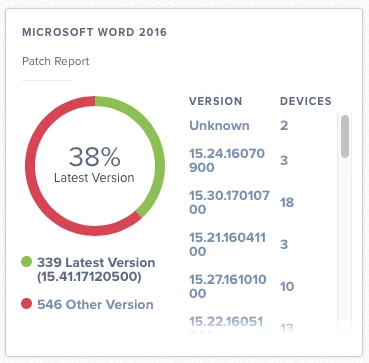
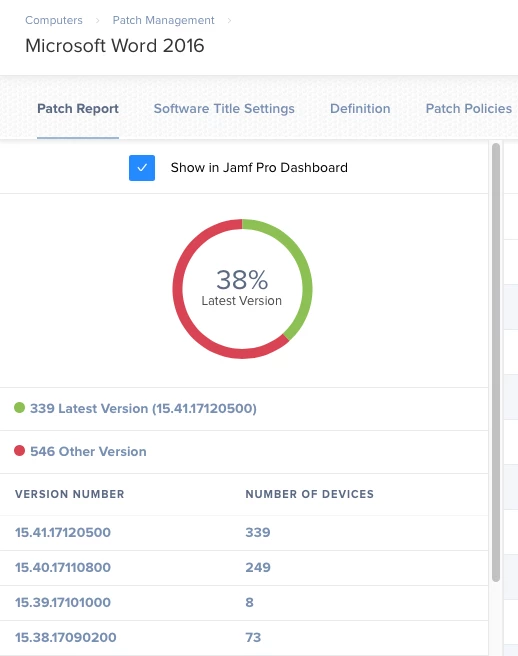
The versions list in the Dashboard are not always listed in the correct order from current to older (see screenshot Dashboard attached). if you click on the link to Patch report from within the Dashboard the result shows the versions in the correct order (see screenshot Patch Report).

Also how in the Dashboard view can be shown failures of the policy execution? Would like this there as the Dashboard is a good overall view of statuses in Jamf.
3 replies

Forum|alt.badge.img+3
  • Employee
  • January 9, 2018

Thank you for sharing your concerns. We are aware of the version inconsistencies, which is an issue when using Safari. We hope to address this soon. As far as the policy widget display in the dashboard, this is something you can currently do by navigating to the software title in Patch Management and then clicking the Patch Policies tab. Please let me know if you have any questions about this. Thank you!


bradtchapman
Forum|alt.badge.img+20
  • Valued Contributor
  • October 28, 2019

Reviving an old thread. The patch management dashboards still show versions out of order in 10.15.1, and I'm using Chrome. Same problem with Safari.

Is there a PI- open for this, and what's the ETA to fix?


bradtchapman
Forum|alt.badge.img+20
  • Valued Contributor
  • July 14, 2020

Bumping because it hasn't been fixed yet. I'm opening a customer success ticket for this.