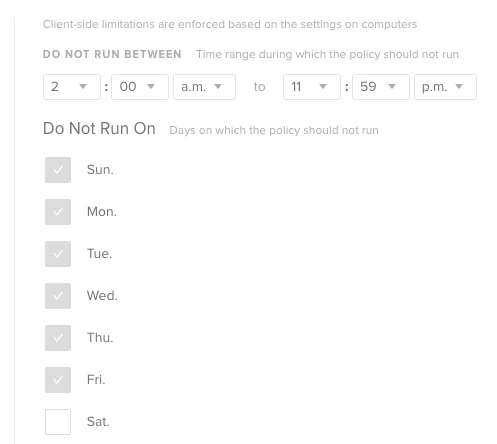
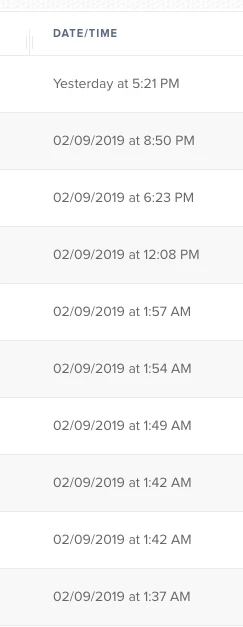
Cached policies can only run with an Ongoing frequency. The checkbox for "Make Available Offline" doesn't even appear until you change the execution frequency to "Ongoing". If this is coupled with the recurring check-in trigger it would explain why it's running on nearly every check-in. Those client side options really only apply to the first run of a cached offline policy, not afterwards. Once it's cached on the machine, every time the Mac checks in and Jamf Pro can't be reached, it will look to see if it has anything cached locally and run it. This also explains why you see that "The results of this policy were not logged at the time of execution." in the log. It means it couldn't upload the policy log details to Jamf Pro when it ran. It stores the logs locally in /Library/Application Support/JAMF/logs/ and the next time the Mac can contact the Jamf Pro server, it uploads all the logs at once.
Is there a specific reason it needs to be done as an offline policy? Because if not, I would turn that part off.