
Solved

Policy won't load in JSS

  • August 20, 2015
  • 2 replies
  • 8 views

Forum|alt.badge.img+13

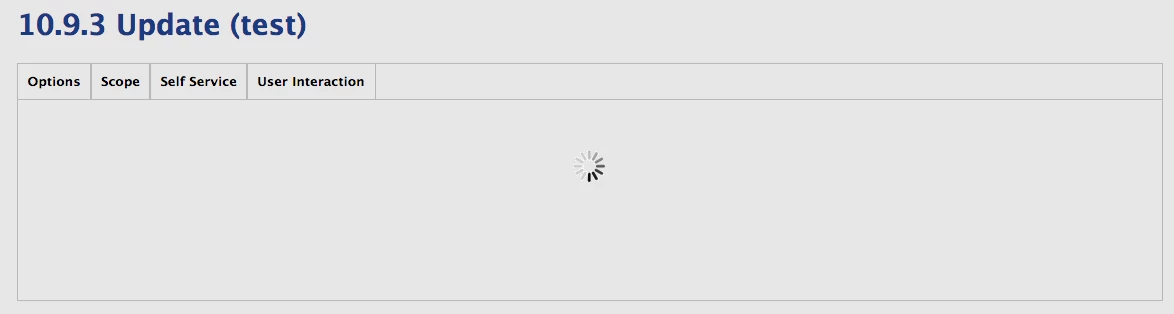
I have a policy in my console, that when I click on it, it just spins trying to load. If I change the "o" option to U in the URL, it still spins. If I change it to L I get the logs fine. How can I delete this policy from the console since it's bad? I know the delete button requires confirmation and I haven't found a way to get to the confirmation form the URL. Using option V, I get the buttons on the bottom and can click edit, clone, logs etc, except Delete still doesn't work.

Spinning around:
Option V:


Best answer by davidacland

You can delete it from the command line using the api curl https://myjss.com/JSSResource/policies/id/{id} --user "$user:$pass" -X DELETE.

2 replies

davidacland
Forum|alt.badge.img+18
  • Valued Contributor
  • Answer
  • August 20, 2015

You can delete it from the command line using the api curl https://myjss.com/JSSResource/policies/id/{id} --user "$user:$pass" -X DELETE.


Forum|alt.badge.img+13
  • Author
  • Valued Contributor
  • August 21, 2015

That worked, however I had to leave the password blank and type it in when prompted for the command to work.