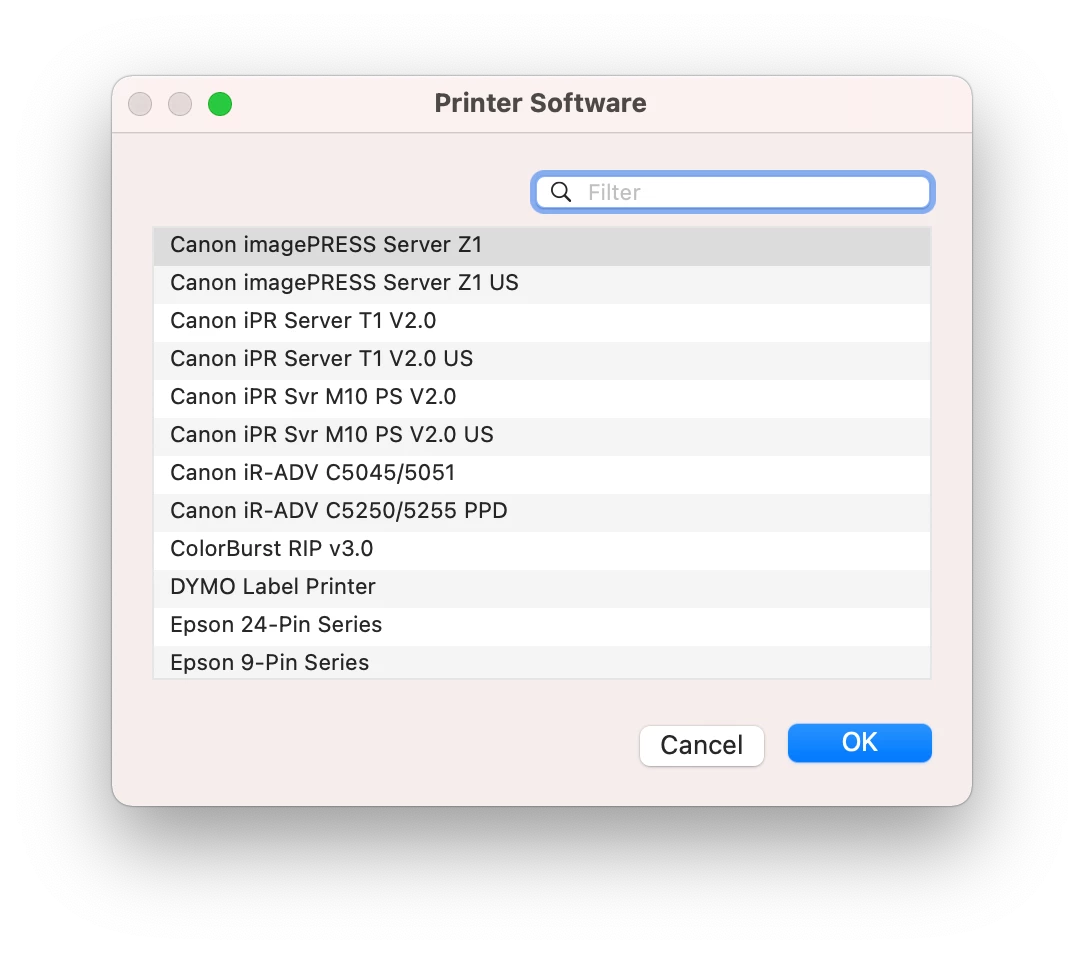
I am working on printer deployments and have a question. I can push the HP or Xerox printer drivers to a machine, however the files are usually in .gz format. This is an issue since Casper wants the PPD file. Is there a more direct way to get the ppd sent to the machine? Do I need to script this, or am I making this harder than it needs to be? Thanks for any help!

Solved
Printer PPD Question
 +7
+7Best answer by stevewood
I handle all printer installations via script. It just makes it easier for me that way not having to use Casper to capture the printer. I'll install driver packages if necessary, then run the script as an after item.
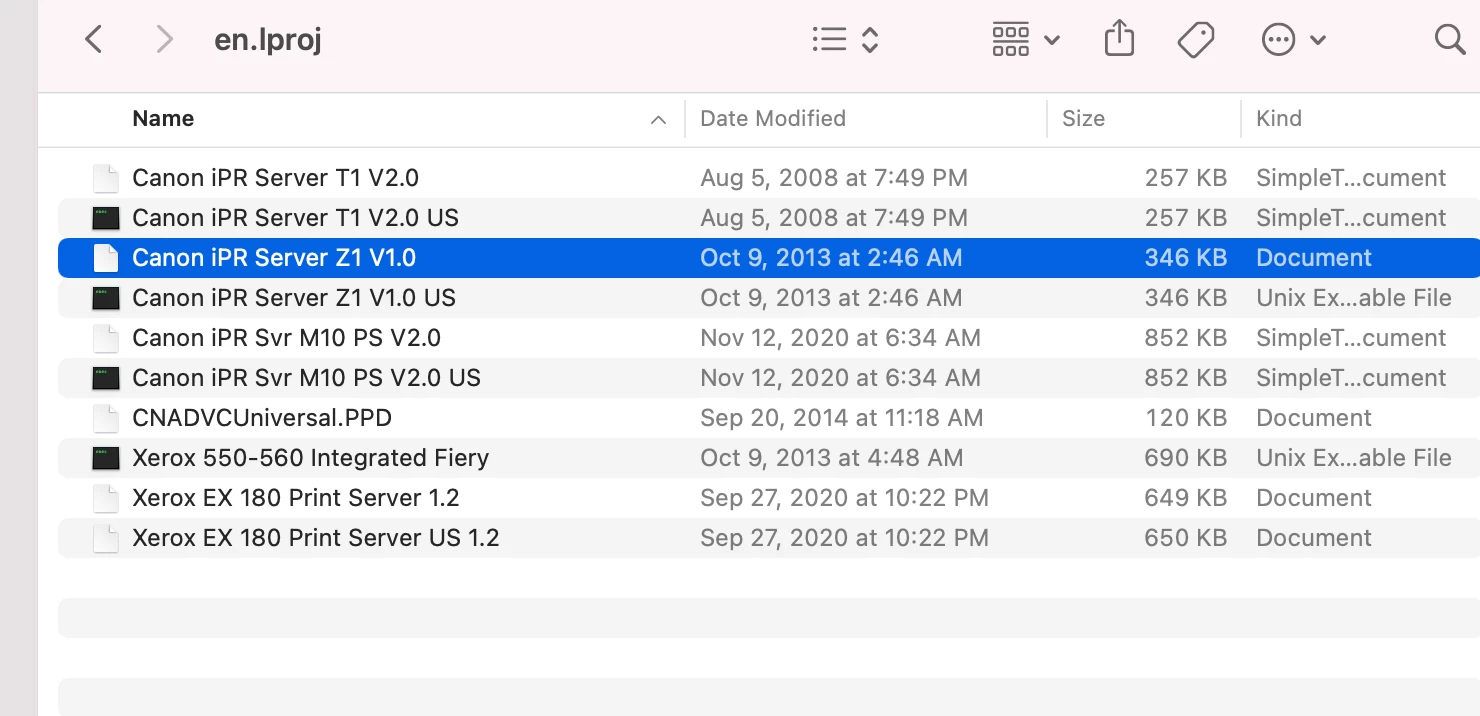
I locate the appropriate driver in the /Library/Printers/PPDs/Contents/Resources directory. Most drivers sit right there, but then our Xerox 560/570/C70 printers drop their Fiery drivers into en.lproj in that directory structure (and they do not end in .gz).
The main script line I use to install the printer is:
lpadmin -p <printername> -L <location> -E -o printer-is-shared=false -v lpd://<ip address> -P <driver location>I can then use lpoptions to set further config parameters, like no duplexing:
lpadmin -p <printername> -o EFOutputBin=middle
lpadmin -p <printername> -o EFOpt_Input_HCFTray=1Tray
lpadmin -p <printername> -o EFDuplex=False
lpadmin -p <printername> -o EFManualDuplex=False
lpadmin -p <printername> -o EFGAFeaturesOpt=GA2







Enter your E-mail address. We'll send you an e-mail with instructions to reset your password.