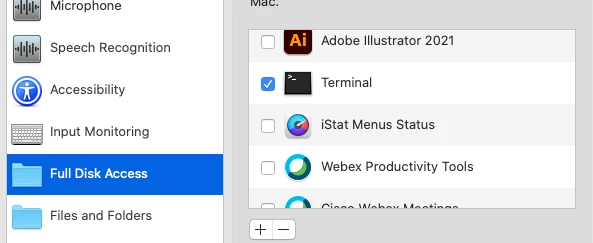
Background: As many of you may be aware, the Screen Recording option can only be enable by a physical user on a Mac. To manage this limitation set by Apple, I have created this workflow to prompt users to enable the Screen Recording option for the required App (Currently set to Slack, but can be easily modified). You can check out how I similarly addressed the Camera and Microphone issue here: Automatically Reset Teams Camera and Microphone for User
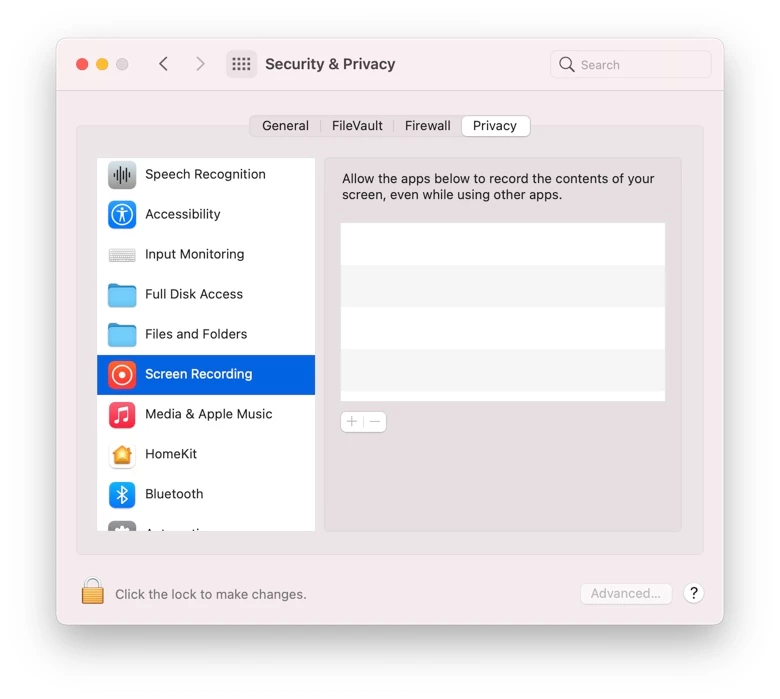
Solution: I created this Script to check if an Application's Screen Recording permission has been set to enabled in the TCC Security and Privacy. If the TCC option is disabled, it will open System Preferences > Security & Privacy > Screen Recording and prompt the user to enable the App

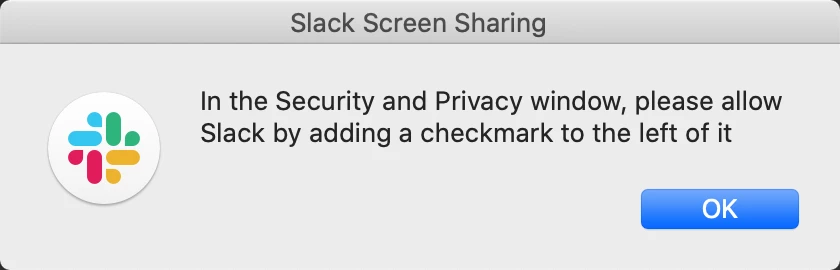
Jamf Workflow
Extension Attribute
Name: Disabled System TCC Values
Script: Disabled_System_TCC_Values_EA.sh
#!/bin/bash
#Extension Attribute reports disabled system level TCC values
#Shaquir Tannis 5-26-2020
#Report Machine's disabled TCC values (Note, this does not include user level TCC results, i.e. Camera and Microphone)
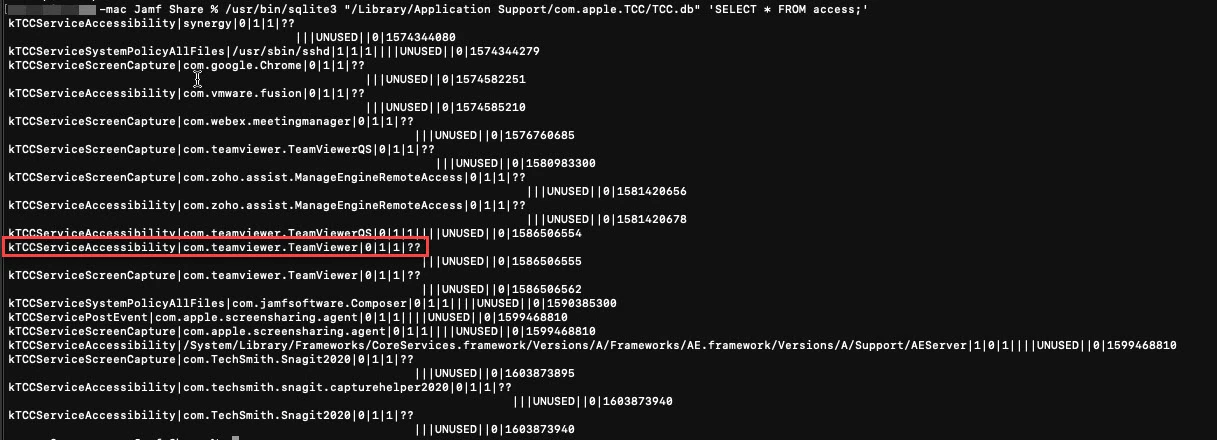
disabledValues=$(/usr/bin/sqlite3 "/Library/Application Support/com.apple.TCC/TCC.db" 'SELECT service, client FROM access WHERE allowed = '0'')
echo "<result>$disabledValues</result>"
Smart Group:
Name: AppName ScreenSharing Disabled
Criteria:
Disabled System TCC Values is not <Leave Blank>
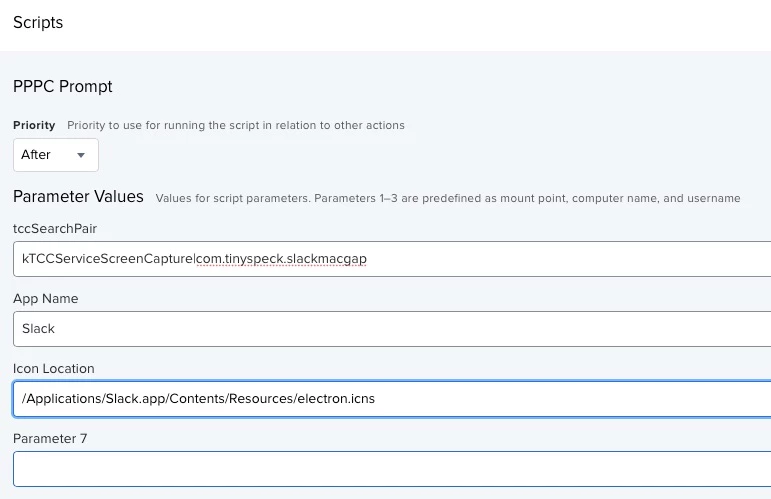
And Disabled System TCC Values like kTCCServiceScreenCapture|com.tinyspeck.slackmacgap
Policy:
Name: Prompt User to enable AppName ScreenSharing
Frequency: Once every day
Trigger: Check-in
Scope: AppName ScreenSharing Disabled
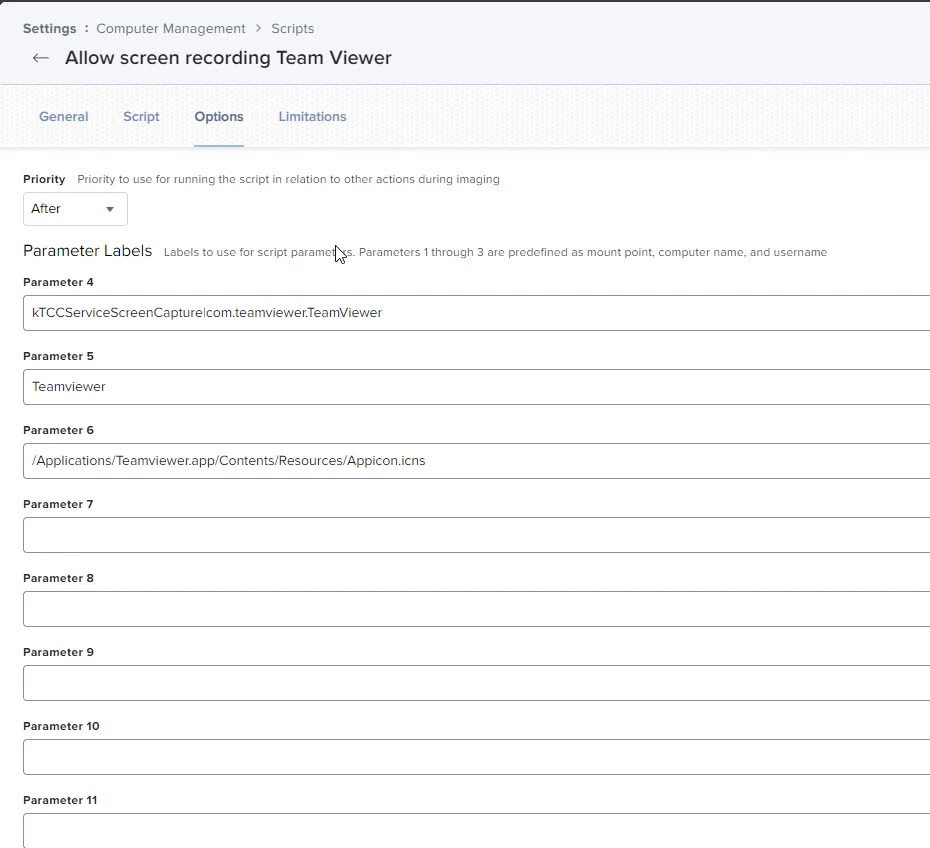
Script: Prompt_User_to_Enable_ScreenRecording_TCC.sh
Feel free to message me with any questions or suggestions.