When we start the Questar browser, I get a message to enable Siri, and then the browser has a message to disable Siri. I checked System Preferences and Siri is disabled. We are running MAC OSX
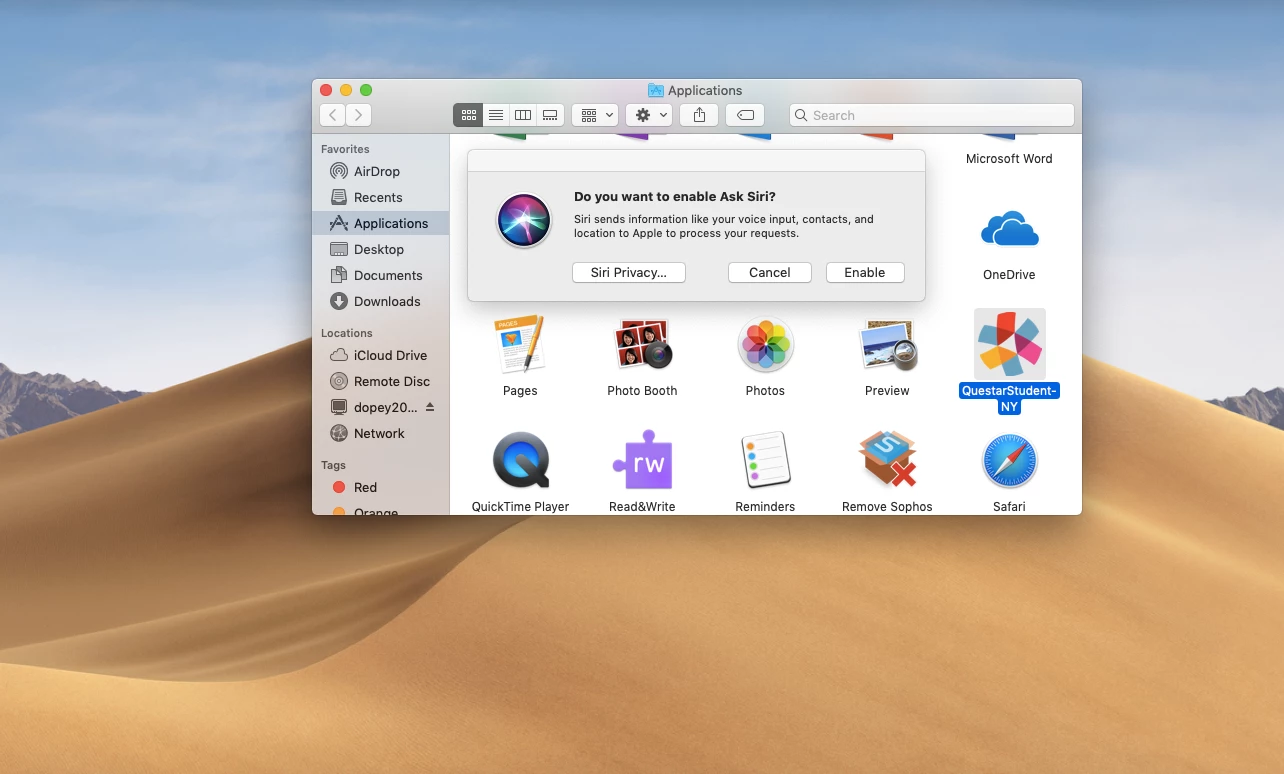

10.14.5.

 +2
+2When we start the Questar browser, I get a message to enable Siri, and then the browser has a message to disable Siri. I checked System Preferences and Siri is disabled. We are running MAC OSX
10.14.5.
Best answer by amitchell
We created a Configuration profile to disable Siri with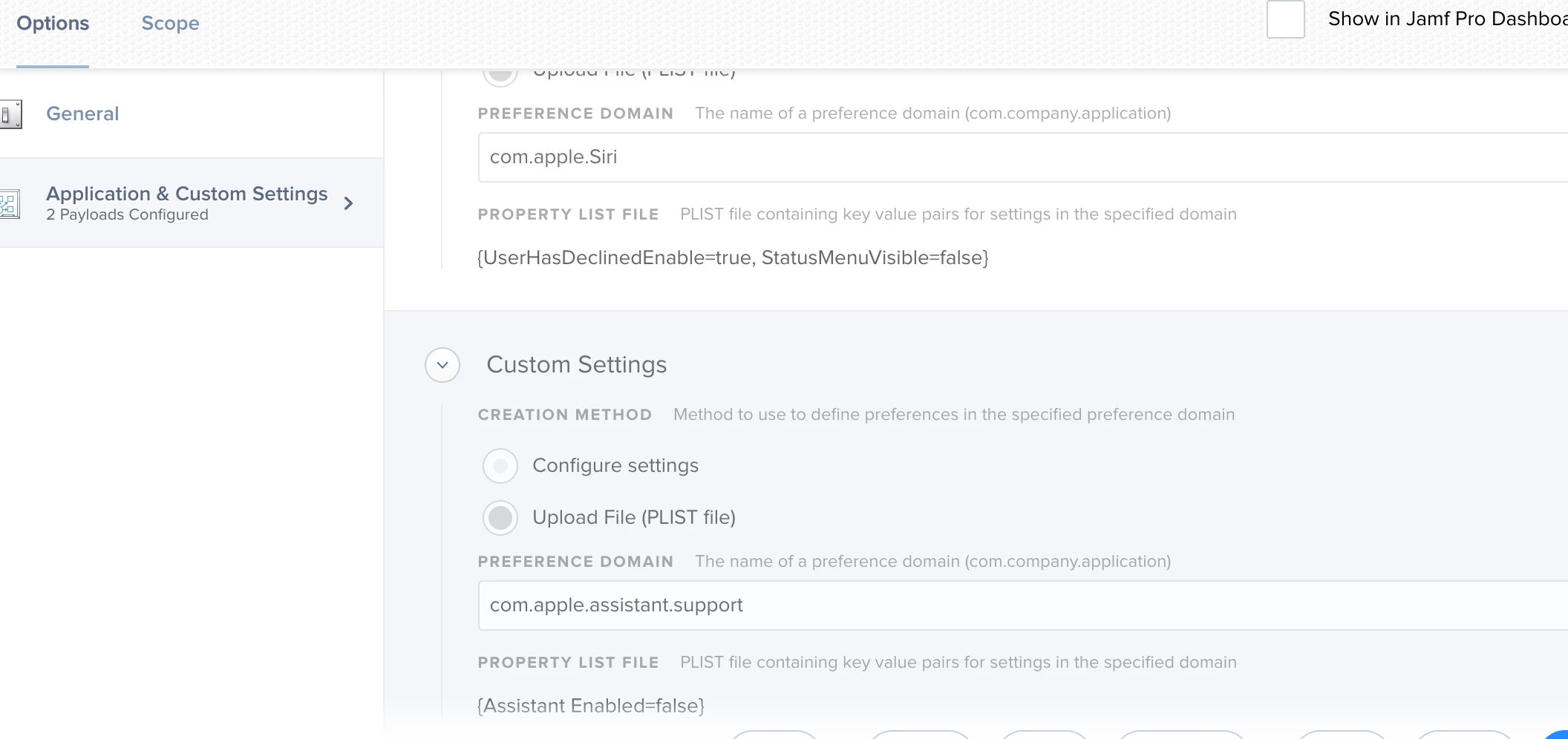 two .plist files. I think I had to create them first and specify the settings with the
defaults write command.
two .plist files. I think I had to create them first and specify the settings with the
defaults write command.
defaults write com.apple.Siri UserHasDeclinedEnable true
defaults write com.apple.Siri StatusMenuVisible false
defaults write com.apple.assistant.support Assistant Enabled false
After the files were created made the Config profile and deployed to testing devices. Its a Computer based profile.
Enter your E-mail address. We'll send you an e-mail with instructions to reset your password.
