
Question

Reconnect SIS(PowerSchool) to ASM

  • July 30, 2019
  • 5 replies
  • 41 views

Forum|alt.badge.img+2

Hi there,
We are struggling to re-connect SIS(PowerSchool) in ASM. We have lately realized that PowerSchool may pause syncing while summer break but thought it probably starts syncing once it's disconnected AND reconnected. That was the mistake..
Disconnection was successfully done but re-connection won't work at all. It continued to fail with a message (that I didn't screenshot),
Check the PowerSchool URL is accurate or is working fine. And then try once again.

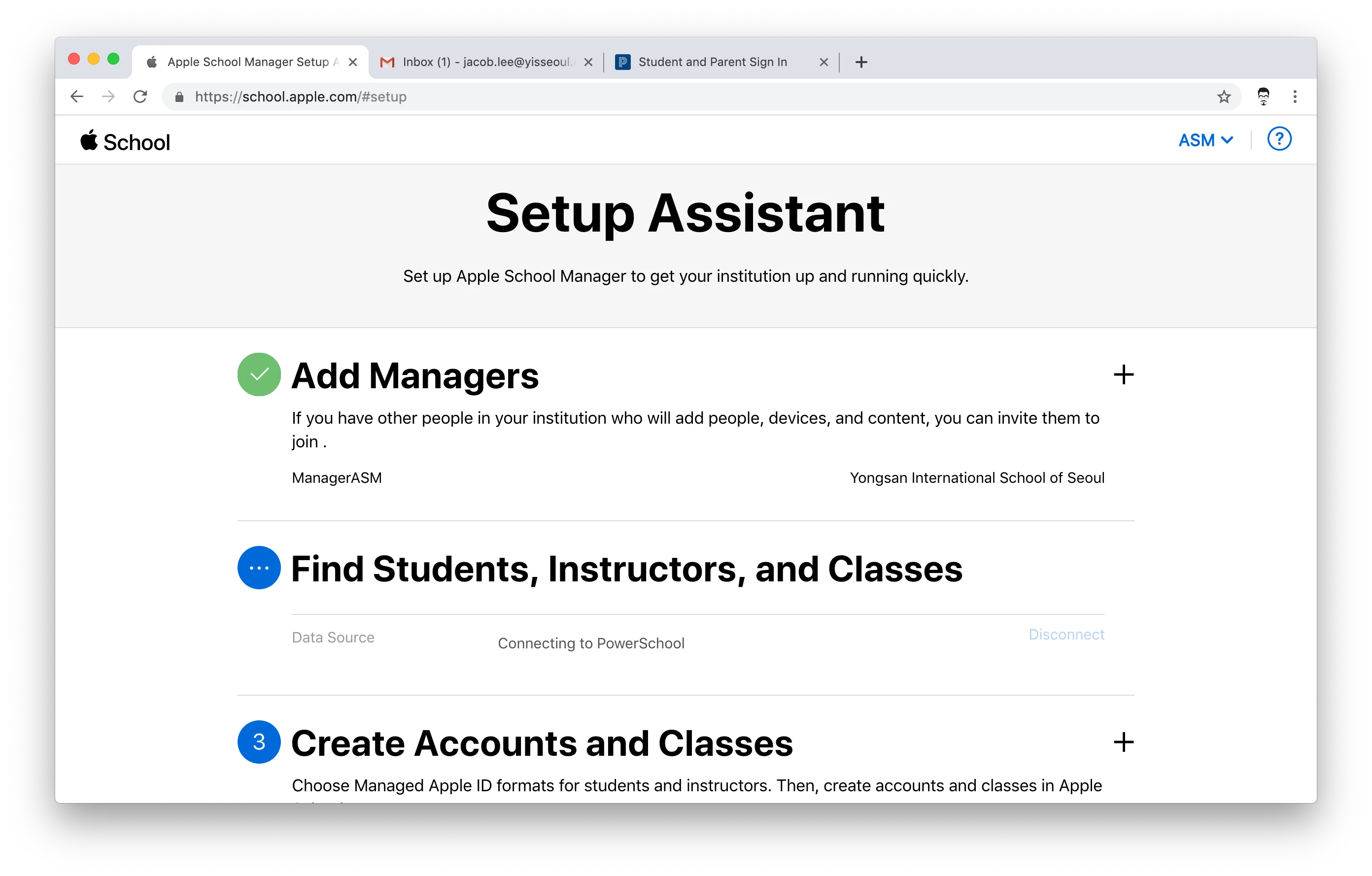
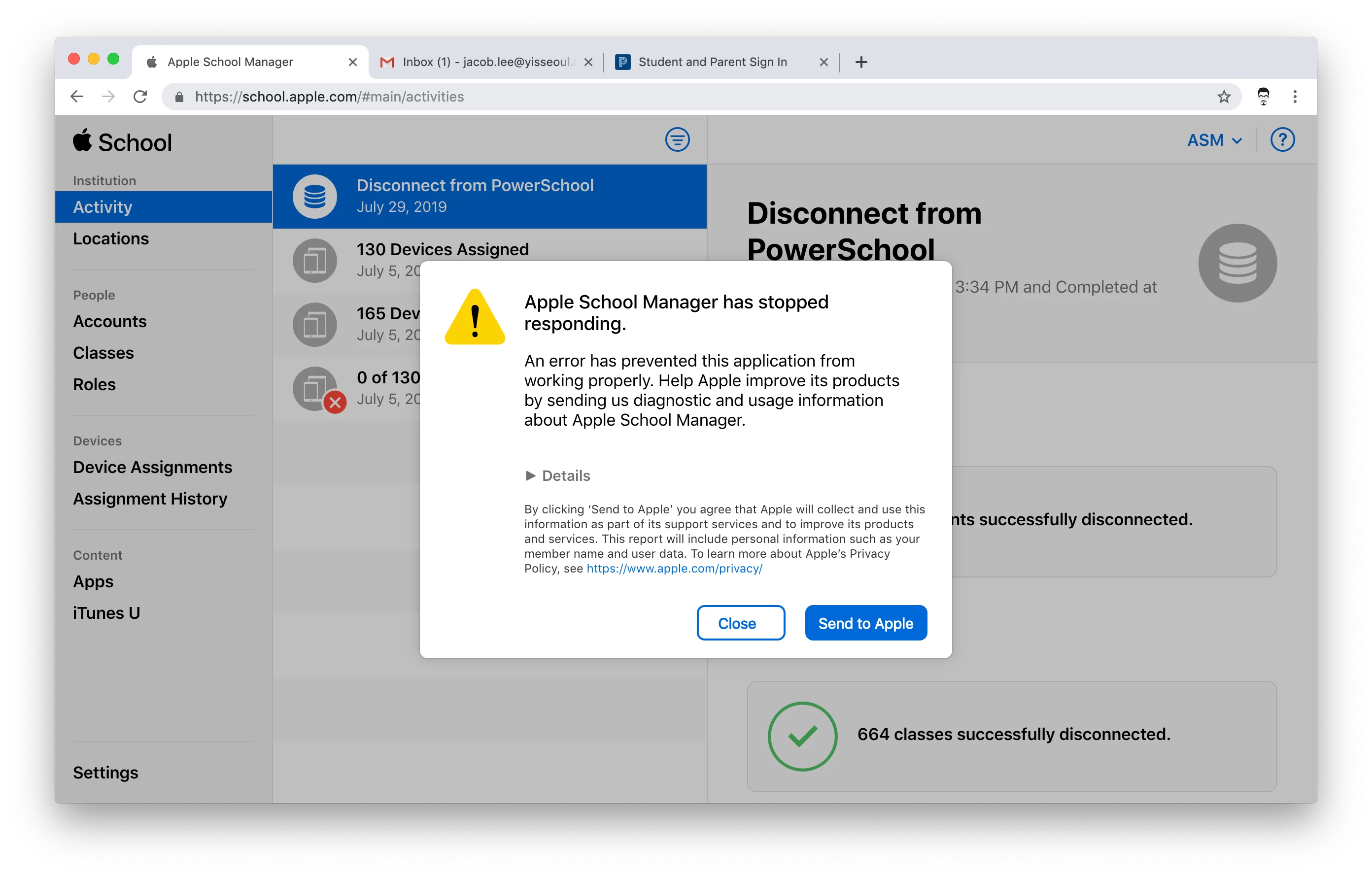
Now it is stuck in Connecting to PowerSchool and shows the message Apple School Manager has stopped responding.

Are we missing something? All we need is to reconnect the SIS info into ASM to import user and class info to MDM.
5 replies

cdenesha
Forum|alt.badge.img+14
  • Honored Contributor
  • July 30, 2019

Have you tried in Safari?


Forum|alt.badge.img+1
  • New Contributor
  • August 9, 2019

I did...no luck


Forum|alt.badge.img+1
  • New Contributor
  • August 9, 2019

Did you make sure the Client ID and Client Secret in ASM matches what's in PS?


Forum|alt.badge.img+2
  • New Contributor
  • August 9, 2019

Call Apple ASM Support - 1-866-752-7753

You may also want to check this KBase Article - https://support.apple.com/en-euro/HT209488


Forum|alt.badge.img+1
  • New Contributor
  • August 15, 2019

Check your URL. This is what works for us: https://ssd11.powerschool.com

You have to have https