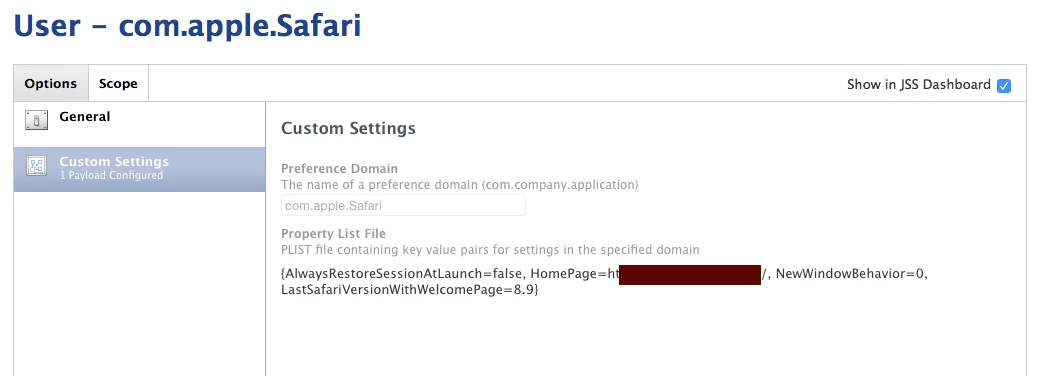
Hi guys,
I am trying to set a default screensaver, @bentoms had some good commands on his site but I am now trying to apply it via script it looks like this:
#!/bin/sh
# grab current user
user=`ls -l /dev/console | cut -d " " -f 4`

#### Safari Opens With:
#### New Windows Open With:
#### HomePage:

defaults write /Users/$user/Library/Preferences/com.apple.Safari.plist AlwaysRestoreSessionAtLaunch -bool false
defaults write /Users/$user/Library/Preferences/com.apple.Safari.plist NewWindowBehavior -integer 0
defaults write /Users/$user/Library/Preferences/com.apple.Safari.plist HomePage -string "https://example.domain.com"
I just can't seem to get it to apply, I am testing through ARD to a machine and running as root, the command "succeeds" through ARD but then it doesn't apply to the user, if I change anything i get errors where it is says couldn't apply domain or no perms to write to com.apple.safari. I need to pass this through Casper to get this out and I just cannot see what I am doing wrong, wood for the trees and all that... Anyone got some ideas? I can see that it is pulling the user correctly but I don't think I am applying the command correctly to run it as root as the logged in user.