Question

Running a sudo jams policy -v from Self Service (script or something like that)

  • May 15, 2017
  • 6 replies
  • 152 views

Forum|alt.badge.img+7

Hi all,

I know this thread is already quit old, but it is not closed and is the only thing I found about this.

I want to start

#!/bin/sh
sudo jamf policy -v

from the self service.
But this is not working because jamf is already running (I think because self service is open)

Does anyone have a clue how to do this?

Thank you
BR
Daniel

6 replies

Forum|alt.badge.img+2
  • New Contributor
  • May 15, 2017

You should not need to have sudo in your script. All policies that are run in self service are already run as root.

You wouldn't actually need a script since you can create a policy that has a one line Run Command.

jamf policy -v

Then make that available in self service.


Forum|alt.badge.img+7
  • Author
  • Valued Contributor
  • May 16, 2017

Hi @kbingham,

Thank you for the hint.
I'm sorry but how can I create a policy to run one line command without using a script?

If I put that line

jamf policy -v

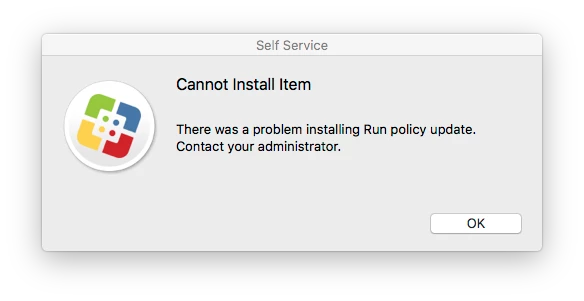
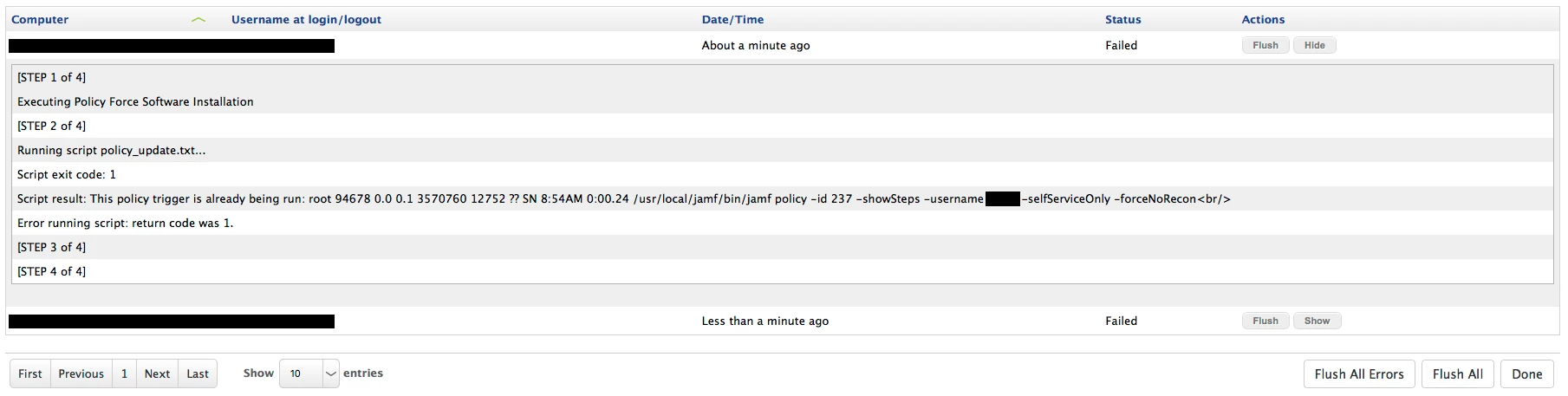
in a script and add it to a policy in Self Service I get this error if I run it:

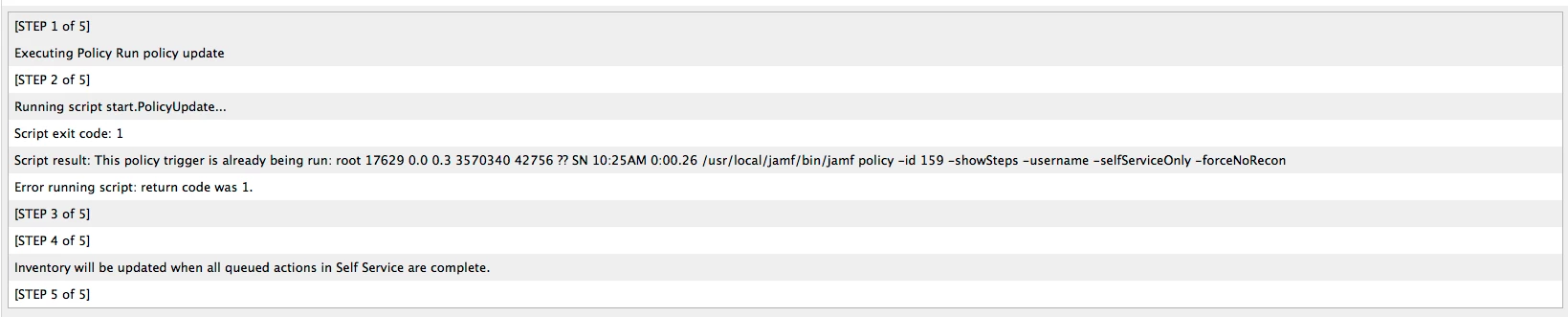
Its a pity but also in the Log (/var/log/jamf.log is no more information:

Even the Console shows no more information:

Thanks
BR
Daniel


Forum|alt.badge.img+13
  • Valued Contributor
  • May 16, 2017

use Textwrangler, type in the command, save it as .txt
upload to JSS etc. etc.


Forum|alt.badge.img+7
  • Author
  • Valued Contributor
  • May 16, 2017

Hi @kerouak,

I'm sorry but I don't know what you mean. If I create a txt file and upload it to JSS via Casper Admin it is listed as unknown script and I cannot use it (not as a package nor as a script).
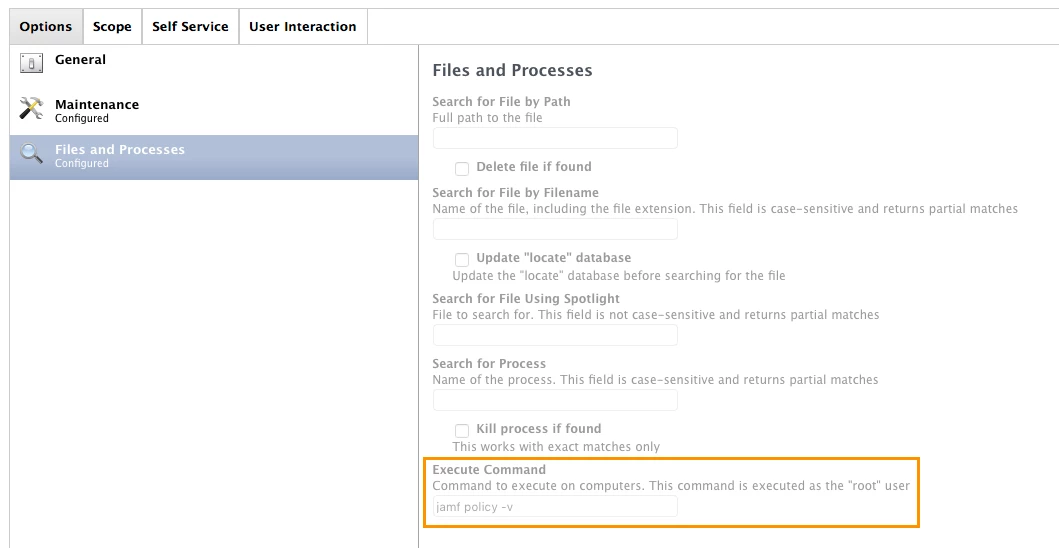
What I found was the function "Execute Command" in "Files and Processes" - I think @kbingham meant that. (?)

But if I use it like that it is also not working, just Self Service gives no error. In the log I can see it is not working:

It is the same message as before when I was using a script:

If I put jamf into the fiel search process and kill if found Self Service is search forever does not find the process (still got no log on JSS)

Any other ideas? Or do I do something wrong?

Am I the only one who thinks that that would be a great thing for my users to have?
Thank you
BR
Daniel


Forum|alt.badge.img+13
  • Valued Contributor
  • May 16, 2017

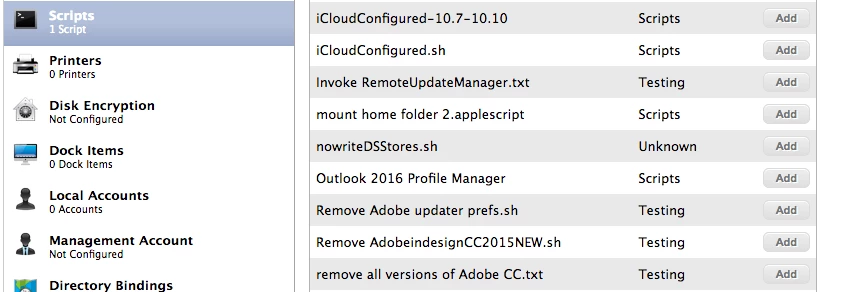
Policy > Scripts> command.txt file. If you look here, you can see that .txt will actually show.
It will run as a command.....


Forum|alt.badge.img+7
  • Author
  • Valued Contributor
  • September 13, 2017

Hi @kerouak,

Sorry for the delay. I don't know why it wasn't working in May, but now it is. I can add the txt file script but It is still not working.

How do you manage that? How is your Helpdesk telling a User "Hey I have marked this program for reinstallation on your Mac, please force the installation by clicking that in the Self Service"?

I'm thankful for any help or hint how you or everyone else is doing that?

Thank you
BR
Daniel