
Question

Screen Sharing Connection Problems With Jamf Remote and Apple Remote Desktop

  • May 11, 2018
  • 4 replies
  • 38 views

Forum|alt.badge.img+6

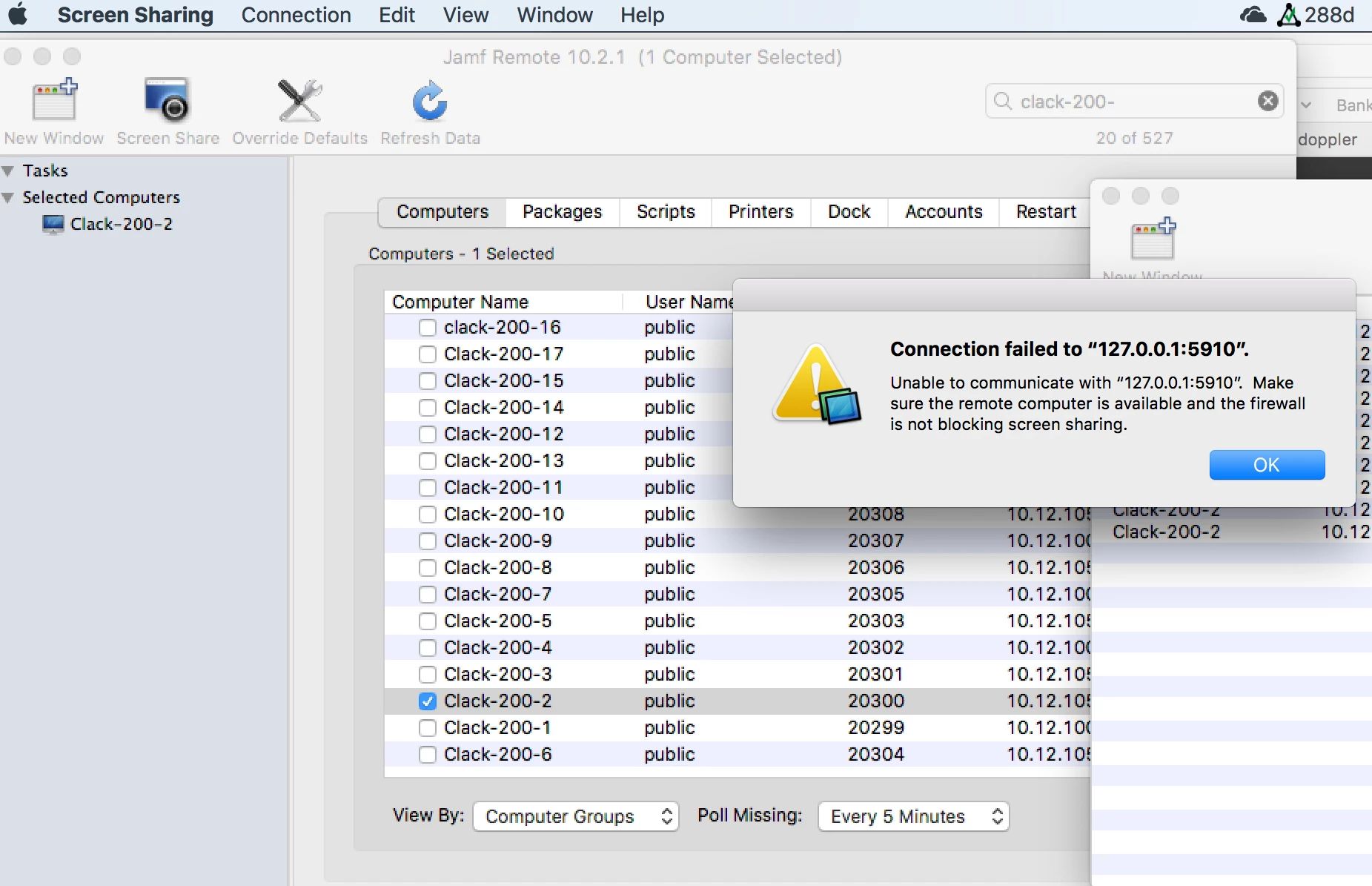
I have the same problem trying to do screen sharing with JAMF Remote that I have always had with Apple Remote Desktop (ARD). About half the time I will get connection errors on attempts to connect to the client. See attached image.

If the box for Remote Management in the client's system preferences/sharing is unchecked and then rechecked, the client all of a sudden will start cooperating. That stops the process and then restarts it.

What I would like to do before attempting screen sharing is push a script to the client to kill the process and relaunch it. What is the process name and the script command to do that? Whatever the process name is, the process ID will vary each time so I can't specify a PID.

4 replies

mvu
Forum|alt.badge.img+20
  • Jamf Heroes
  • May 11, 2018

Have you tried re-installing the ARD 3.9.3 client? That helped me in some instances.

Client


Forum|alt.badge.img+6
  • Author
  • Contributor
  • May 11, 2018

I've had the same issue for a decade, regardless of the number of times Apple has updated the client over the years.


Forum|alt.badge.img+7
  • Contributor
  • May 29, 2018

See my post here some some terminal commands to try:

https://www.jamf.com/jamf-nation/feature-requests/7463/request-to-enable-remote-access-in-the-quickadd-pkg


Forum|alt.badge.img+2
  • New Contributor
  • March 26, 2020

Why is it so difficult and why Apple does not have a solution to screen share between Macs. seems ridiculous... I can remote from a Mac to my windows machine with Microsoft Remote desktop flawless. What's really the issue remoting mac to mac ?