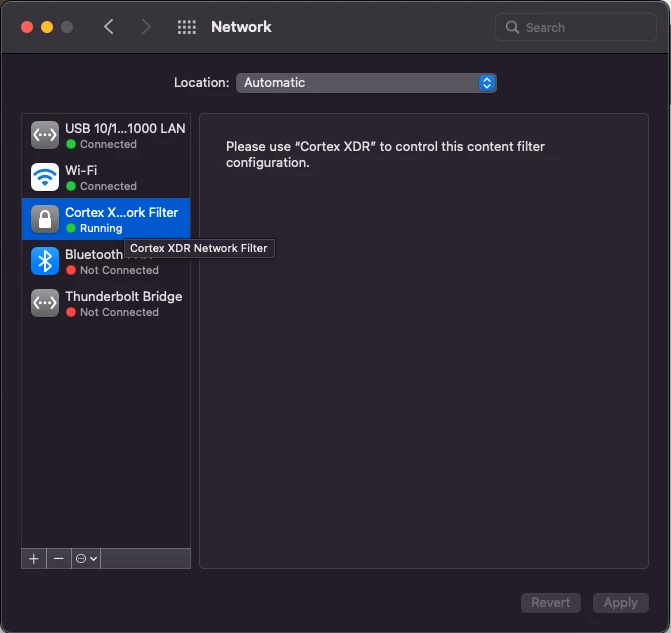
So following the lead you started.. I thought to check the network plist file to see if the reference to the filter exists. and it does!
This code seems to do what I want it do
#!/bin/bash
if grep -q "Cortex XDR" /Library/Preferences/com.apple.networkextension.plist; then
echo true
else
echo false
fi
I guess Im left with the question of if this is reliable. It definitely works in testing. If I remove the filter I get a "false". if I add it back in I get a "true".
I'm going to play with it a bit more. but thank you again for the suggestion.
I just wanted to report back that this is working as intended. I had a typo in the above script. this script in this reply is working perfect for identifying if the Cortex Network Filter is installed and active. Thanks again to IamGroot.
---
#!/bin/bash
if grep -q "Cortex XDR" /Library/Preferences/com.apple.networkextension.plist; then
echo "<result>True</result>"
else
echo "<result>False</result>"
fi