Question

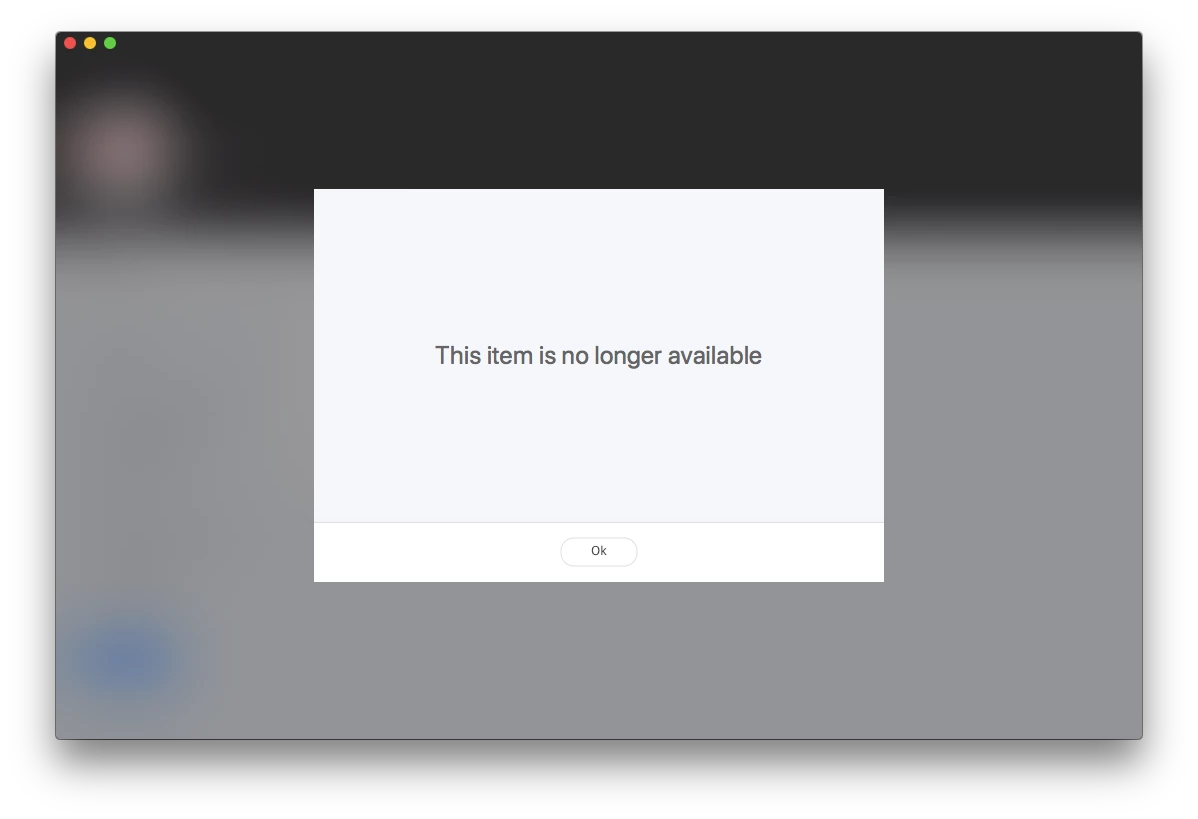
Self Service - This item is no longer available.

  • Nov 27, 2017 2:47 PM UTC
  • 114 replies
  • 1226 views

Show first post

114 replies

Forum|alt.badge.img+12
  • Contributor
  • Jan 25, 2018 4:10 PM UTC

I started encountering this with some policies as well, and it does seem to match a few of the things listed here:

  • It is a pkg file
  • Unchecking "make available offline" and saving seemed to resolve it.
  • It started happening after using Jamf 10

I'll create a ticket with Jamf. If someone else has tickets to reference I can bring that up and maybe we can see if this becomes a product issue.


Forum|alt.badge.img+12
  • Valued Contributor
  • Jan 30, 2018 3:34 PM UTC

Following this thread as this has started cropping up here as well.


Forum|alt.badge.img+1
  • New Contributor
  • Jan 31, 2018 6:26 PM UTC

I have this happened on a basic pkg now too, with no special options checked.


Forum|alt.badge.img+8
  • Valued Contributor
  • Jan 31, 2018 10:20 PM UTC

@RobinMonks do you scope your policies to AD groups? If you do, we found the only way to stop this happening was to force the users to login to Self Service.


Forum|alt.badge.img+2
  • New Contributor
  • Feb 1, 2018 11:53 AM UTC

We are seeing this too. Editing the policy and saving without making any actual changes seems to work for us so far.

I wonder if it a timeout issue. We are seeing it when we try to onboard to many users at a time to the network. If they are all trying to install larger apps over the Wi-Fi then sometimes those apps become unavailable.


Forum|alt.badge.img+6
  • New Contributor
  • Feb 6, 2018 6:59 PM UTC

I figured I'd just say that we are seeing this issue consistently on a policy that has 8 packages associated with it. This policy is scoped to all managed computers limited to AD users in IT Staff.

Doesn't matter which DP we use (JCDS vs in house DP). I'm thinking it is getting cranky with the 8 packages honestly.

Update: I totally missed the fact that for some reason when our computer went through pre-stage it wasn't getting managed..... after I realized this and manged the computer the policies started running. facepalm


kwoodard
Forum|alt.badge.img+12
  • Valued Contributor
  • Feb 21, 2018 11:24 PM UTC

Started cropping up today for us. This morning we updated our server to 10.2.1... Seems to take a couple restarts of the client computers for the error to go away. Very frustrating, especially if its a policy that runs without user interaction.


Forum|alt.badge.img+13
  • Valued Contributor
  • Feb 22, 2018 4:42 PM UTC

This is a known issue in the 10.2 release notes, although we discovered the edit policy workaround by chance.

[PI-003515] When a policy doesn’t complete successfully, future occurrences of that policy will not be available for a period of up to 60 minutes. Workaround: Edit and save the existing policy.

howie_isaacks
Forum|alt.badge.img+24
  • Esteemed Contributor
  • Feb 22, 2018 4:47 PM UTC

I thought I read through the release notes thoroughly before upgrading, so I did not see the reference to the known issue. I ran into this issue yesterday. Now I have to test all of my self service policies. What fun!


Forum|alt.badge.img+8
  • Contributor
  • Feb 23, 2018 8:44 PM UTC

This appears to be working for us so far - tested by intentionally interrupting/cancelling a Self Service policy. Previously, would give us the dreaded "no longer available" error every time for a period of 60 minutes, after which the Self Service policy would allow execution again.

After running these mySQL commands, we are no longer observing the "no longer available" error after interrupting a Self Service policy.

Please reach out to your Jamf Buddy for guidance if needed, and please back up your databases before doing this --

<path-to>mysql -u root -p

From within the mySQL shell:

use <DatabaseName>; 

DELETE FROM jss_custom_settings WHERE settings_key = 'com.jamfsoftware.jss.objects.policy.blackoutPeriod'; 

INSERT INTO jss_custom_settings (settings_key, value) VALUES('com.jamfsoftware.jss.objects.policy.blackoutPeriod', '0');

The default blackout period value is '60' - adjusting this to '0' has so far eliminated that error message, but you may want to monitor policy usage to make sure you don't have trigger happy end users since there is no more waiting period between duplicate Self Service policy requests.

I hope this helps!


kwoodard
Forum|alt.badge.img+12
  • Valued Contributor
  • Feb 23, 2018 8:57 PM UTC

So what seems to be causing the issue? I only use one self service item right now. It runs a script to see if a driver package is installed and if it is, printers are added. If the driver is missing, it will be installed before the printers are added. We see this issue on computers that do not have the driver package already installed (or the odd user on OS 10.9). If I manually send the driver package, the script usually works. If not, it will fail like this...every time. Even after waiting an hour or a day...


Forum|alt.badge.img+8
  • Contributor
  • Feb 23, 2018 9:24 PM UTC

@kwoodard hmm, I'm unsure, there. Our symptoms were pretty consistent, and testing through the course of today, I've been able re-run 3 culprit policies after the 60 minute period. Testing the same way after these SQL commands - no more Self Service error stating "no longer available.."

Our interruptions to policy installs are usually a handful of people who tend to stop and start their Self Service installs between wake-sleep and between physical wireless AP's on campus. We have a few who clicked cancel for <whatever> reason.

Since you have the one primary policy, have you tried re-creating that policy from scratch as new? (no cloning) We had some luck with that prior to this SQL tweak..


kwoodard
Forum|alt.badge.img+12
  • Valued Contributor
  • Feb 23, 2018 9:45 PM UTC

@gokoudes, I have not rebuilt the policy. I have gone in and edited each piece and saved, but the issue seems to persist. Did not have this issue in 10.1.


kwoodard
Forum|alt.badge.img+12
  • Valued Contributor
  • Feb 26, 2018 7:49 PM UTC

Well, the only work around that seems to work with our system is to completely redo the policy. Modifying the existing policy isn't enough...


Forum|alt.badge.img+14
  • Contributor
  • Feb 26, 2018 8:08 PM UTC

Anybody else try running through the MySQL commands @gokoudes mentioned above? I'd like to see it resolve the issue for a couple more folks before we try it in our environment.


kwoodard
Forum|alt.badge.img+12
  • Valued Contributor
  • Feb 26, 2018 8:09 PM UTC

Noah, we are giving it a try today.


Forum|alt.badge.img+3
  • New Contributor
  • Feb 28, 2018 5:09 PM UTC

Had this problem in 10.1 today. Editing and saving the policy with no changes worked for us as well.


Forum|alt.badge.img+8
  • Contributor
  • Mar 1, 2018 4:59 PM UTC

Some follow-up - this seemed to work well for us until last night, when we upgraded to 10.2.1. Started seeing these errors creep back.

I re-ran those SQL blackout commands and restarted Tomcat and MySQL. So far, I've had to edit/save one culprit policy even after these SQL commands, but that seems to be it for those errors so far. Will update again with any new findings..


Forum|alt.badge.img+6
  • Contributor
  • Mar 7, 2018 9:56 PM UTC

We are running into the issue here as well. As our Jamf Pro is hosted, we are not able to run the SQL commands.


Forum|alt.badge.img+16
  • Honored Contributor
  • Mar 8, 2018 8:12 PM UTC

Sorry found the post !!!

C


Forum|alt.badge.img+6
  • Contributor
  • Mar 8, 2018 10:37 PM UTC

I tried the SQL commands because there's a script we have in Self Service that users run but if they exit out before the script finishes they obviously get the "This item is no longer available" screen. I tried the SQL command but that didn't solve the issue.


kwoodard
Forum|alt.badge.img+12
  • Valued Contributor
  • Mar 8, 2018 11:13 PM UTC

It’s frustrating that we don’t have a JAMF person in this conversation. When we called support, they had no clue about the issue. Seems pretty widespread.


Forum|alt.badge.img+4
  • Contributor
  • Mar 12, 2018 9:54 AM UTC

Just been upgraded by Jamf to 10.2.2 this weekend and unfortunately this issue persists in that version, too.


kwoodard
Forum|alt.badge.img+12
  • Valued Contributor
  • Mar 12, 2018 4:29 PM UTC

That's frustrating. Only work around that I have found is to make a new copy (not a clone) of the policy and delete the old one. Some folks are lucky enough to be able to edit the policy and save.


Forum|alt.badge.img+4
  • Contributor
  • Mar 13, 2018 1:40 PM UTC

Unfortunately I'd already tried that, same issue exists with a new copy of the policies in question :(