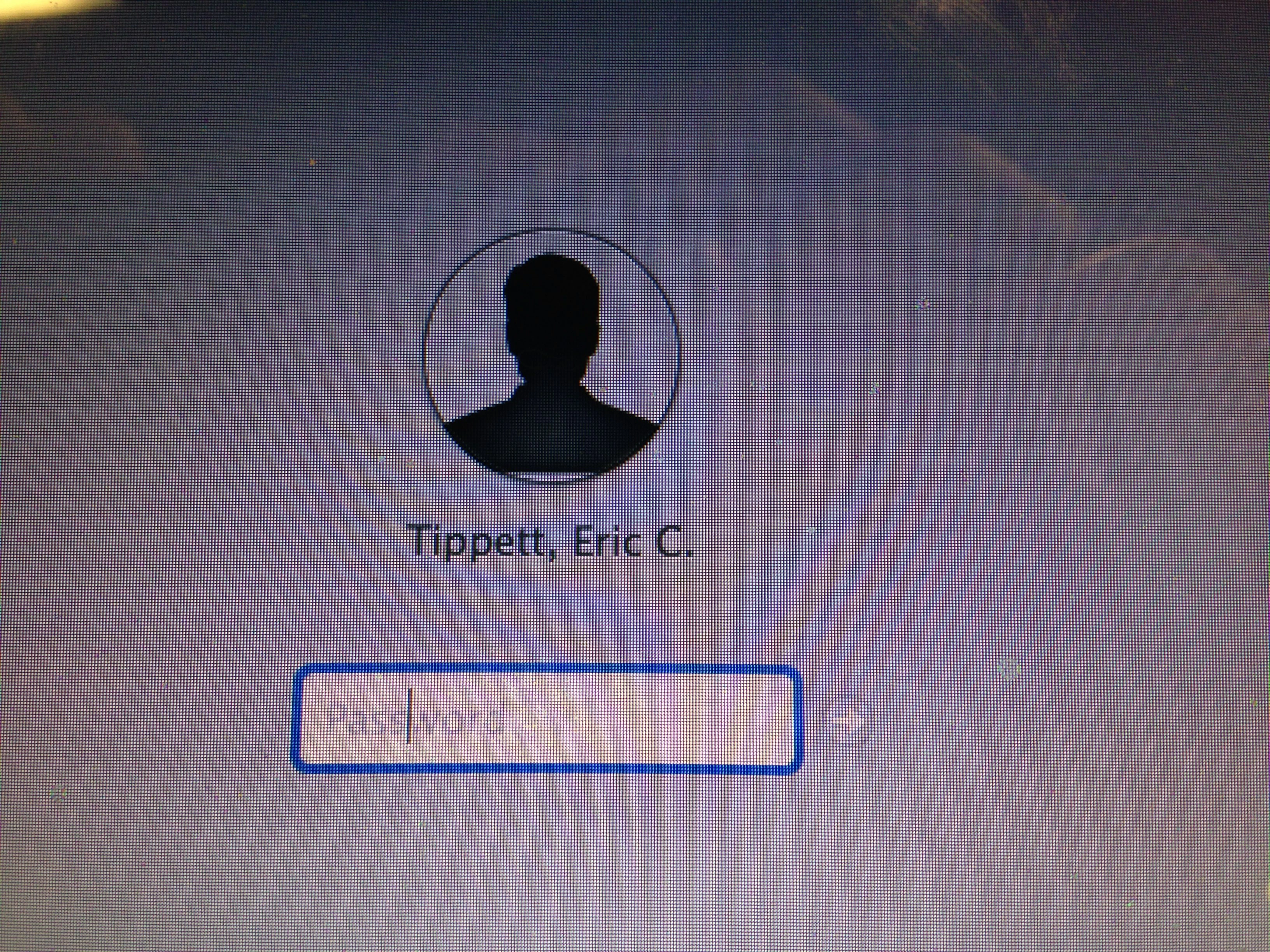
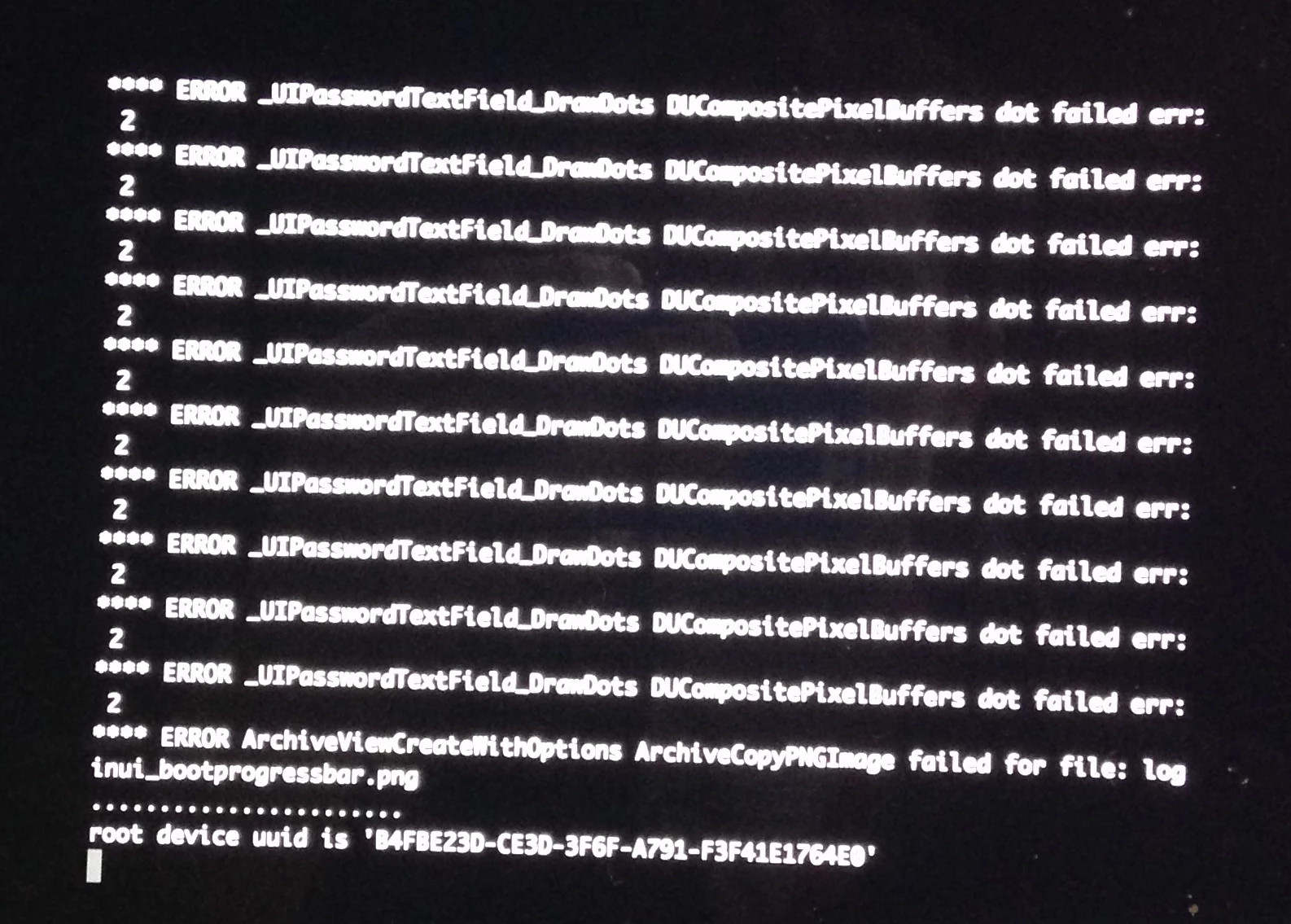
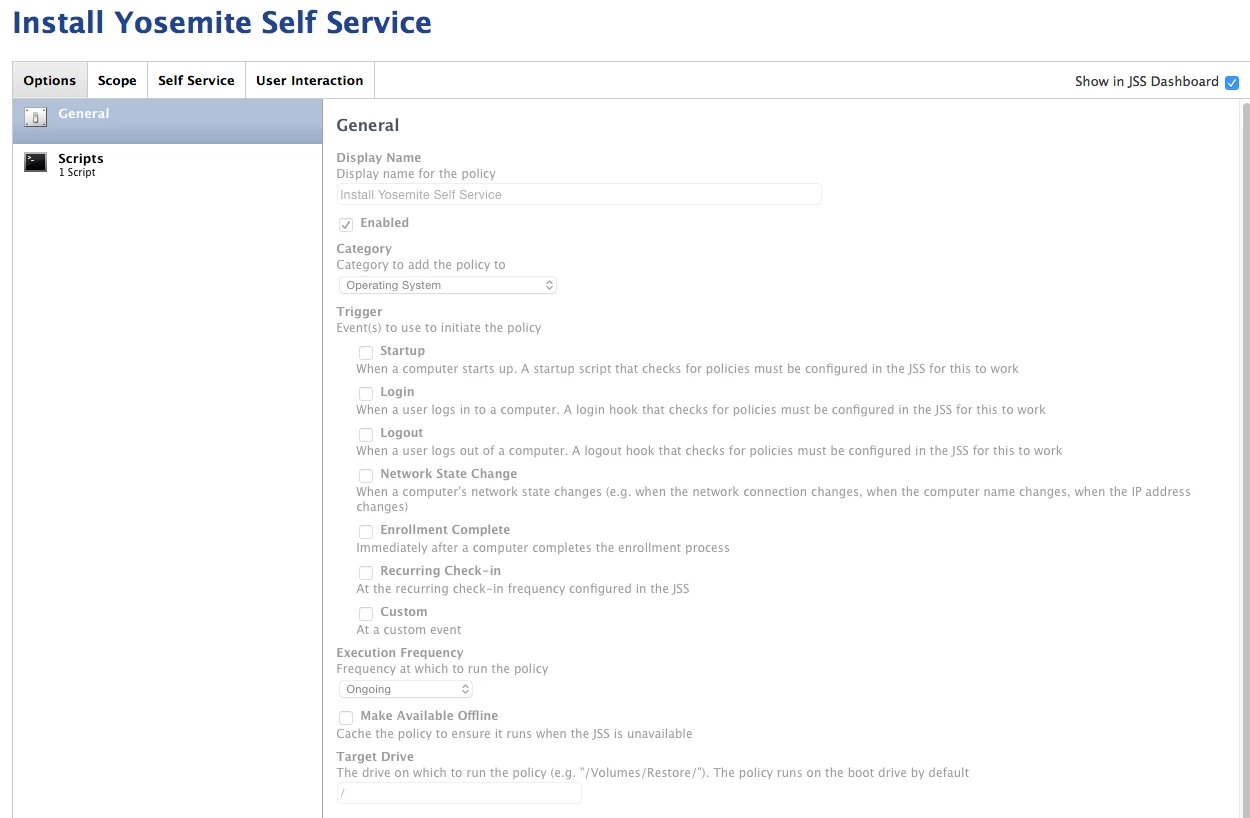
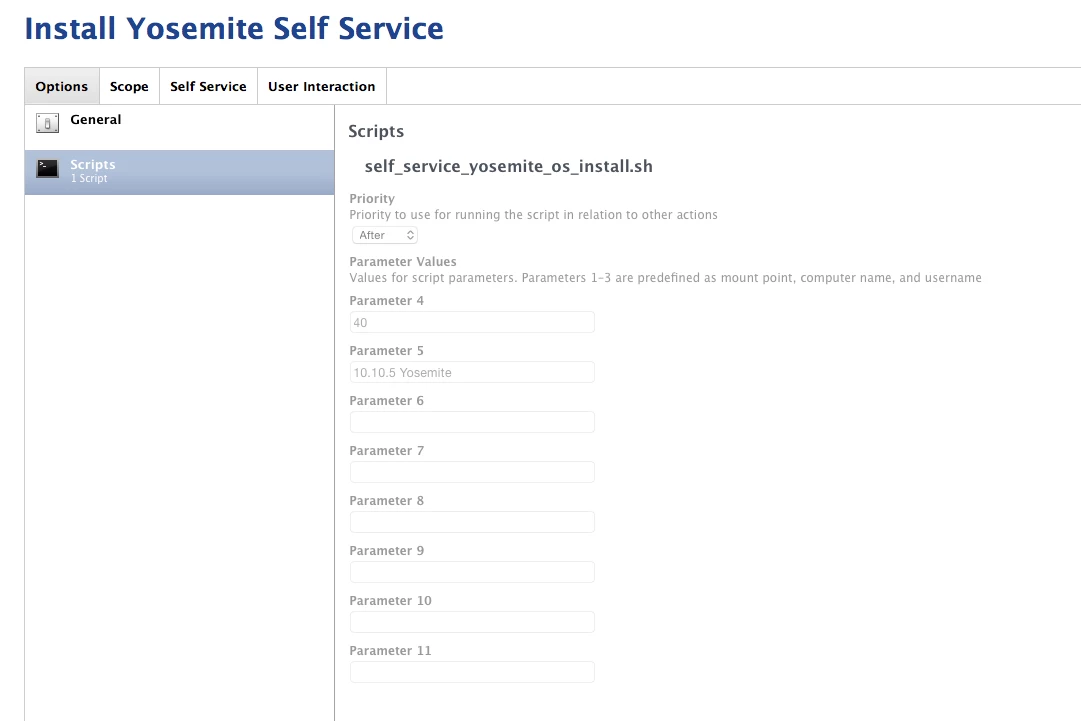
I'm seeing inconsistent results trying to get a Self Service policy to install OS X 10.10.3 with a package created using createosxinstallpkg. The policy reboots the computer (set to reboot immediately whether user is logged in or not) but some systems are not booting into the OS X installer but are instead booting the normal system and the upgrade never occurs.
I've tried setting the Startup Disk in the Restart Options to Current Startup Disk, Current Startup Disk (No Bless), and OS X Installer. None of these has resolved the issue. I also tried not having Casper do the reboot and instead issuing 'shutdown -r +1' via the Files and Processes tab.
We ran essentially the same process last year with Mavericks and had no issues. Our end users are not admins, so the JAMF method of running the installer.app won't work.
Computers being upgraded are 10.9.5 with FileVault2 enabled. The policy also disables sleep (script before), changes the management account password, runs a script to also change the management account keychain password (after), and changes the computer name (another script, set to after).
Any ideas? Does anyone know how to manually issue a bless command to boot to the OS X Installer?
Thanks,
Eric