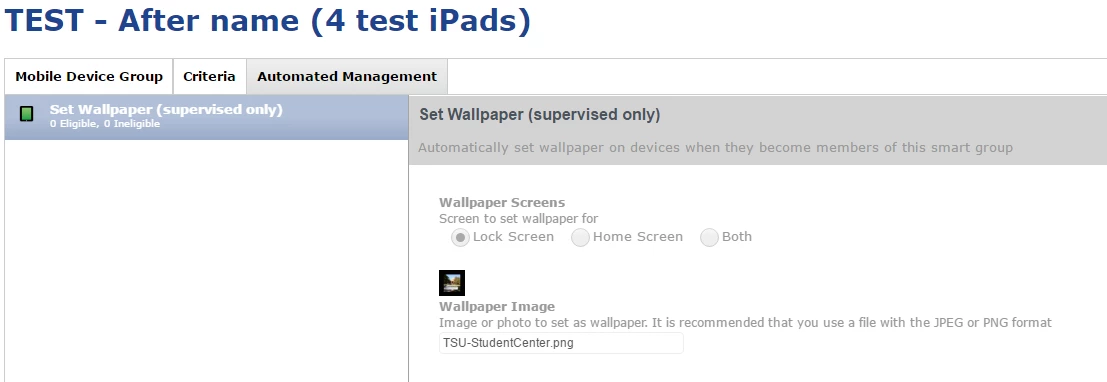
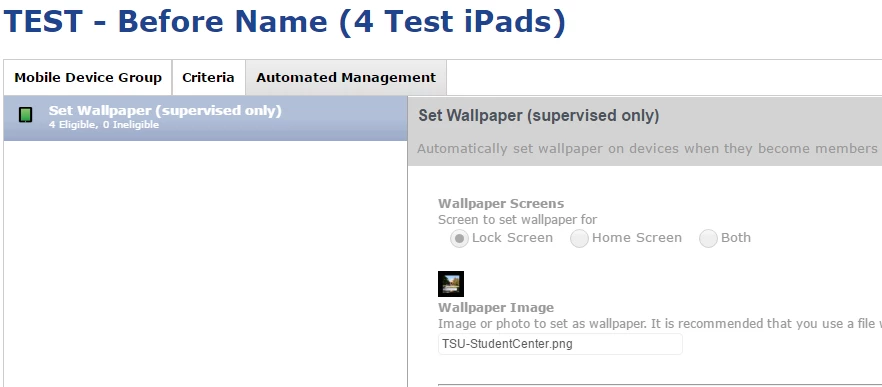
I want to set up two mobile device groups, one for setting the home screen wallpaper, one for setting the lock screen wallpaper. (different pictures) So I setup one group (Before_Name.png) with one wallpaper for the home screen. When I go to the other group (After_Name.png), it has already set the wallpaper to home screen with the first picture. When I try to change the second group to set the lock screen wallpaper with a different picture, it changes the first Mobile Device Group's automated management to set the lock screen wallpaper instead of keeping the home screen setting.
So in other words, I can't set one smart group to do the lock screen with picA and set another smart group to set the home screen with picB.
Anybody else seeing this. I think it's a bug.