Question

set iPad to French

  • September 1, 2017
  • 3 replies
  • 33 views

Forum|alt.badge.img+2

How to put the iPad in French by default ?

3 replies

Forum|alt.badge.img+8
  • Contributor
  • September 1, 2017

The setup assistant takes a look at the country code of the WiFi network found (I guess the strongest signal), so make sure the country code is set to FR...
(on a Mac your can check this with option-click the Wifi icon in the menu bar, like this article explains: )

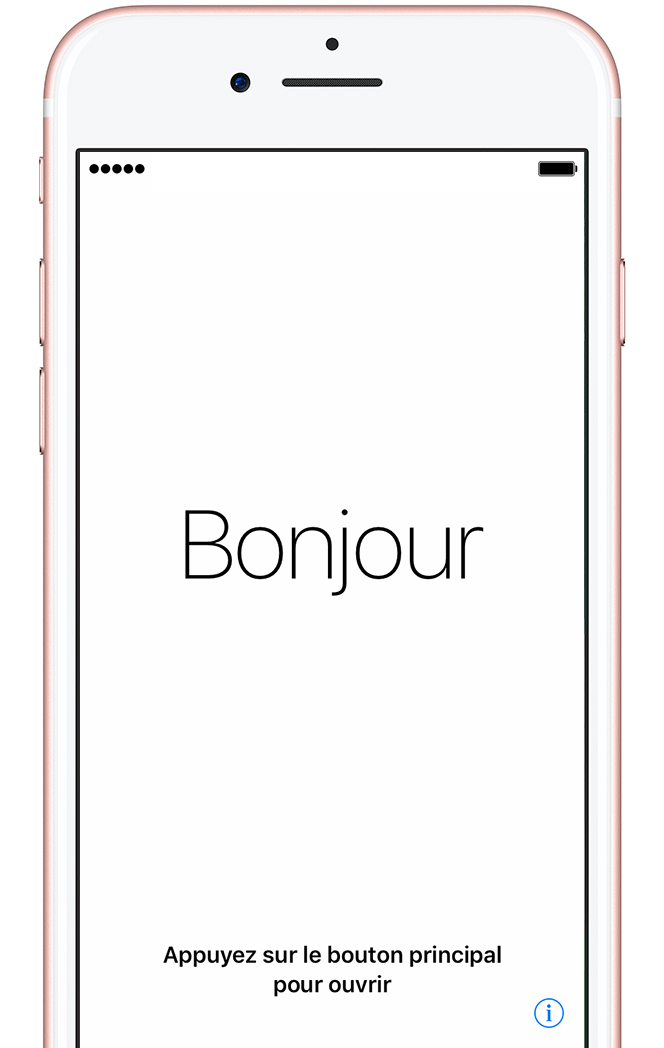
The result is that the default choice is French (Bonjour...), but if you wait for a while, the setup assistant will rotate all languages (Hello, Hei, Hallo, etc)
Setup Assistant in French


Forum|alt.badge.img+7
  • New Contributor
  • September 1, 2017

That's pretty cool. Looks like it can't be done with Configuration Profiles (see: Payload Capabilities for iOS Configuration Profiles), so the country code sounds like a good route.


Forum|alt.badge.img+12
  • Valued Contributor
  • September 7, 2017

This is something I'm struggling with as well, about to deploy 7-800 iPads for beginning of October, but it's for a Francophone school district in Western Canada. So far haven't found any way to specify that the iPads should be set to French, short of configuring each one by hand. I'm curious about that WiFi option, first if there is a FR-CA option, as setting our WiFi to say it's in France seems odd to me. Also if there is any other way? I thought maybe making sure the Configurator computer doing enrolment was set to French, or perhaps a setting in DEP, but so far I've found nothing.