Question

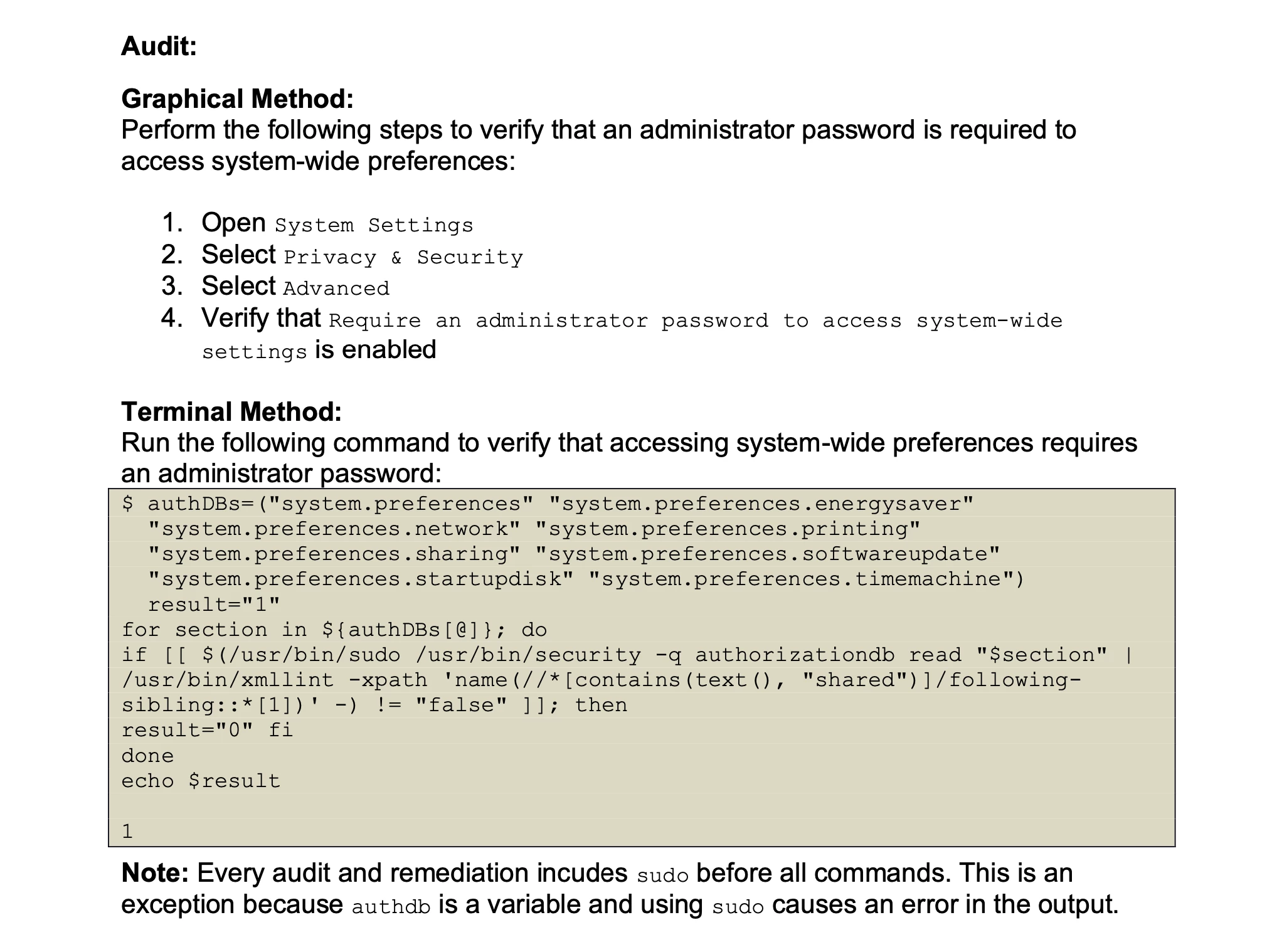
Set settings "Require an administrator password ... to access systemwide settings"

  • March 6, 2024
  • 2 replies
  • 186 views

Forum|alt.badge.img+3

How can I enable / disable the setting "Require an administrator password ... to access systemwide settings"?


 

2 replies

AJPinto
Forum|alt.badge.img+26
  • Legendary Contributor
  • March 6, 2024

You must specify each thing you want users to be able to access and change the permissions on that thing. Each thing would have access granted a bit differently. Below is a script I use to allow users to modify Wi-Fi and Printer settings.


#!/bin/bash #For WiFi echo allowing everyone to write to network and wifi services /usr/bin/security authorizationdb write system.preferences.network allow /usr/bin/security authorizationdb write system.services.systemconfiguration.network allow /usr/bin/security authorizationdb write com.apple.wifi allow #For printing # echo allowing everyone to write to printing services /usr/bin/security authorizationdb write system.preferences.printing allow /usr/bin/security authorizationdb write system.print.operator allow /usr/sbin/dseditgroup -o edit -n /Local/Default -a everyone -t group lpadmin /usr/sbin/dseditgroup -o edit -n /Local/Default -a everyone -t group _lpadmin echo script completed exit 0;


mvu
Forum|alt.badge.img+20
  • Jamf Heroes
  • March 6, 2024

Looked this up because I was curious. I thought in the past you can set this via a configuration profile, but I guess not.

Here is another thread in case it helps: https://community.jamf.com/t5/jamf-pro/require-an-administrator-password-to-access-system-wide/td-p/290935


Also, could look up the CIS macOS Sonoma Control 2.6.8 Ensure an Administrator Password Is Required to Access System-Wide Preferences (Automated).