Thanks @talkingmoose. Another problem I find is that if I, as a standard user, download a DMG containing a .app file, I can move that .app file into Desktop or Downloads and launch the app. Is there a way to prevent this other than software blacklisting? It seems like that list would have to be really exhaustive and updated all the time like malware definitions to actually be useful.
I noticed another issue in adding certain restrictions. I can see that the Configuration Profile that disallows Disk Images from mounting has been deprecated. Is there a newer configuration setting that replaced this functionality, or are we unable to prevent DMGs from being mounted.
Thanks for any insight you're able to provide.
Jon
@janderson215 You have a couple of options with this, but none of them are great, just to warn you up front.
The first option is, you can use a Config Profile to restrict applications from running from certain directories, such as blocking anything running from the /Users/ path. This can be found in the Restrictions payload of a profile, under the "Applications" tab. All the way at the bottom, check the box labeled "Restrict which apps are allowed to launch" and the options for Allow Folders and Disallow Folders will appear.
But be warned that this method often leads down a rabbit hole of needing to whitelist certain paths within those directories. Many applications like to place helper apps within the ~/Library/Application Support/ path, so if those aren't properly whitelisted to allow them to run, the helper apps will be blocked, meaning the apps either won't run at all, or will cause a bad experience. However, you can explore this option, since it can do what you're looking to do. Only you can decide if the amount of noodling with the profile to get the exact functionality you want is worth the trouble. I would recommend testing it out on test/IT machines a lot before trying to roll it out to your endpoints.
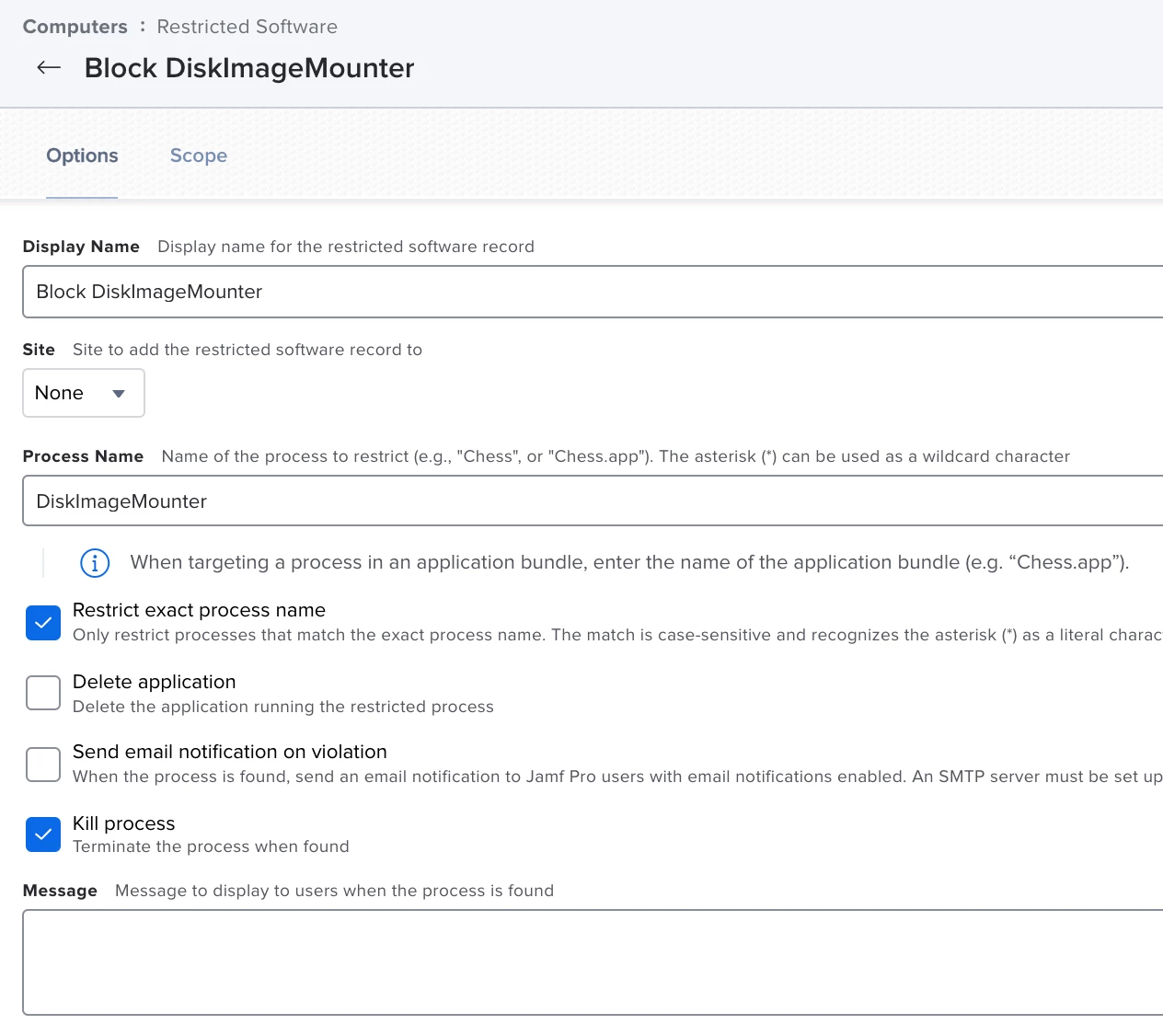
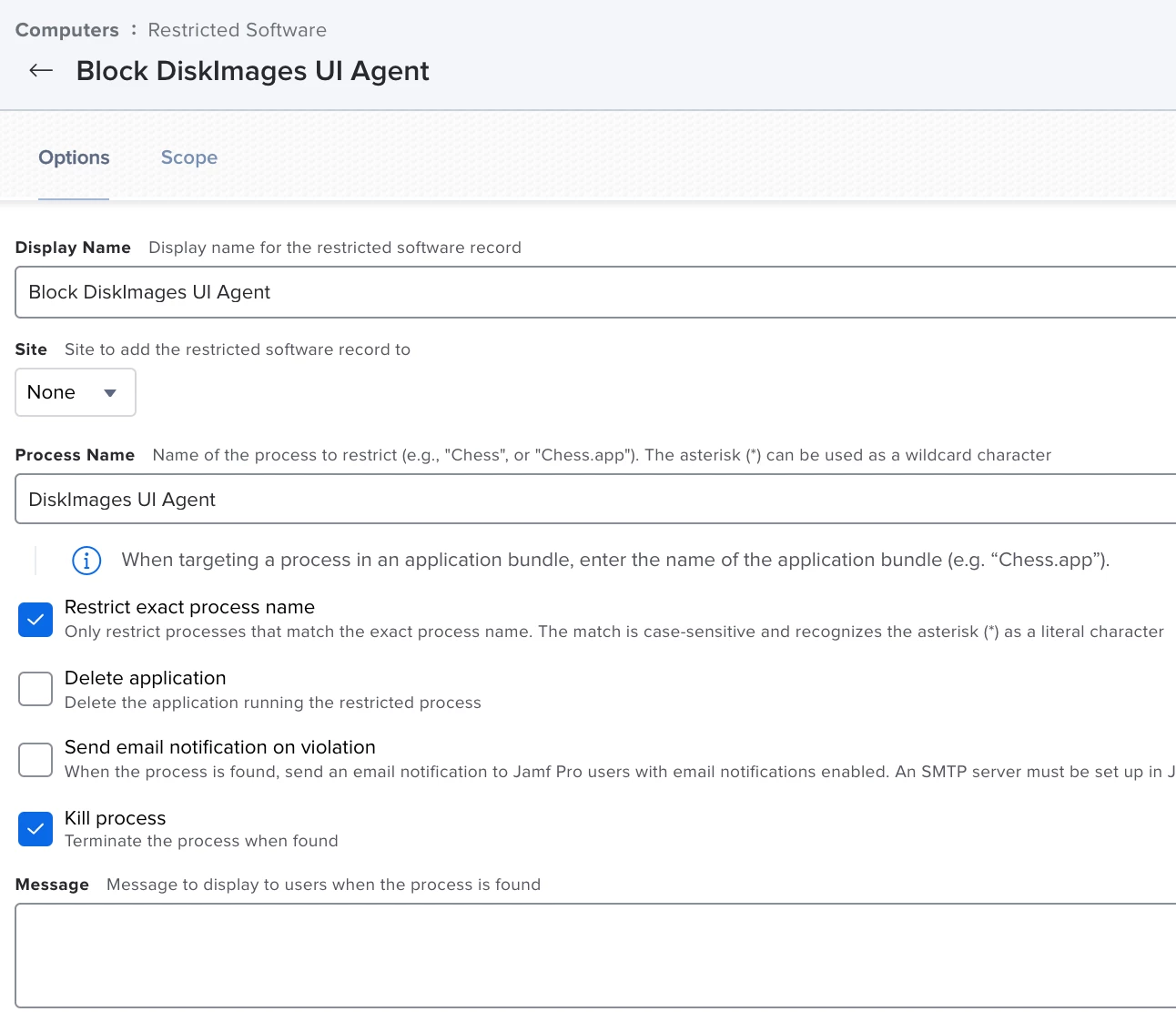
The second option I can think of would be to block some apps using Restricted Software, such as diskimagemounter, which gets run when a disk image is double clicked on to mount. The only issue is, some disk images mount so quickly that Restricted Software may not be able to stop the process in time before the disk image successfully mounts. Once the image is mounted, diskimagemounter terminates and is no longer needed. I've never tried this myself, but it may be worth exploring to see if it helps.