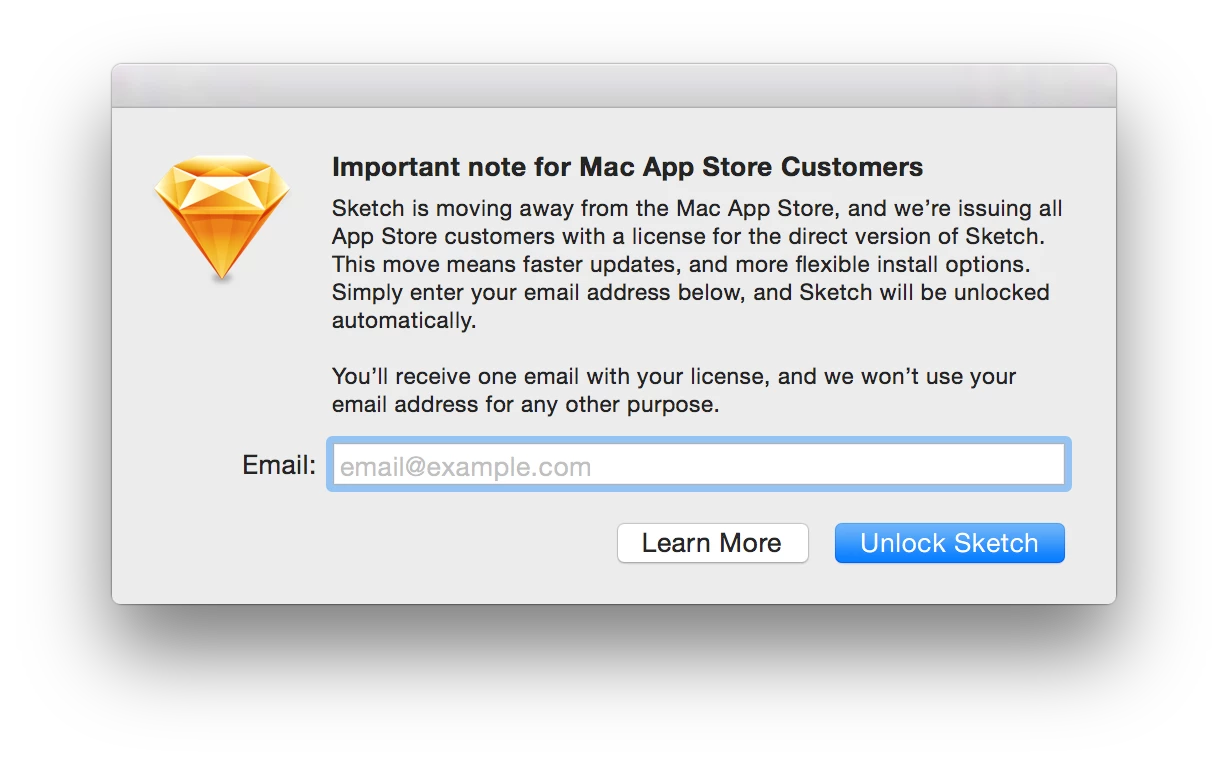
It wasn't always like this. This change started with 3.4.
I use Packages but you can do this with any other packaging tool. Create a new raw package project in Packages. Fill out the Project and Settings tab accordingly. Under the Scripts tab, add the "sketch.zip" file into Additional Resources. Then create a postinstall script that contains the following:
#!/bin/bash

#Working directory for script to reference resources
install_dir=`dirname $0`

SketchZip="sketch 3.4.3.zip" #Name of sketch zip file should go here
SketchApp="Sketch.app"

#Remove Sketch
if [ -d $3/Applications/"$SketchApp" ]; then
    /bin/rm -rf $3/Applications/"$SketchApp"
fi

#Unzip application to /Applications folder
/usr/bin/ditto -V -x -k --sequesterRsrc --rsrc $install_dir/"$SketchZip" $3/Applications

/usr/sbin/chown -R root:wheel $3/Applications/"$SketchApp"
To make sure the postinstall script will run make sure to do the following in Terminal:
sudo chmod a+x /path/to/postinstallscript
Then build your package. That's the gist of it.