Question

Sort Users Not Assigned to iPad

  • October 3, 2017
  • 3 replies
  • 13 views

Forum|alt.badge.img+7

Is there any way I can sort users in JSS that are NOT assigned to an iPad?

Basically, I want to be able to filter out the usernames no longer tied to a device so I can remove them from displaying in Apple Classroom for that teacher's class. There aren't many options for smart user group criteria...

3 replies

Forum|alt.badge.img+6
  • Contributor
  • October 3, 2017

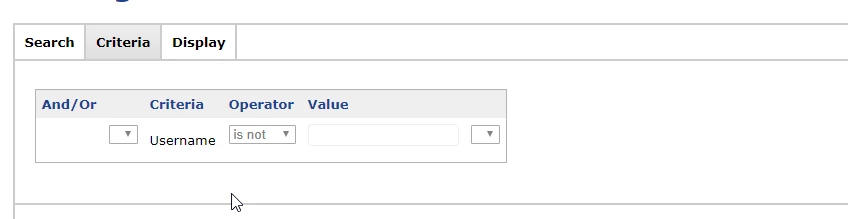
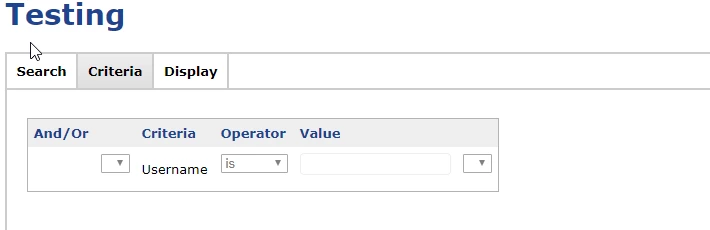
@aaron.kelley You can create an advanced mobile device search and for criteria use 'Username' is and set it to blank. This will report iPads that dont have a username attached to it.

For comparison, the two below images show the devices that have a username assigned to it

If this isnt what you were actually looking for I appologize


Forum|alt.badge.img+7
  • Author
  • Contributor
  • October 3, 2017

@miregan Hmm, while that's not exactly the wrong answer, it's not what I was searching for. I was actually looking for vice versa; an advanced search or smart group that showed me what users aren't assigned to a device and listed those in a filtered list RATHER THAN what mobile devices do/don't have a username and listed the devices.

In layman's terms, if a username isn't assigned to a mobile device, then filter it to an advanced search or smart group.


Forum|alt.badge.img+6
  • Contributor
  • October 3, 2017

@aaron.kelley Hmm well you can also create a smart advanced user search where the Username is not blank and have the display show mobile devices. You could then sort by the row and see how many users have 0 mobile devices attached them them. Other than those two ways I dont have know of a way to do what you want exactly unfortunately. This is the closest I could come up with. :(