Question

Start Your Engines

  • October 7, 2019
  • 3 replies
  • 20 views

Forum|alt.badge.img+13

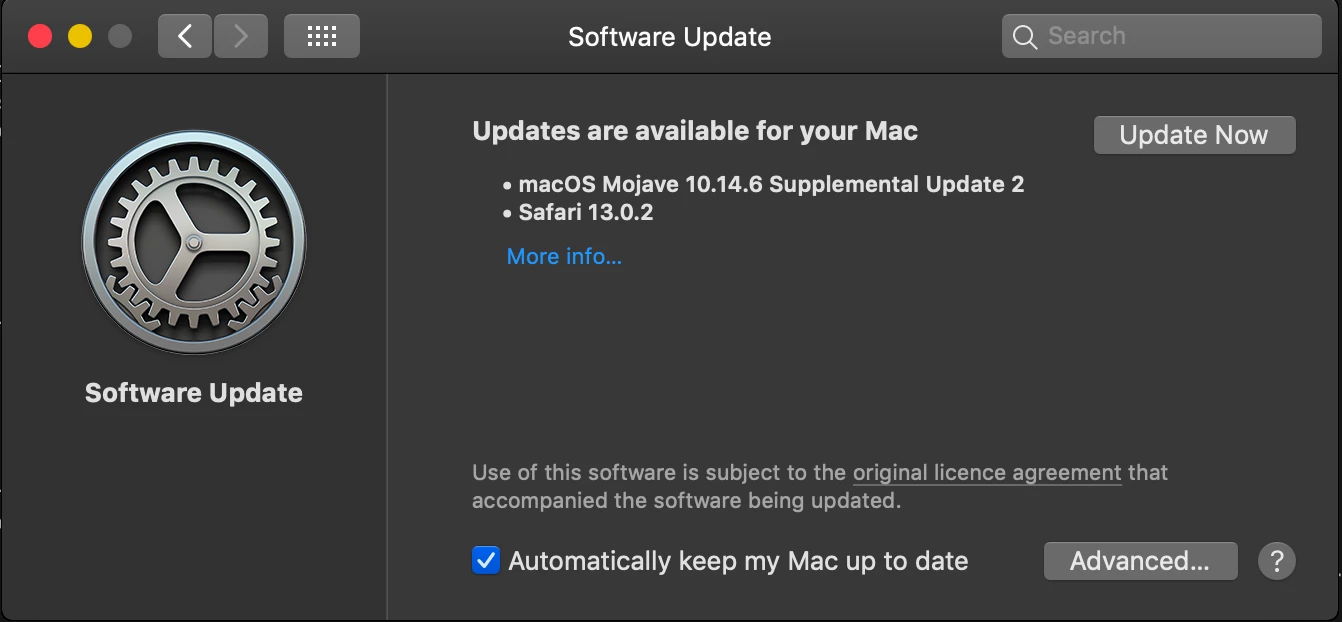
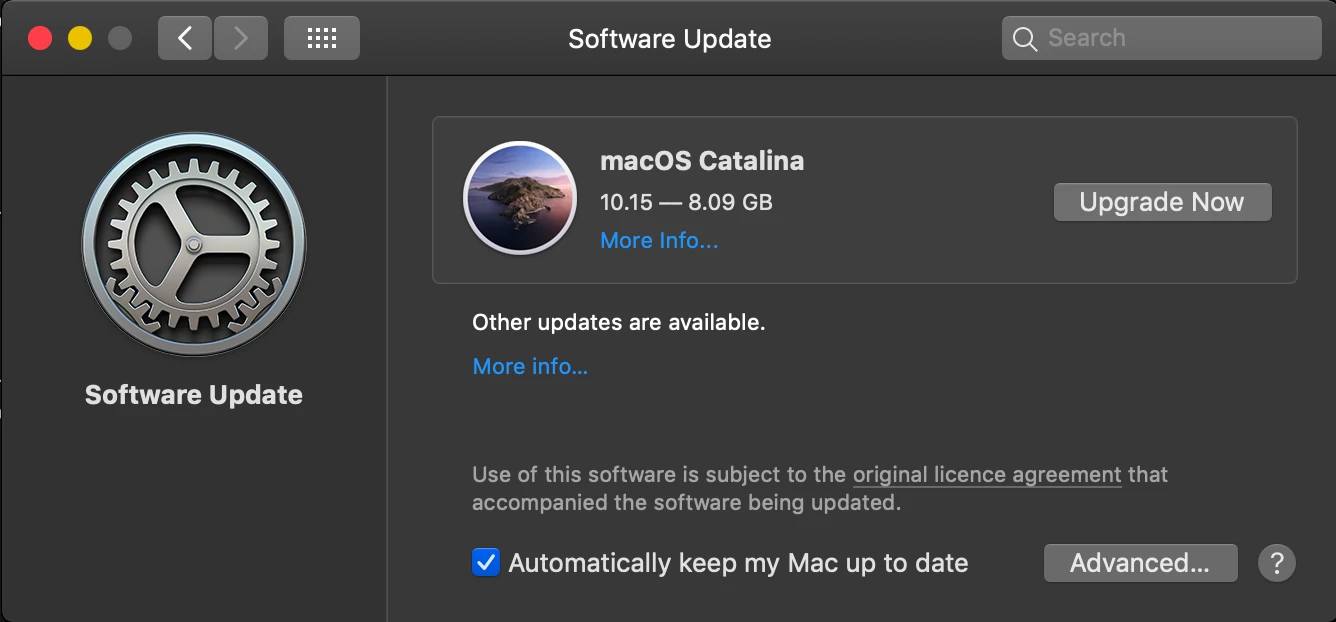
Catalina Public Release 30 mins ago. Get those workflows ready!!!

update: seems to be SUS only so far

3 replies

Forum|alt.badge.img+17
  • Contributor
  • October 7, 2019

Can anyone tell me how to block the user popups to allow/deny Jamf to download files from a network drive (or similar ways to interfere with Jamf in Catalina)? I figured 10.15.1 would have built that into their native Jamf privacy settings profile, but it doesn't. And I haven't been able to ask about it until today...


Forum|alt.badge.img+8
  • Valued Contributor
  • October 7, 2019

Love that the first comment is "how do I stop this?!?"


Cayde-6
Forum|alt.badge.img+22
  • Honored Contributor
  • October 8, 2019

@alexjdale

Run the following commands to block macOS Catalina upgrade prompts

sudo softwareupdate --ignore "macOS Catalina"

This removes any prompts to upgrade to macOS Catalina, including visibility from Software Updates and any notifications

Run this command to reset it

sudo softwareupdate --reset-ignored

This restores visibility to upgrade to macOS Catalina and returns any notifications